bizhub C652/C552 5-27
5.4 Application
5
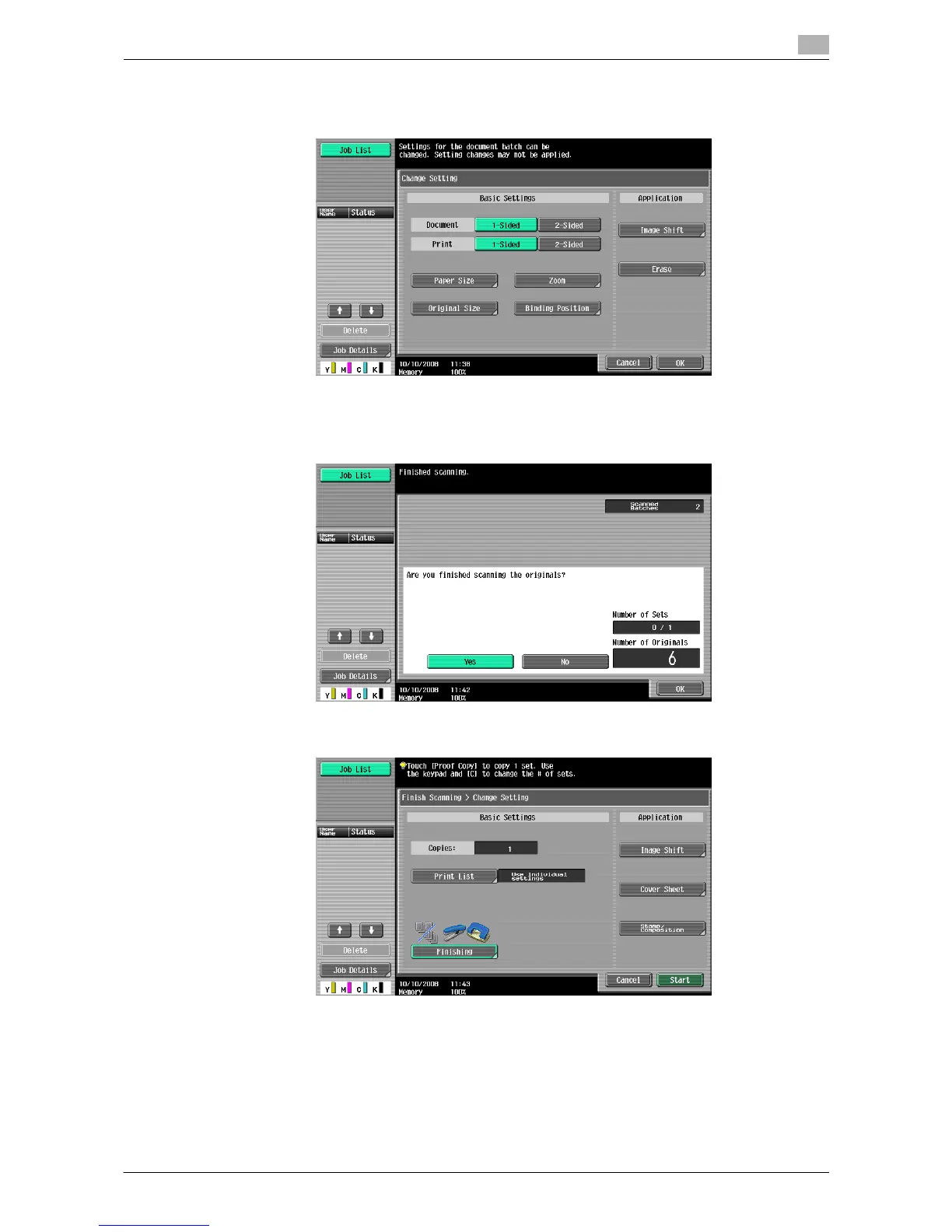
5 Select the desired copy settings, and then press the [Start] key.
% Repeat Steps 3 to 5 until all originals have been scanned.
6 After all original pages have been scanned, press [Finish].
7 Select [Yes] and then press [OK].
8 Specify finish settings as needed.
9 Press [Start] or the [Start] key.














 To Next Page