bizhub C652/C552 6-9
6.3 Copier Settings
6
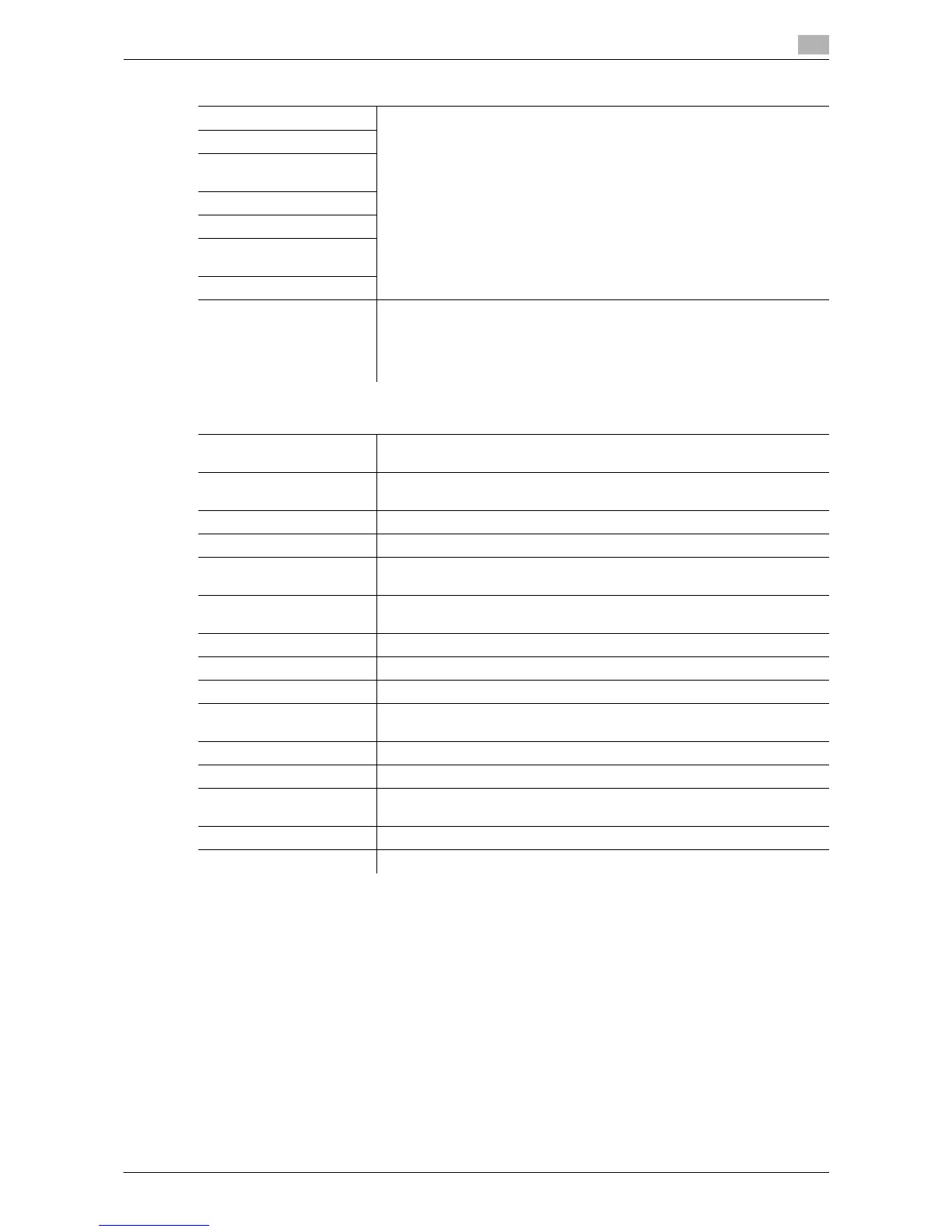
Auto Zoom (Platen) Appears when user access is permitted under Administrator settings. For
details, refer to page 7-39.
Auto Zoom (ADF)
Specify Default Tray when
APS Off
Select Tray for Insert Sheet
Tri-Fold Print Side
Print Jobs During Copy
Operation
Automatic Image Rotation
Finishing Program Configure whether to display the Finishing Program button in the basic set-
tings screen. To display the button, register the contents of the finishing
program.
Register frequently used finishing functions so that you can set them at
once by using the button that appears in the basic settings screen.
Factory default
Auto Booklet ON when
Fold & Staple
Auto Select Booklet
Auto Zoom for Com-
bine/Booklet
Auto Display Zoom Ratio
Auto Sort/Group Selection Yes
Default Copy Settings Factory Default
When AMS Direction is In-
correct
Print
Separate Scan Output
Method
Page Print
Enlargement Rotation Allow
Auto Zoom (Platen) OFF
Auto Zoom (ADF) ON
Specify Default Tray when
APS Off
Tray Before APS ON
Select Tray for Insert Sheet Tray 2
Tri-Fold Print Side Inside
Print Jobs During Copy
Operation
Accept
Automatic Image Rotation When Auto Paper/Auto Zoom Is Set
Finishing Program ON
Settings














 To Next Page