bizhub C652/C552 8-6
8.1 Paper
8
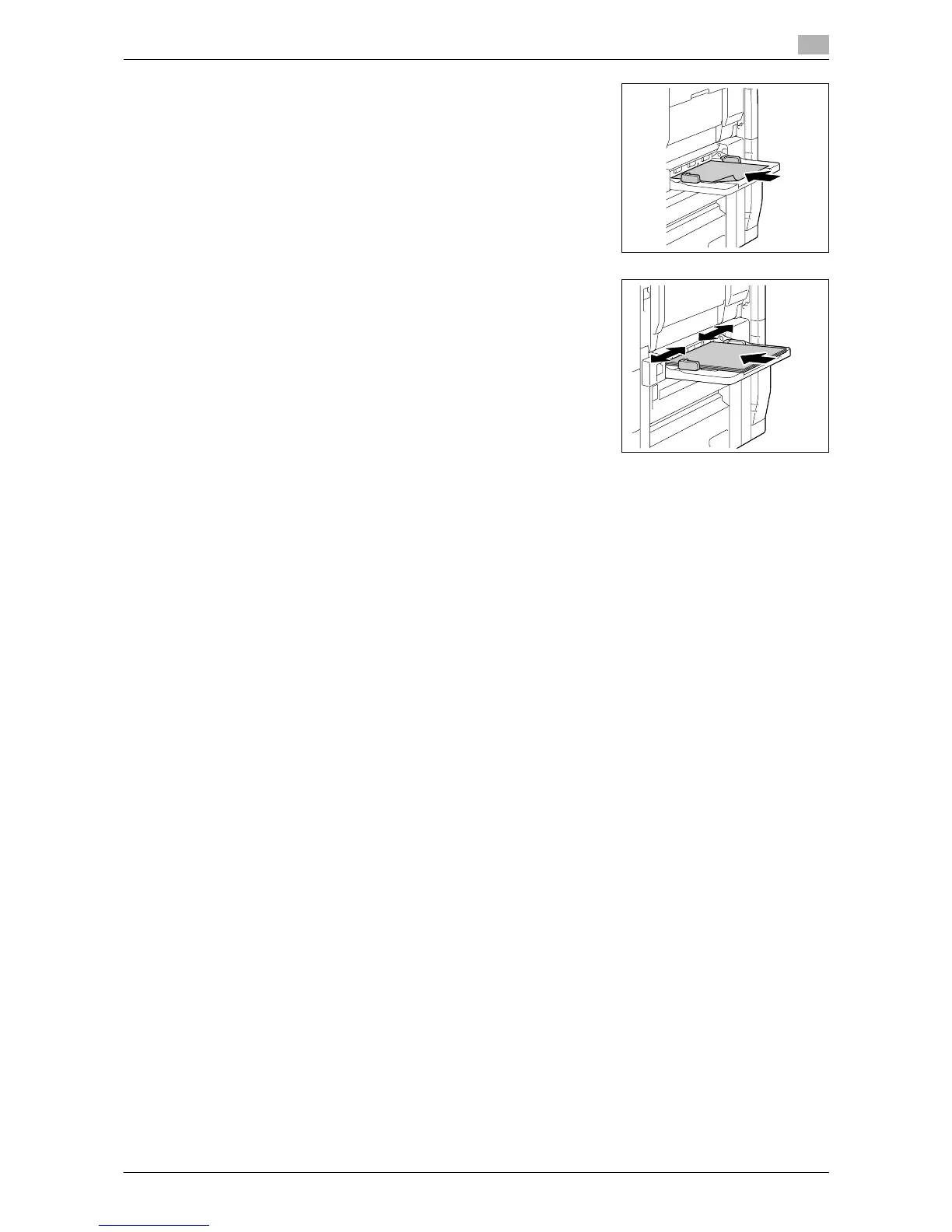
% To load label sheets:
Load them in the w orientation, as shown in the illustration.
A label sheet consists of the printing surface, sticking layer,
and pasteboard. Peel off the pasteboard, then you can stick
the label to other objects.
3 Slide the lateral guides to fit the size of paper being loaded.
4 Select the paper type.
% When anything other than postcards is loaded, change the paper type accordingly.
% To use label sheets, select [Thick 1].
% OHP transparencies can be printed only in black. Before selecting OHP transparencies, select
[Black] in the Color tab.
% If you select [4 e 6 w], the paper type is automatically set to [Thick 3].
d Reference
To configure paper settings:
Press [Basic] ö [Paper].














 To Next Page