bizhub C652/C552 10-10
10.1 Using an authentication unit (biometric type)
10
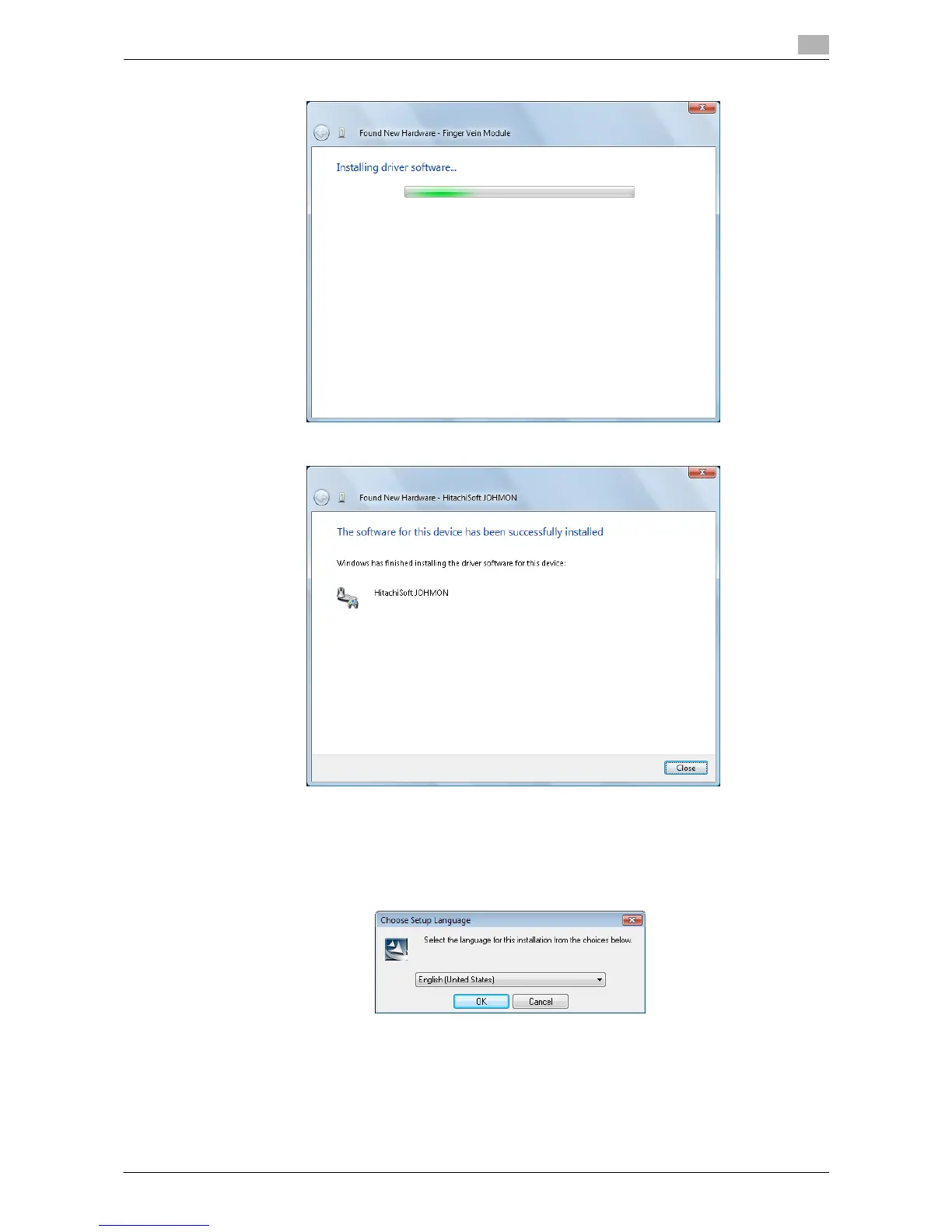
% Installation starts.
7 Click the [Close].
Installation of BioDriver (USB-Driver) is completed.
8 Install Data Administrator Bio Plugin.
Open the DA_Bio_Plugin folder on the application CD-ROM, and then click setup.exe.
9 Select a language, and then click the [OK].
The installation program starts.
10 Follow the on-screen instructions to proceed with the installation.














 To Next Page