bizhub C652/C552 11-9
11.1 Using authentication unit (IC card type)
11
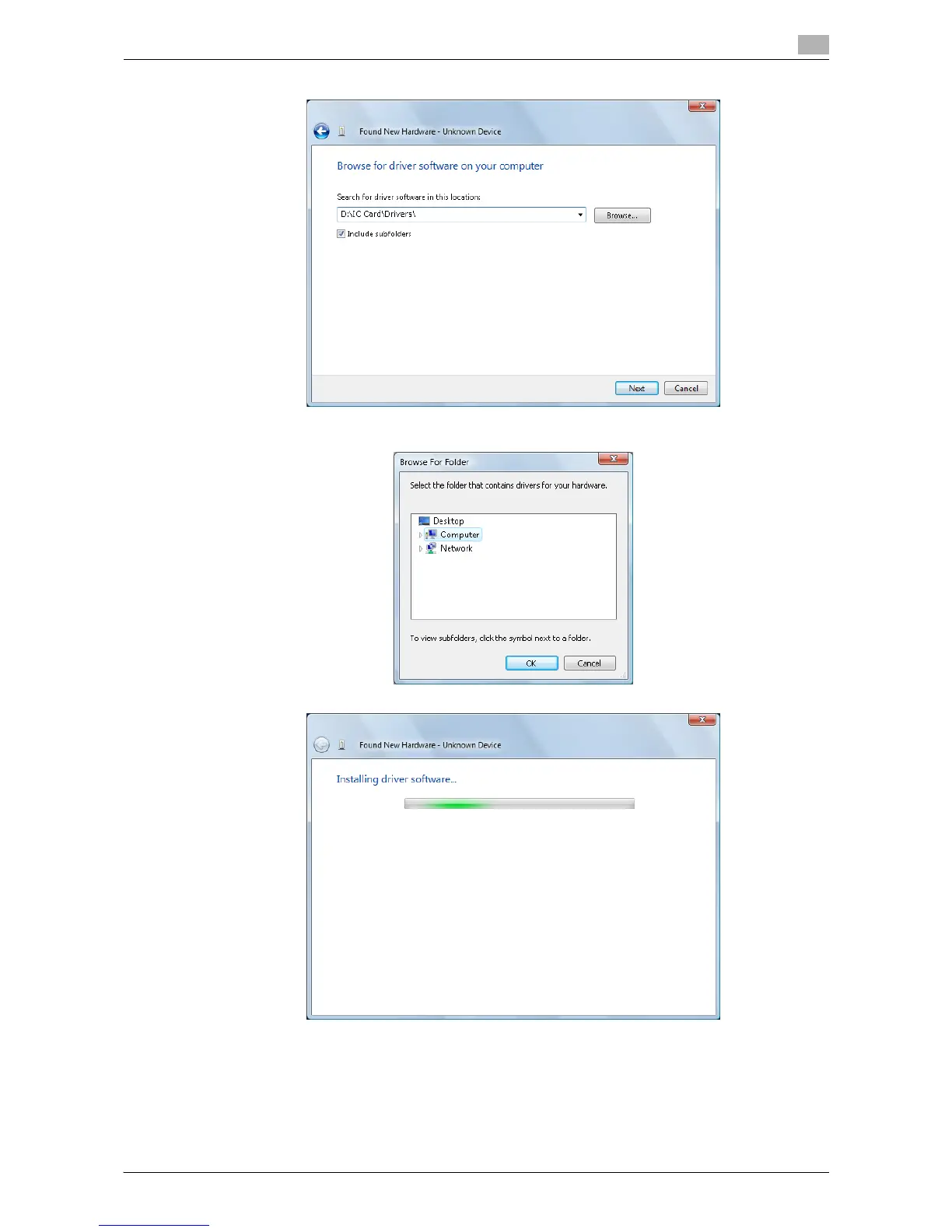
6 Check that the driver's search location is the application CD-ROM, and then click the [Next].
% When the driver's search location is not the application CD-ROM, click the [Browse]. Select the IC
Card Driver (USB-Driver) folder in the CD-ROM, and click the [OK].
% Installation starts.














 To Next Page