bizhub C652/C552 3-7
3.2 Basic copy operations
3
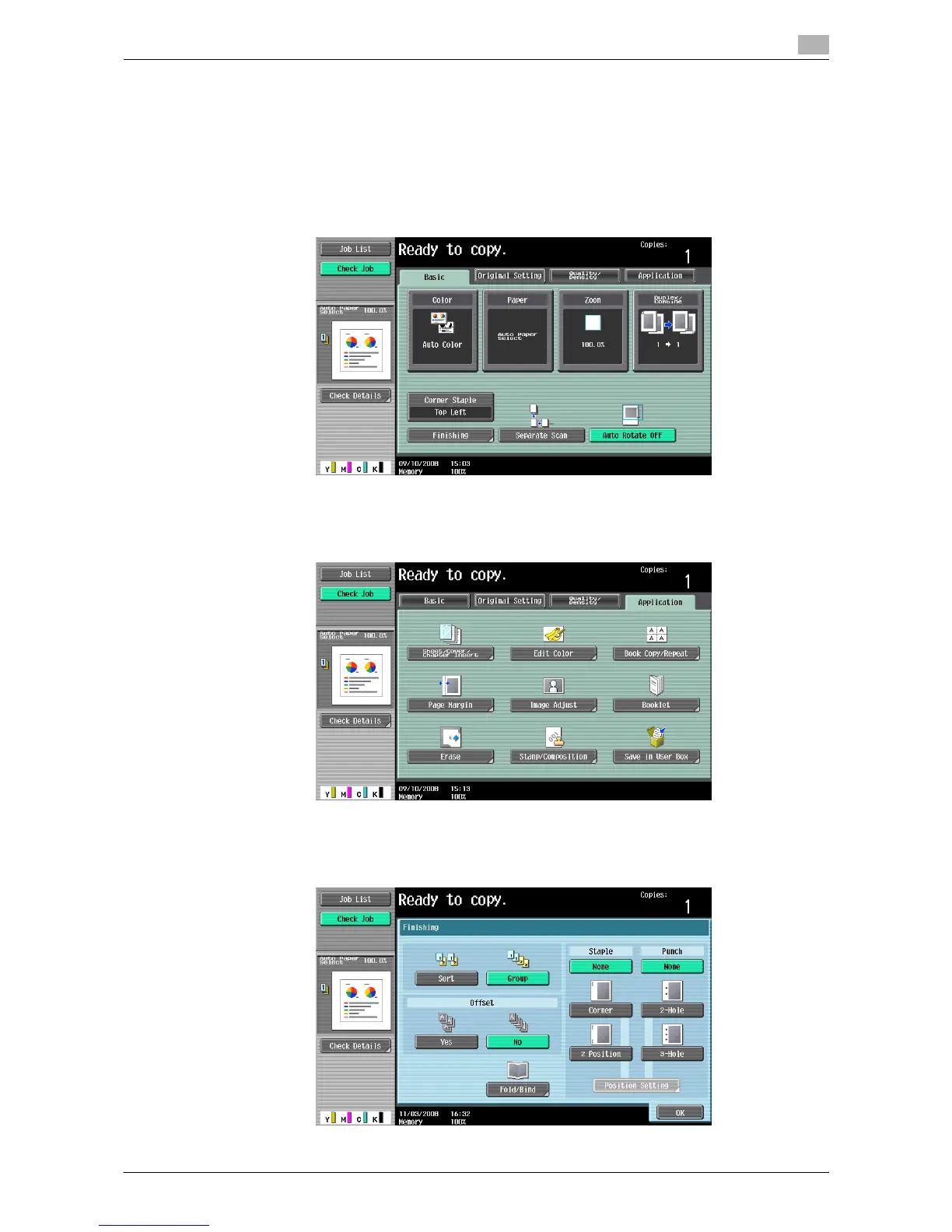
4 Press [Basic] and then configure settings for respective functions.
% For details on color setting, refer to page 5-4.
% For details on paper size setting, refer to page 5-5.
% For details on magnification setting, refer to page 5-7.
% For details on image quality of originals, refer to page 5-17.
% For details on copy density setting, refer to page 5-17.
% For details on the setting not to rotate images, refer to page 5-13.
5 Press [Application] and then configure settings for respective functions.
% For setting for the application functions, refer to page 5-19.
6 Press [Basic] ö [Finishing].
% For details on copy finishing and folding/binding, refer to page page 5-10.














 To Next Page