14-2
Managing Job/Supplies/Device > Checking Job Status
Checking Job Status
Check the status of jobs being processed or waiting to be printed.
Available Status Screens
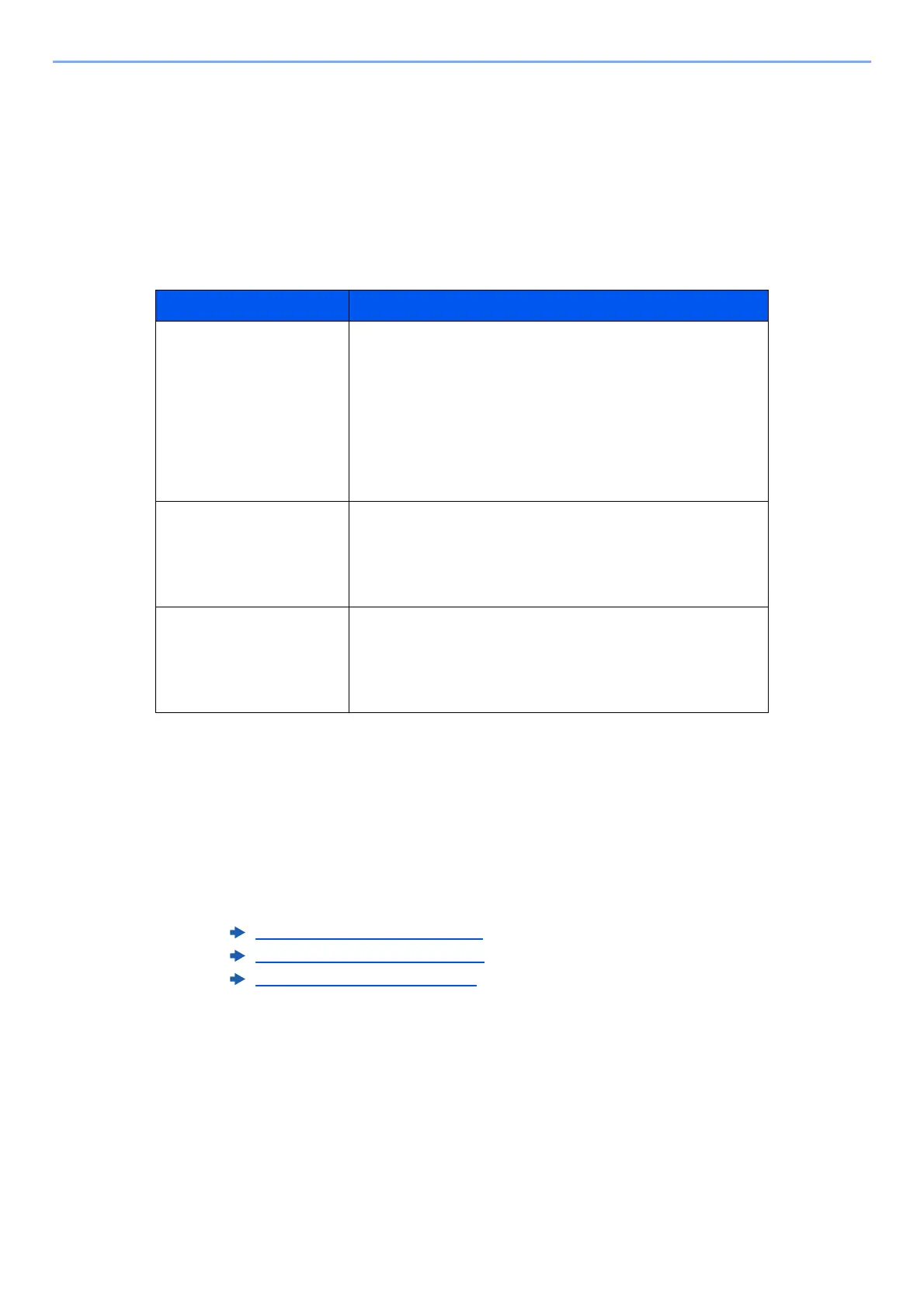
The processing and waiting statuses of jobs are displayed as a list on the touch panel in four different screens - Printing
Jobs, Sending Jobs, Storing Jobs, and Scheduled Jobs.
The following job statuses are available.
Displaying Status Screens
1
Display the screen.
Select the [Job Status/Cancel] key.
2
Select the job you want to check.
Select either of [Printing Jobs], [Sending Jobs] or [Storing Jobs] to check the status.
Status Display Job status to be displayed
Print Job Status • Copy
•Printer
• Printing from Document Box
• E-mail reception
• Printing data from removable memory
• Printing data by using extended function
• Job Report/List
Send Job Status • E-mail
• Folder transmission
• Printing data by using extended function
• Multiple destination
Store Job Status • Scan
•Printer
• Join Box Document
• Copy Box Document
Printing Jobs Screen (page 14-3)
Sending Jobs screen (page 14-5)
Storing Jobs screen (page 14-6)










 To Next Page