LDI Intellectual Property.
Not for secondary distribution or replication, in part or entirety.
DIGISONDE-4D
SYSTEM MANUAL
VERSION 1.2.11
6-12 SECTION 6 - MAINTENANCE
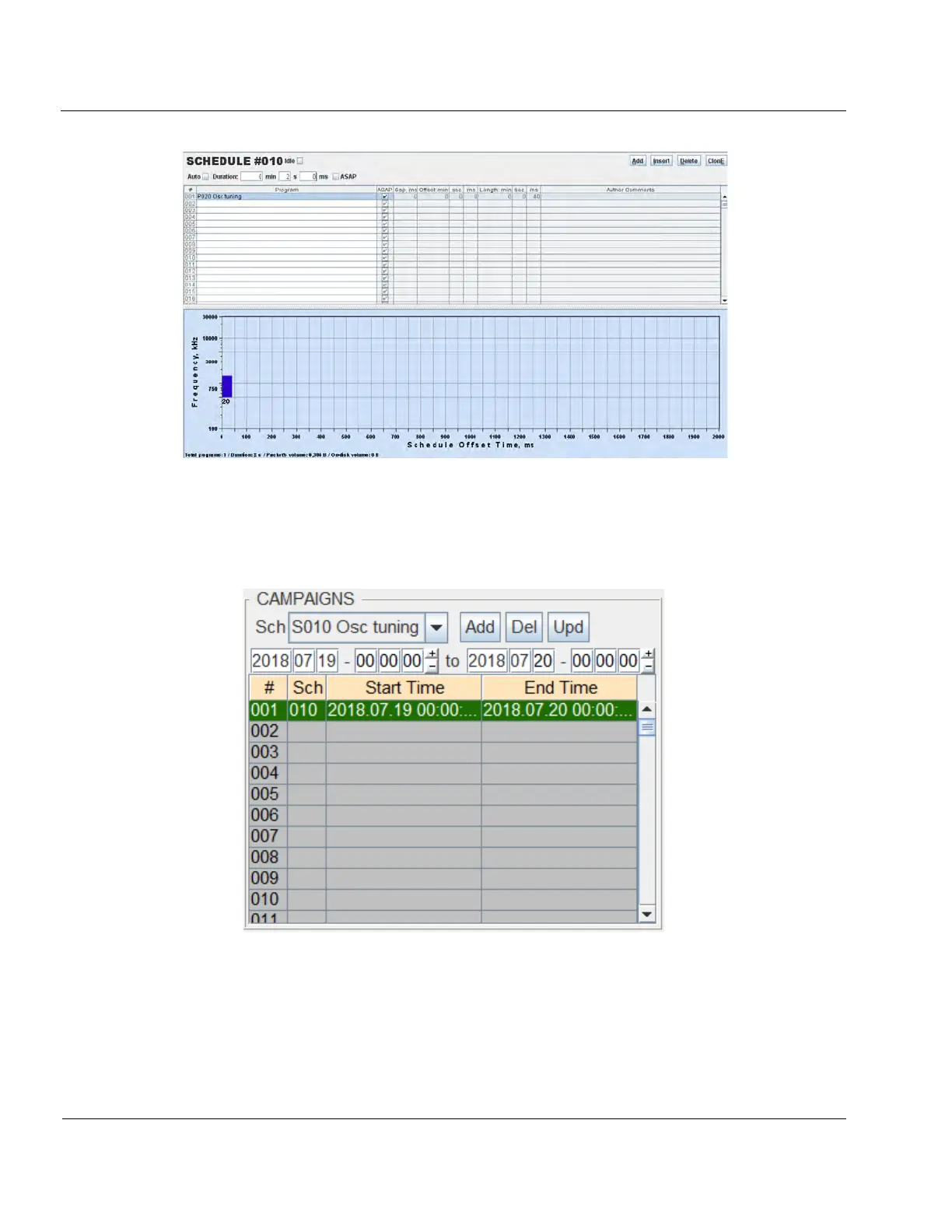
Figure 6-10: 2 second duration schedule
6:35. Navigate to DCART EDITED PROGSCHED / SST, Rules, Campaigns tab and make a record of the cur-
rently running schedules and their rules. Next, within the CAMPAIGNS section of the page configure the Osc
Tuning schedule such that it will run as a campaign similar to how it’s shown in Figure 6-11.
Figure 6-11: Osc tuning schedule entered as a campaign
6:36. Using the Sch dropdown menu select the Osc Tuning schedule and specify start and end times for the
campaign such that it will provide sufficient time for you to conduct the tuning procedure. Once the campaign
has been configured press Add to add it to the campaign list. Ensure you click on Activate changes to transfer
the new program, schedule, and campaign information to DESC. Click the Auto button in upper left of DCART
to initiate automatic operations. With the system in Auto mode you should be able to hear an audible click,



 To Next Page