Chapter 5 System Operation
890 USE 120 00 95
Procedure for Verifying System Operation, continued
Parameter
setting
A default parameter set is loaded into your servo amplifier by the manufacturer.
This contains valid and safe parameters for the current and speed controllers.
A database for Lexium BPH and SER motor parameters is stored in the servo
amplifier. During commissioning you must select the data set for the motor that is
connected and store it in the servo amplifier. For most applications these settings
will already provide good control loop characteristics.
An exact description of all parameters and the possibilities for optimizing the control
loop characteristics can be found in the help of Unilink.
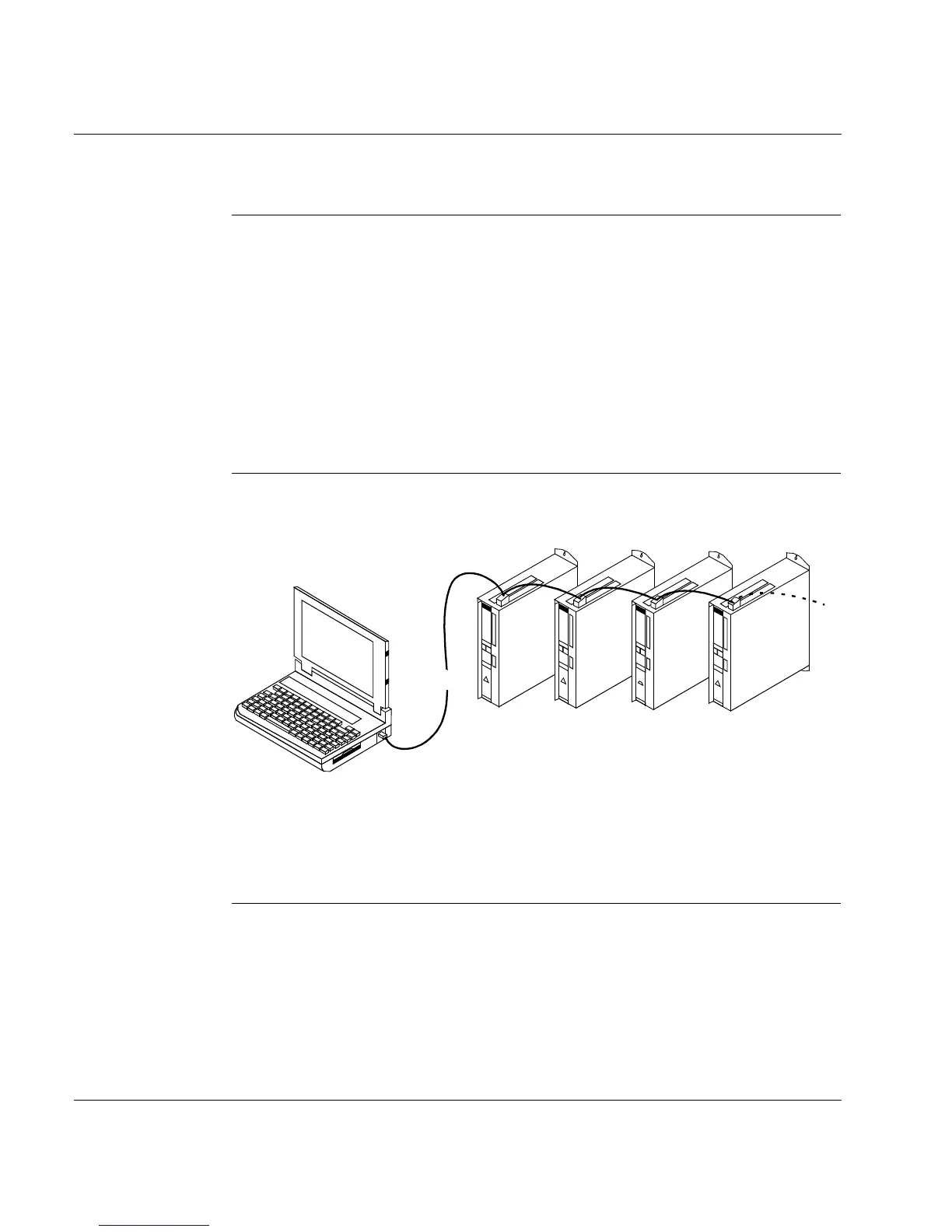
Multi-axis
system
You can connect servo amplifiers together and to your PC if they have different
addresses (see next page)
With the PC connected to just one servo amplifier you can now use the setup
software to select all amplifiers throught the preset station addresses and set up
the parameters.
COMx
RS232
Adr.
:
04
Adr.
:
03
Adr.
:
02
Adr.
:
01
Adr.
:
n
X6
PC/
CAN
X6
CAN
X6
CAN
X6
CAN
Baud rate identical for all amplifiers
PC
RS232



 To Next Page