Chapter 5 System Operation
96
890 USE 120 00
Front Panel Controls and Indicators
Keypad
Operation
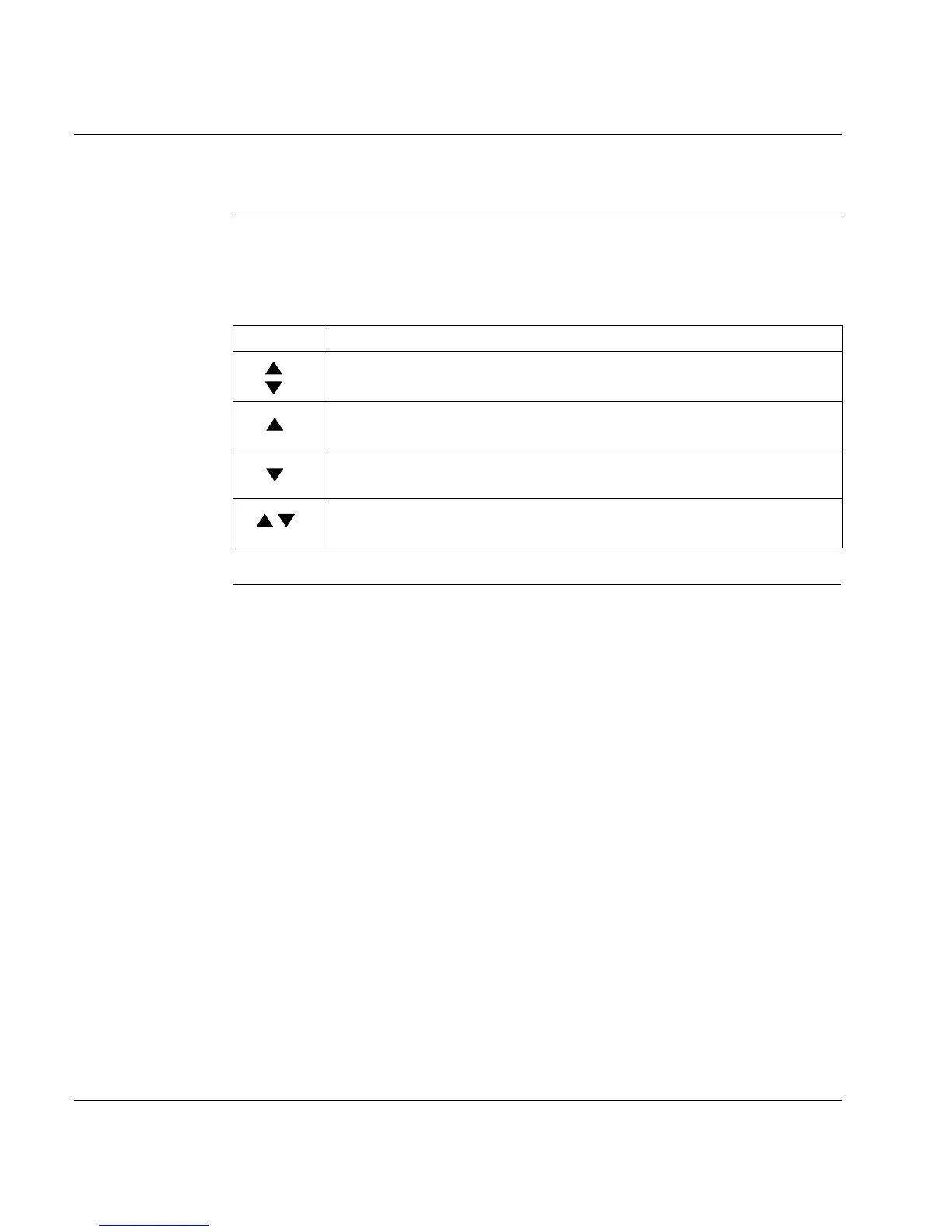
The operation of the keypad on the front panel of the drive is described in the
following table. The two keys can be used (as an alternative to using the PC) to
specify and enter the address for the drive.
Continued on next page
Key Function
From the initial display,
Press once one of the two keys
to display the current address.
Press once: Increments address by 1
Press twice in rapid succession: Increments address by 10
Press once: Decrements address by 1
Press twice in rapid succession: Decrements address by 10
Press and hold right key, then press left key: Enters the address specified
above.



 To Next Page