– Programming Manual 14. I/O test 101
With the color display the input ports are green and the output ports are red.
To select the port (input, output, byte, word or dword) to be viewed or changed, press
to highlight the desired field, press to view the desired type of port, then
to confirm.
Number of I/O port
The range of the logical bits to be displayed is selected with the I/O port number
based on the type of I/O port (byte, word, dword) selected.
To select the number of port to be viewed, press to highlight the desired field,
press
or until the desired number is displayed, then to confirm.
Value of I/O port
Viewing of the hexadecimal value of the I/O port being considered.
Inputs: (Manual/Automatic) it is only possible to read the value of the input port.
Outputs: (Manual) it is possible to change the hexadecimal value by forcing the output
port to take a determined configuration.
(Automatic) it is only possible to read the value of the output port.
In Manual mode, to change the value of the output port, press to highlight the
corresponding field, then change the value as indicated in section 5.2 “Programming
numerical values“ (method 2) page 3.
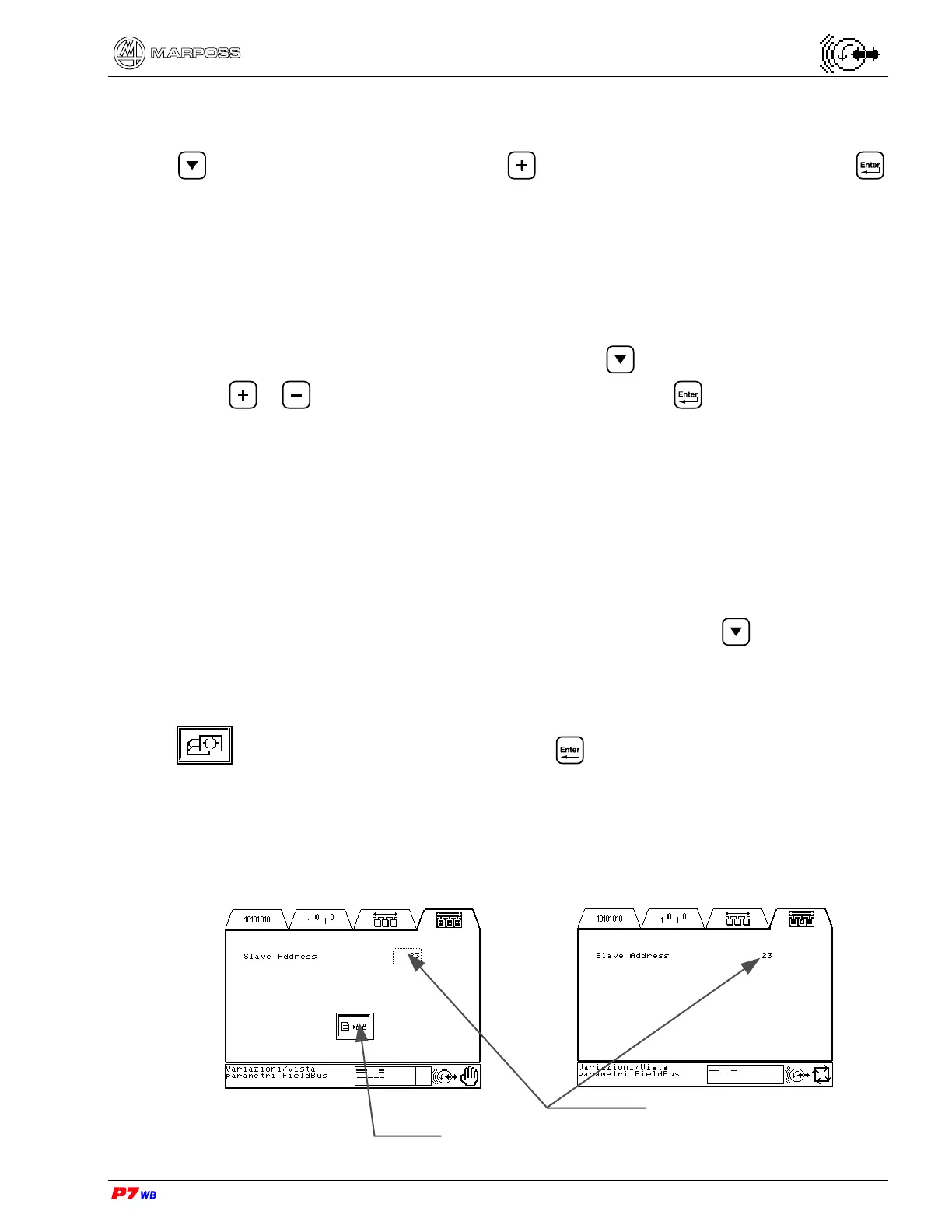
The changed value of the outputs is not immediately sent to the field bus: highlight
to enable the data transfer, and press .
Changing/Viewing Field Bus parameters
Field Bus type Profibus-DP
Manual Automatic
Current Slave Address
Selection enabling


 To Next Page