20 4. Use – Programming Manual
folder
sub-folder
page
4.1.1.
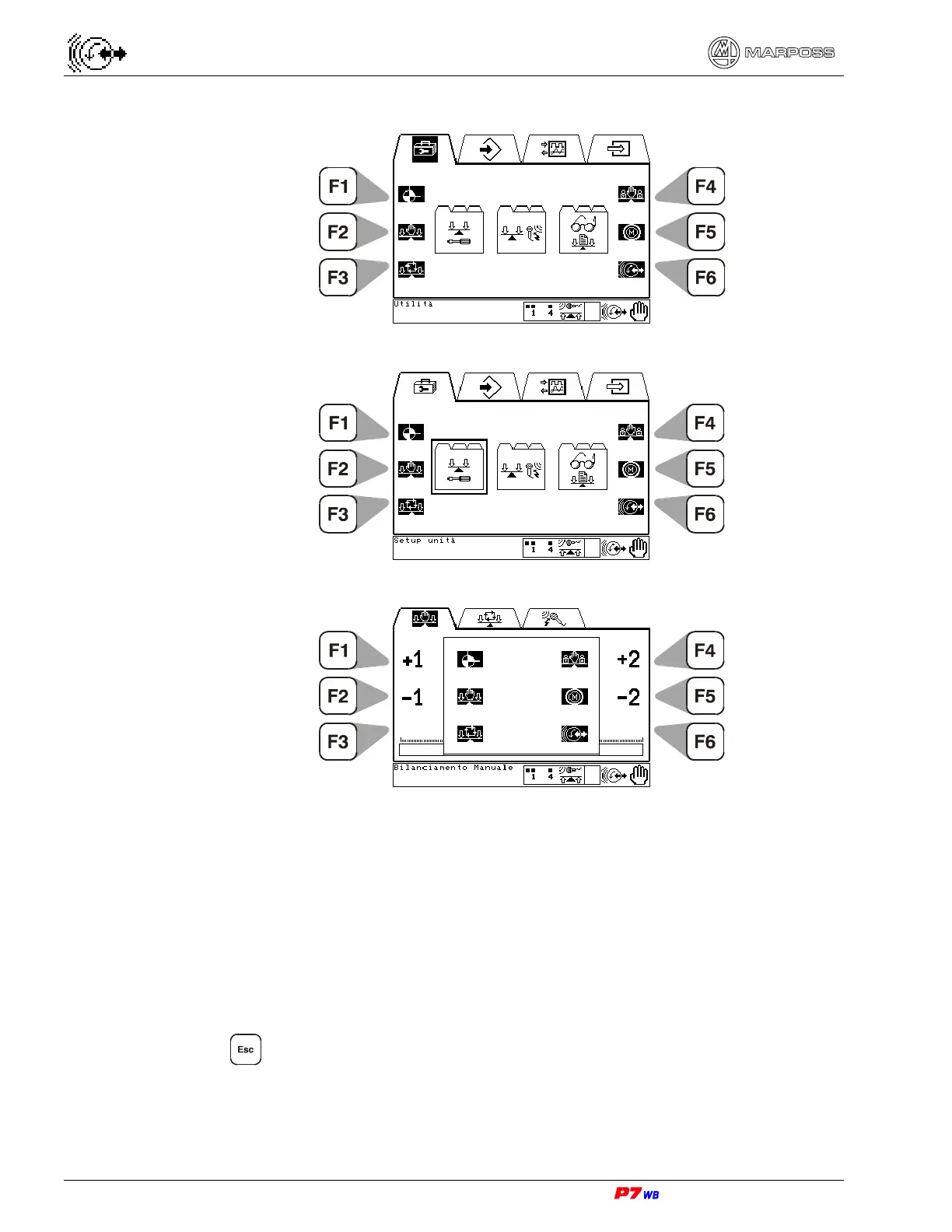
Defining the HOT keys
1. Get to the desired page using the menu maps. Highlight the page icon.
2. Press and hold the desired “F#” key down until the icon is no longer highlighted,
about 5 seconds.
3. Release “F#”: the Hot Key is now defined.
4.1.2.
Deleting the HOT keys
1. With the hot key to be deleted, call out the page currently stored.
2. Press to highlight the page icon.
3. Press and hold the desired “F#” key down until the icon is no longer highlighted,
about 5 seconds.
4. Release “F#”: the Hot Key is deleted.



 To Next Page