28 6. Defining the Sets – Programming Manual
6.3.
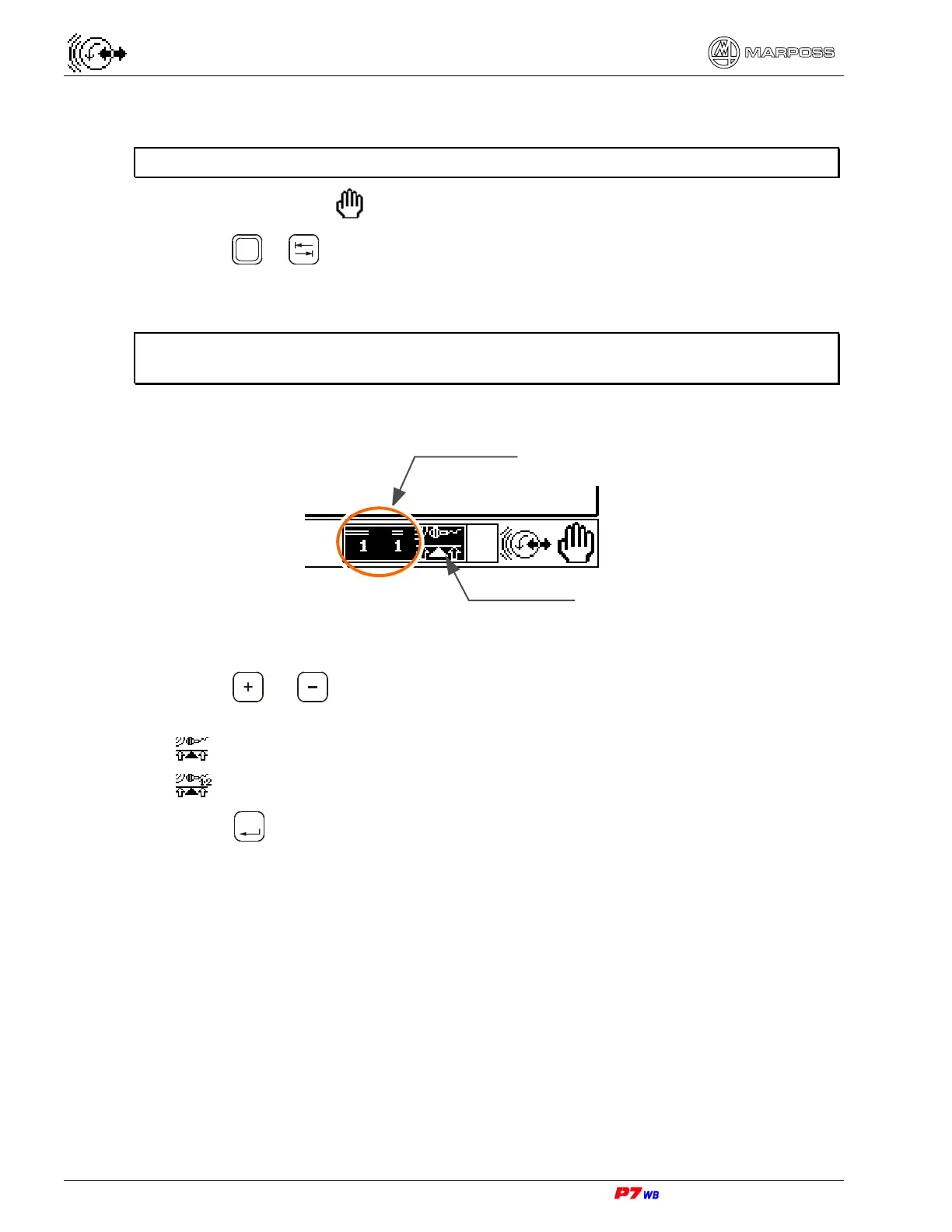
How to select an already defined Set
Note: Select the Set prior to any programming procedure.
Manual mode only
1. Press
Shift
+ to highlight the Set selection box on bottom. The current Set
appears.
Note: If the Set selection box is not highlighted, it means that just one Set was
defined.
2. Press or to view the required Set. The icon changes to indicate the
application combined with it:
application with a logical channel
application with two logical channels
3. Press
Enter
to confirm the Set selection. The program automatically exits the
selection box and returns to the page.
Set number
Application’s icon



 To Next Page