– Programming Manual 10. Unit Set-up 39
10.
UNIT SET-UP
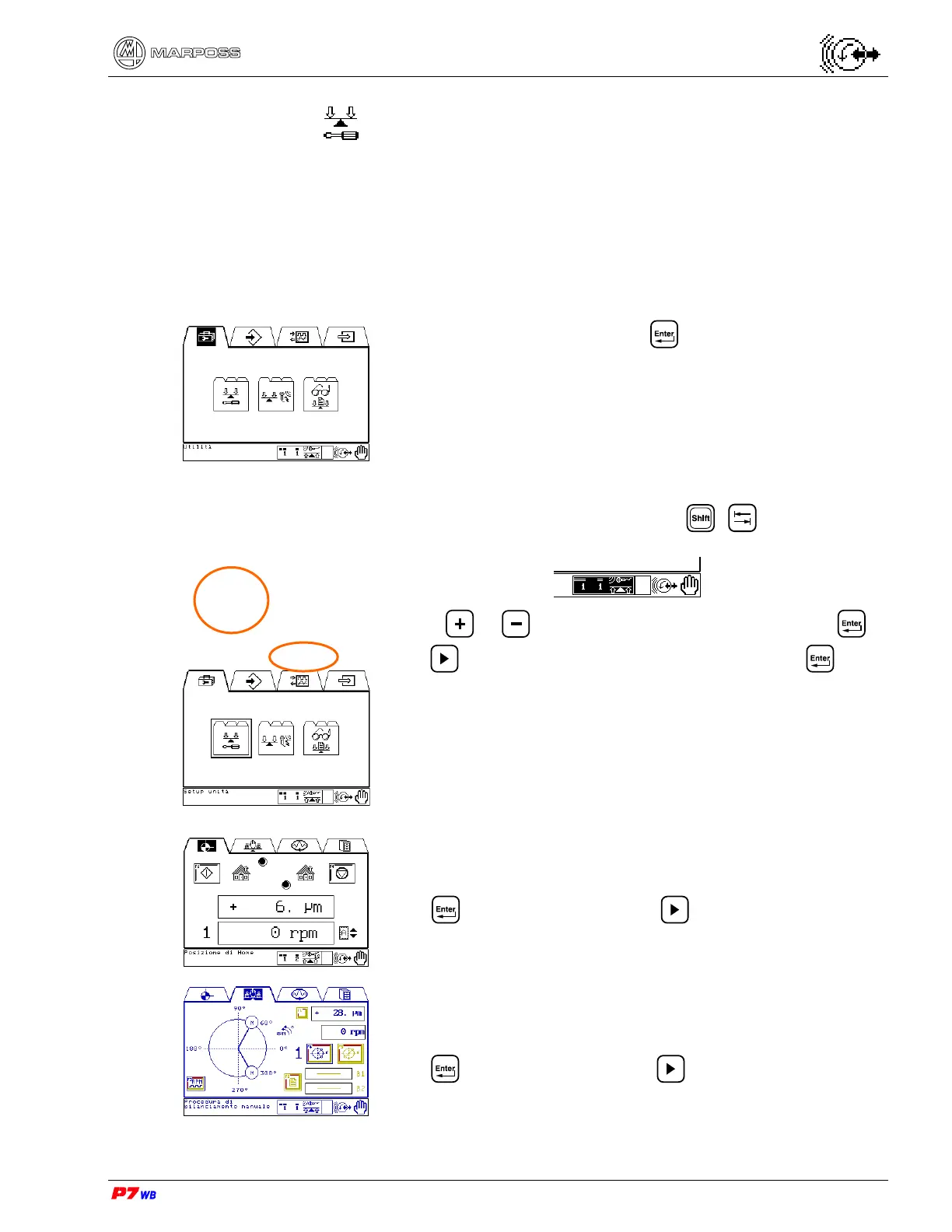
Manual operating mode.
Select the Utilities folder and press
Should more sets be programmed, use + to highlight the
set selection area:
use key or to select the set to be set-up and press .
Press to select the Unit setup sub-folder and press .
Home position page (section 10.1, page 3).
Press to go to the page; press to switch to the Manual
balancing procedure with weights folder.
Manual balancing procedure with weights page (section 10.2,
page 3).
Press to go to the page; press to switch to the Spectral
Analysis Procedure folder.



 To Next Page