54 10. Unit Set-up – Programming Manual
Pressing the
Shift
+
Enter
keys simultaneously changes not programmed values “No”
(default) to programmable ones and vice versa.
Example:
Values programming is recommended if comparison of plots at different acquisition
time is necessary, in order to acquire and plot data in the same condition.
Value programming: press to highlight the involved field, press or to
view the desired value, then to confirm.
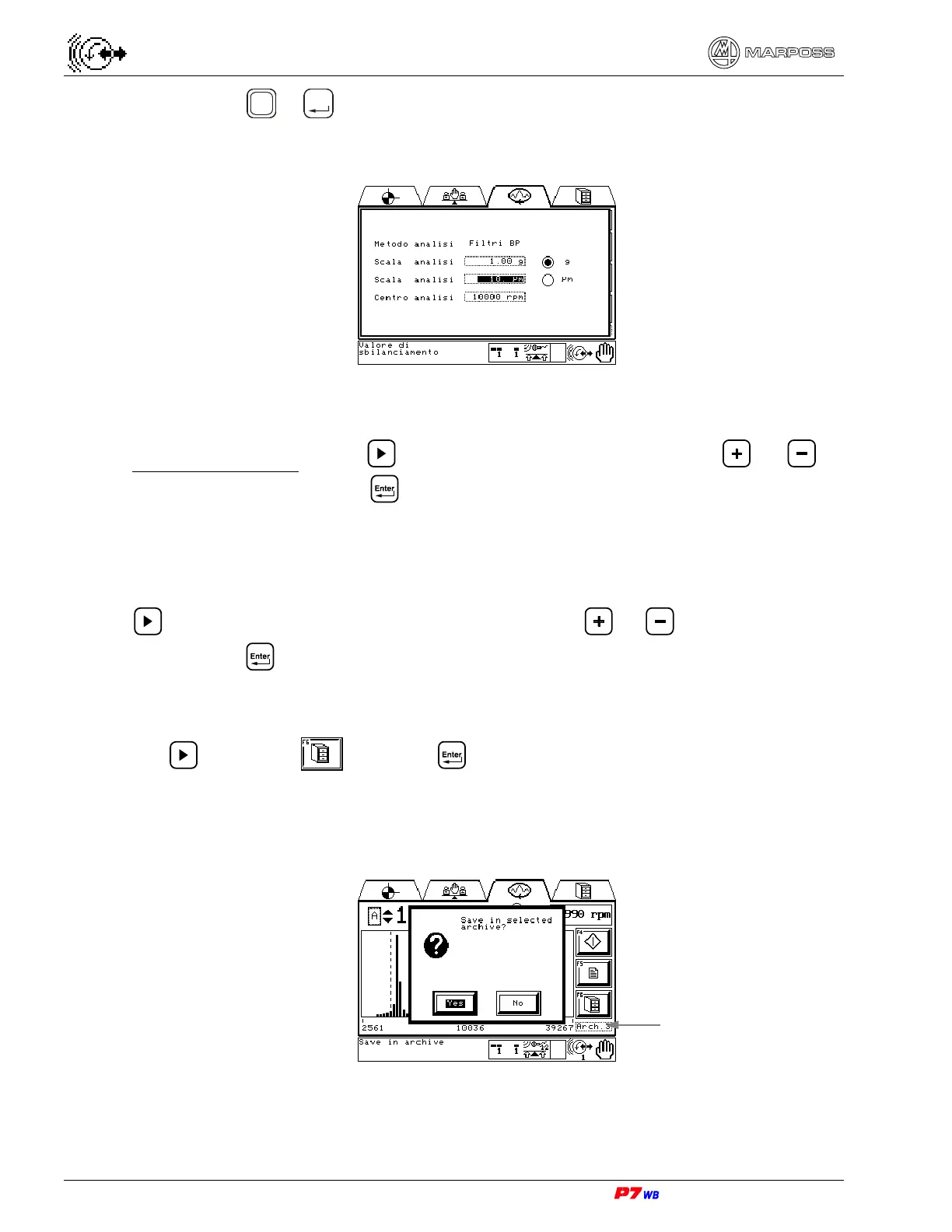
F6 : Save frequency analysis acquisition in archive
Up to three archives (Arch.1, Arch.2, Arch.3) are available: to select the archive press
until the corresponding field is highlighted, press or to view the desired
archive, then to confirm.
To save the frequency analysis acquisition in the retentive archive press the F6 key or
use to highlight and press : the acquired values are saved in an archive
not related to the working set.
The following example shows a save request in archive 3 (Arch.3)
Selection of archive


 To Next Page