– Programming Manual 23. Gap & Crash Function 143
23.1.1.
Hardware setup
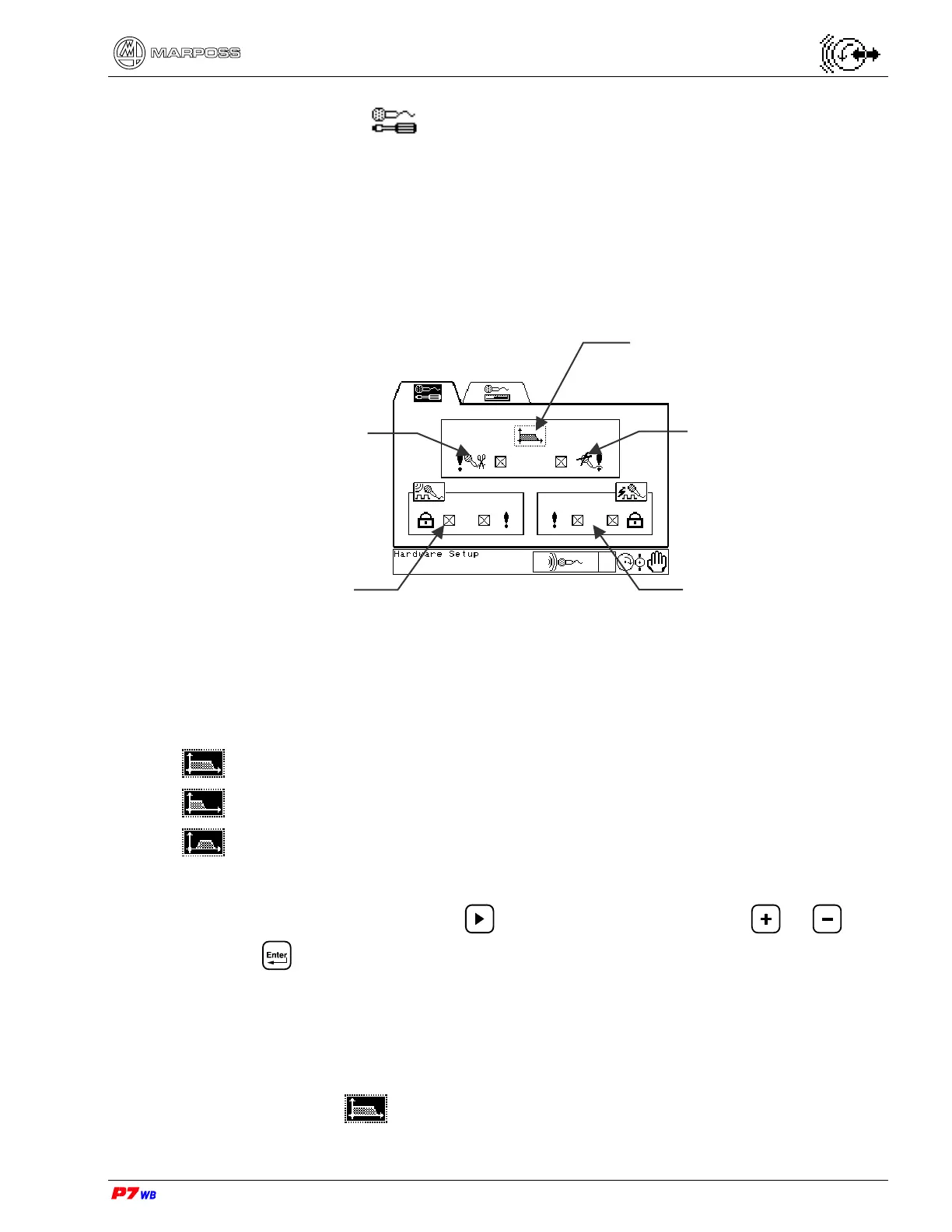
In this section the following parameters are defined:
selection of frequency range
alarms enabling
definition of GAP control characteristics
definition of CRASH control characteristics
Selection of Frequency Range
Selection of noise input frequency range.
The following icons indicate the three frequency ranges available:
whole frequency range (70 to 350 kHz)
low frequency range (70 to 100 kHz)
high frequency range (170 to 220 kHz)
To select, proceed as follows:
highlight the desired field with , display the desired icon with or , and
press to confirm.
Definition of frequency range
The frequency range suggested is the one with the best ratio between contact noise
and background noise.
Select the band
Selection of
frequency range
Microphone alarm:
enabled
NOT enabled
Cable alarm
enabled
NOT enabled
GAP control area
CRASH control area



 To Next Page