22 4. Use – Programming Manual
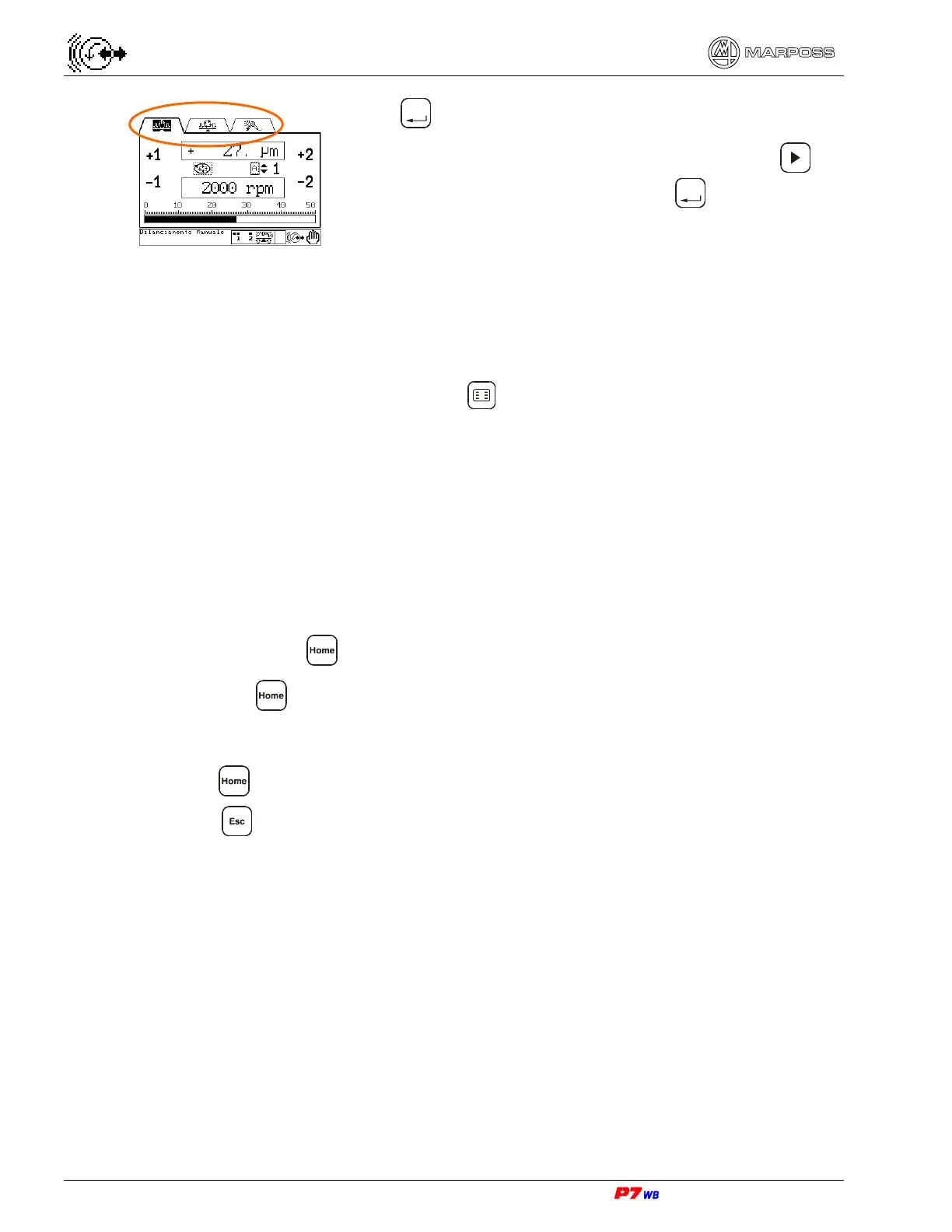
Press
Enter
to go to the page level of the program.
If there are more pages on at the same level, press to
highlight the icon of the page. Press
Enter
to access the
page.
4.2.2.
Hot keys
To use the shortcuts method of getting around the program:
1. Turn on Hot key menu by pressing .
2. Press the F1 - F6 hot key associated with the desired page icon.
4.2.3.
Defining the HOME key
The Home key defines a Home Page or default screen. A Home Page is available in
both Manual and Automatic modes. When power is turned on the Manual Home Page
is shown.
The operator defines the Home key:
1. Go to the desired page, see menu maps. The page icon should be highlighted.
2. Press and hold down until the icon is not highlighted, about 5 seconds.
3. Release , the Home Page for the current mode is now defined.
4.2.4.
If you get lost
Press .
Press as many times as needed to reach the folder level of the program.
Then refer to the menu map for the path to the desired page or use a Hot key
shortcut.



 To Next Page