110 17. Heads connection – Programming Manual
17.
HEADS CONNECTION
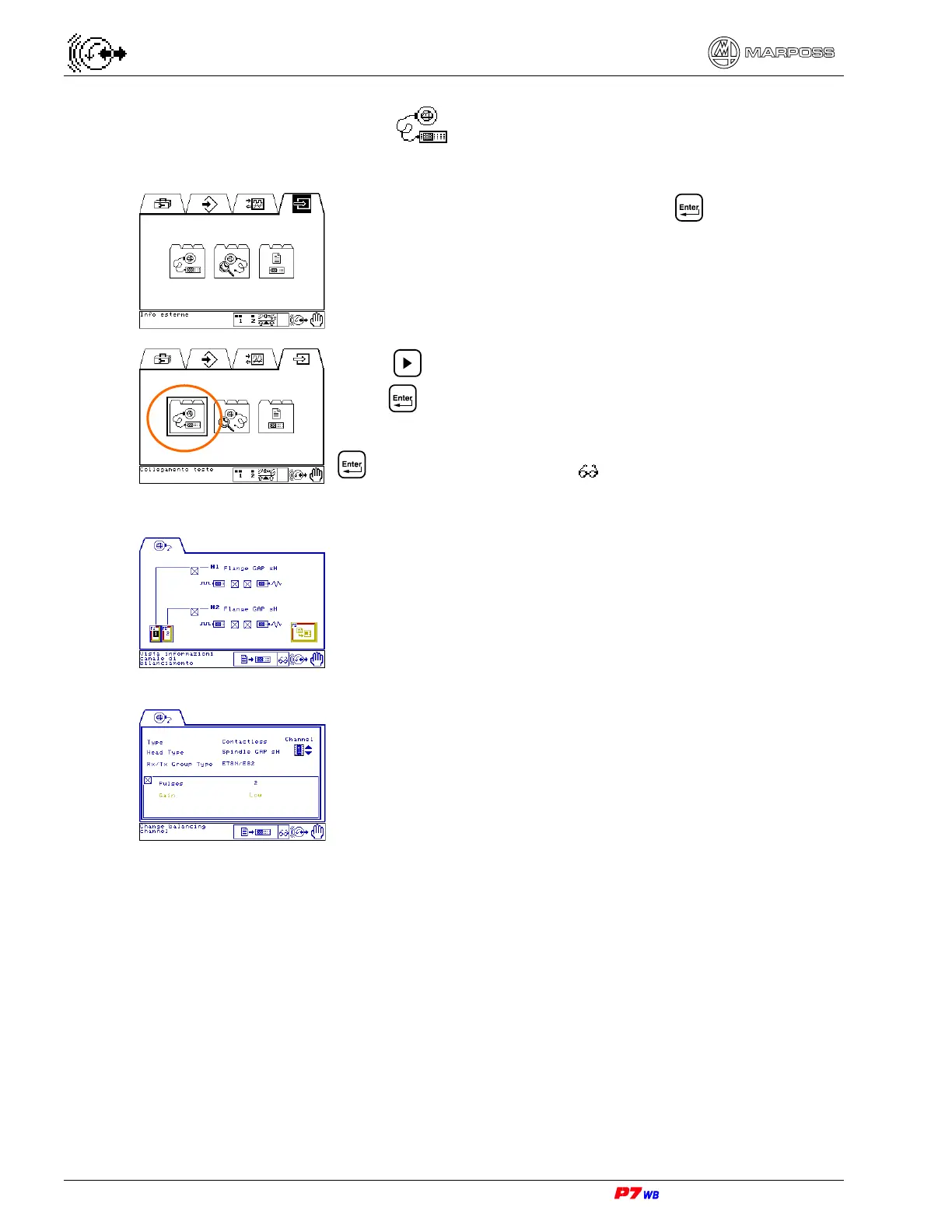
Manual operating mode.
Select the External Info folder and press
Press to select the Heads Connection sub-folder and
press .
You are asked to insert the **System Password**: press
to access data viewing ( ) (programming/modification
of these data is reserved for Marposs’ or Technical
Personnel).
Connection heads page (section 17.1, page 3).
Press F1 or F2 to access the Balancing channel info page.
Balancing channel info page (section 17.2, page 3).



 To Next Page