– Programming Manual 3. How the system is organized 15
3.
HOW THE SYSTEM IS ORGANIZED
3.1.
Operating modes
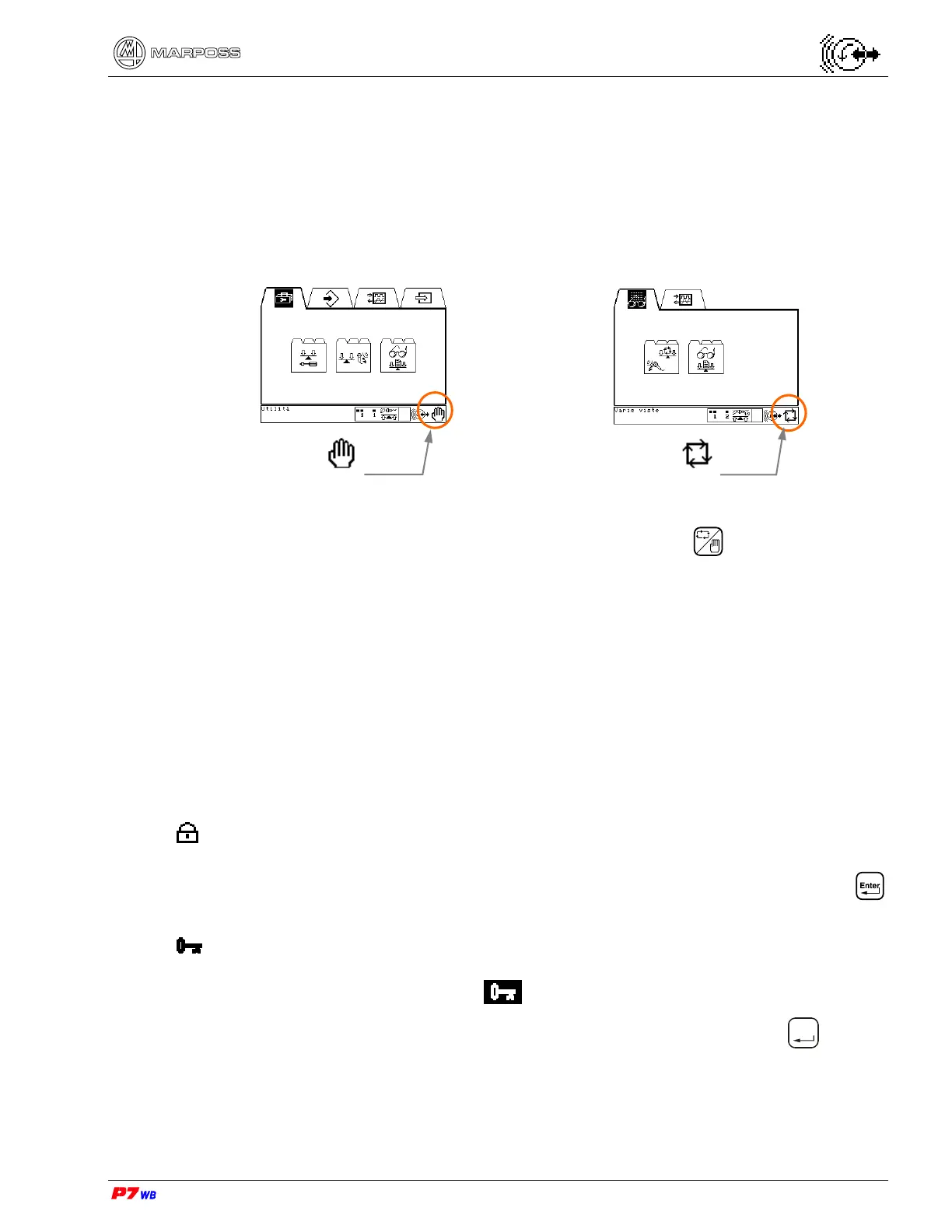
The operating modes are: Manual and Automatic.
The active operating mode is indicated at the bottom right.
Examples:
The operating mode is selected either with the dedicated key , or through signals
from the machine’s logic.
3.2.
Software structure
The Software is divided into folders. Similar functions are grouped into sub-folders.
Related sub-folders are contained in folders. Each matter takes one or more pages of
a sub-folder.
3.2.1.
Password Control
The pages for programming/changing data are protected by password.
There are two password levels:
System Password (access to system data). This password is always active and
cannot be disabled by Programmer (reserved to Marposs’ or
Technical Personnel). At the password request, press
to access data viewing.
User’s Password (access to application data). Password that can be either
programmed or disabled by the Operator (see 19.3
“Password “, page 3).
When the password is requested, if you press
Enter
without
having typed the password or after typing a wrong
password, the data can be only read.
Manual
operation
Automatic
operation



 To Next Page