– Programming Manual 6. Defining the Sets 27
6.2.
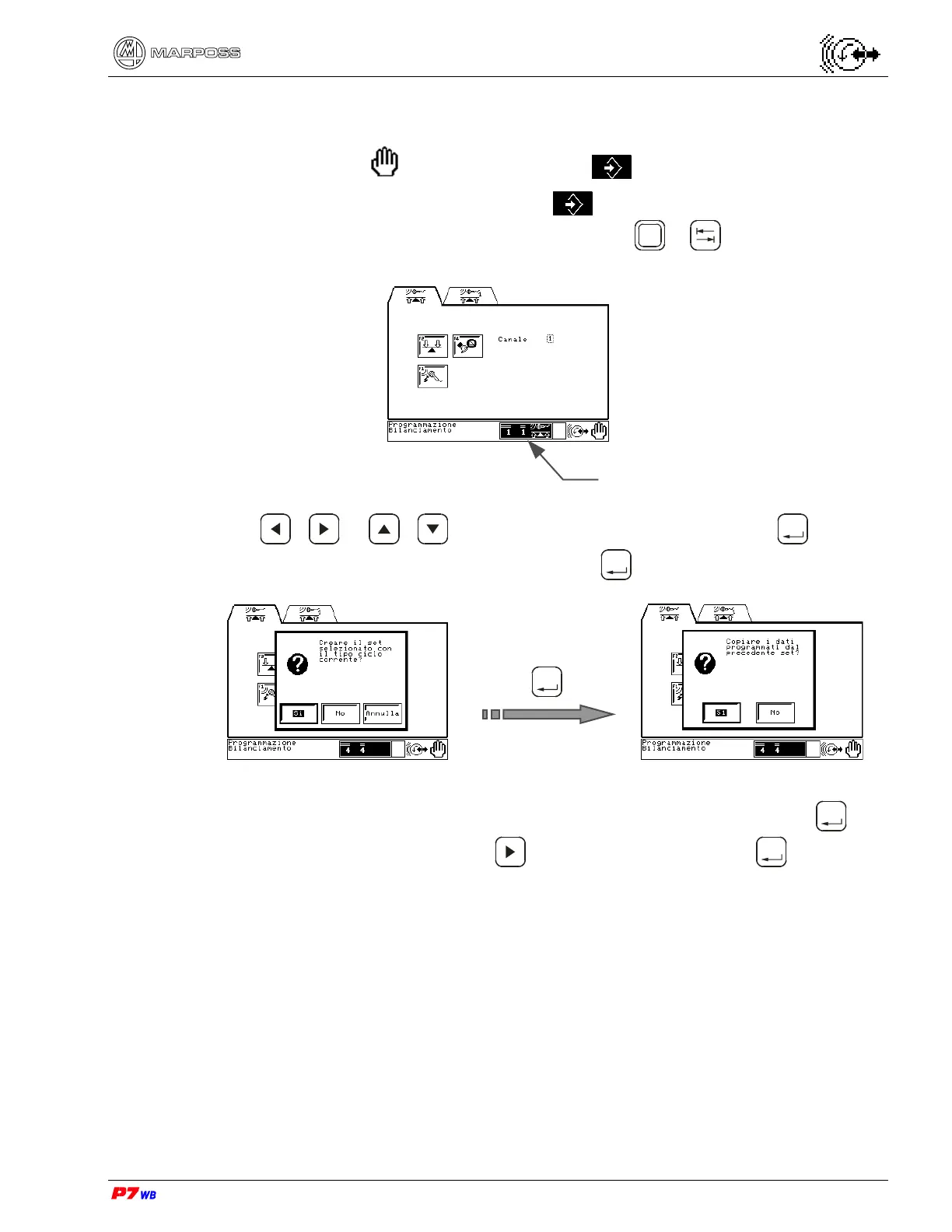
How to define a new Set
• In Manual mode and in Programming only.
1. Access the Programming environment and go to the programming page
relevant to the desired type of application. Press
Shift
+ to highlight the Set
selection box.
2. Use / or / to change the Set number, then press
Enter
; a dialog
box is displayed with “Yes” highlighted. Press
Enter
.
Enter
3. If the new Set has the same programming of the previous one press
Enter
, if it
has a different programming use
to highlight “No” and press
Enter
.
The new set is defined: now it can be programmed.
Set selection



 To Next Page