14 2. Front Panel – Programming Manual
Plus
Increase data values one digit at a time (with autorepeat
function).
In case of predefined data, allow scrolling parameters or
icons to view the desired one.
2.3.
Combination of keys
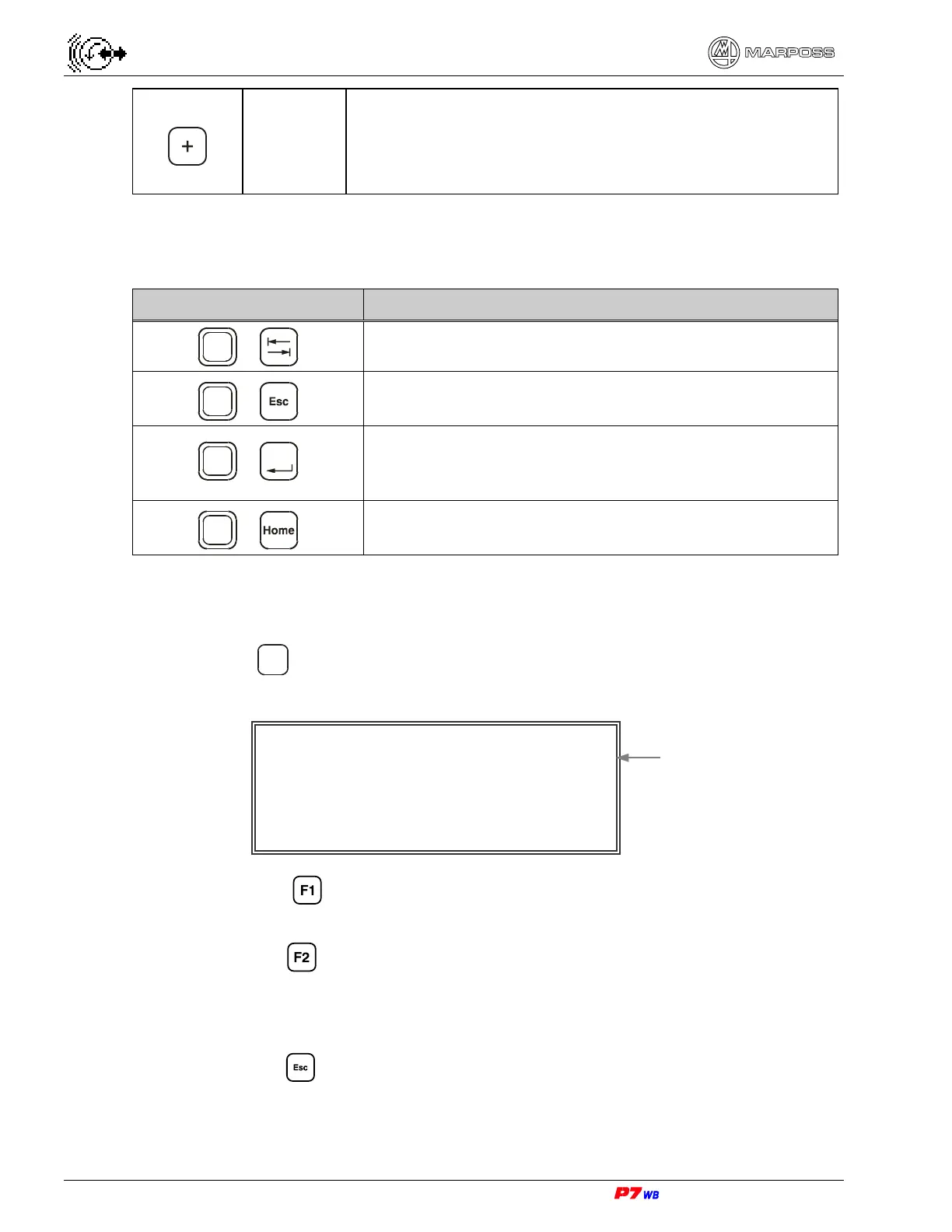
COMBINATION OF KEYS FUNCTION
Shift
+
In Manual mode enable the Wheel/Cycle selection.
Shift
+
Upon programming they abort all the changes made
before confirmation.
Shift
+
Enter
Upon programming these key disable/restore (with the
last programmed value) the selected data, for the data
allowing for it.
Shift
+
Enable P.I.P. window (Picture In Picture) on display
(see section 7 on page 3).
2.4.
Panel test / Viewing the software version
Hold down the
?
key at the system power-on: the following appears:
<F1> Press to test the keyboard (follow the directions appearing on
display)
<F2> Press to test the display (follow the directions appearing on display).
A sequence of five pages is displayed (three pages in the basic colors
RGB for color display, a black page and a white page for the b/w display)
to carry out a visual check of the display efficiency.
<Escape> Press to continue.
SOFTWARE VERSION
Firmware:1.9A
<F1> For keyboard test
<F2> For display test
<Escape> To continue
Software version
(example)



 To Next Page