– Programming Manual 4. Use 19
4.
USE
4.1.
F keys
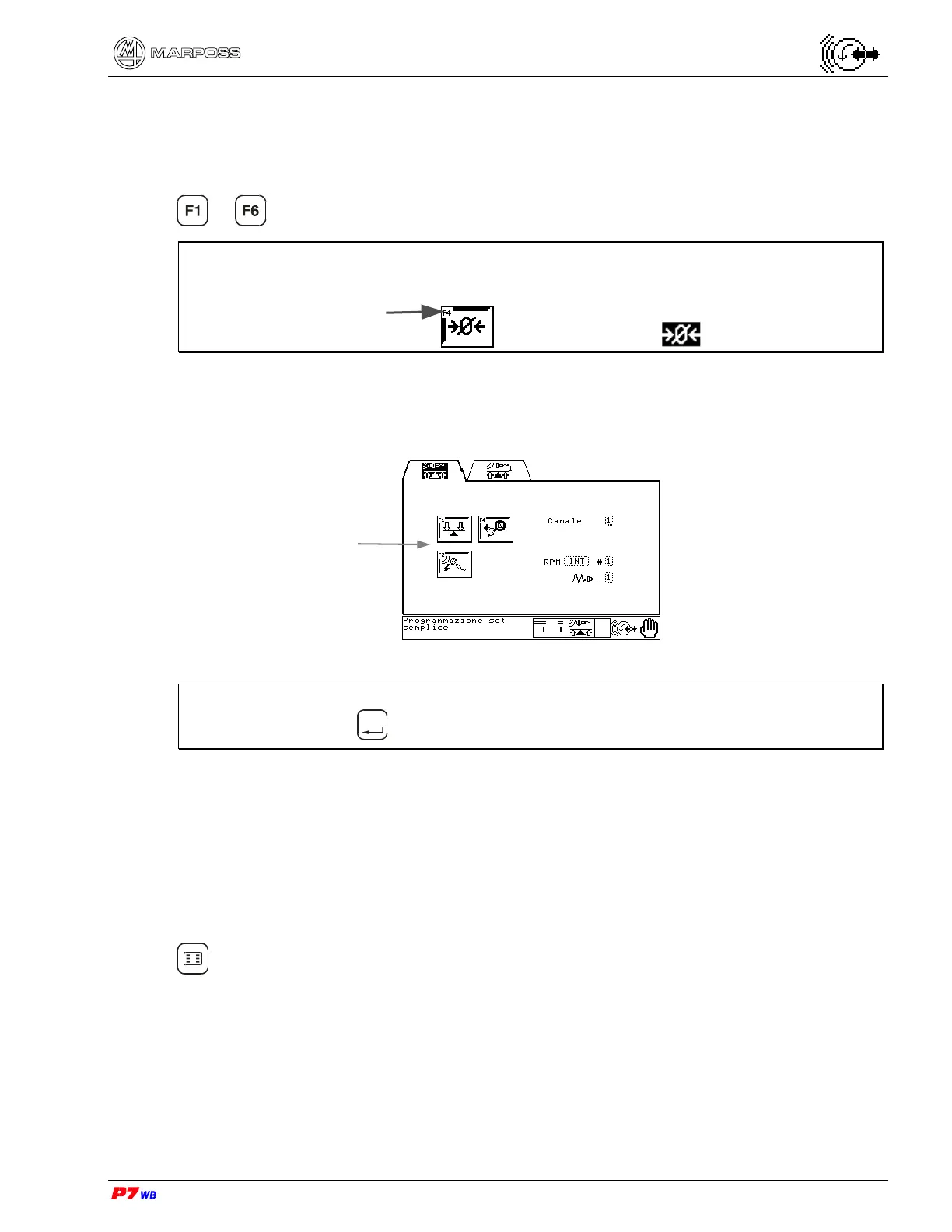
to keys on the front panel can be used either as Function keys or Hot keys.
Note: Function keys have an F number in the upper left corner of the icon.
Function Keys
Function keys are only available on a specified page. They are predefined to do a
specific task on that page and cannot be changed.
Note: Function keys are available only after the page is selected. To select the
page, press
Enter
.
Hot keys
These are shortcuts to any page of the program at any moment and are defined by
the operator via keypad. This allows customization of the gauge system to specific
needs or preferences. Six Hot keys are available in Automatic mode and another six
in Manual mode. For instructions on how to define these keys, see section 4.1.1 page
3.
Hot keys are available at the folder, sub-folder or page level as shown below. Press
to view the Hot keys currently defined. These are examples of typical hot key
definitions.
Function key Hot key
F number
Function Keys



 To Next Page