16 3. How the system is organized – Programming Manual
3.2.2.
Folders
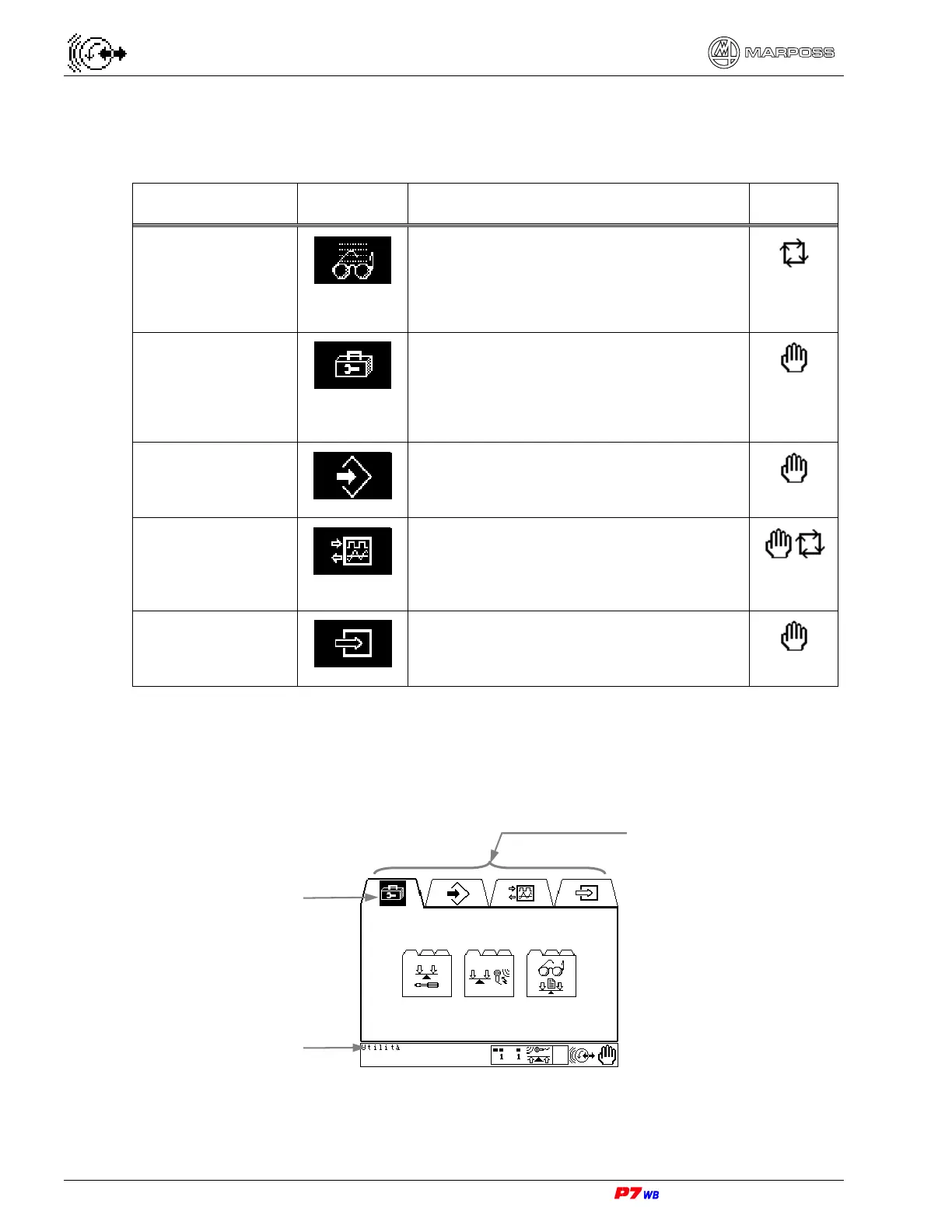
The following folders are available:
FOLDER NAME ICON FUNCTION MODE
Viewing
Access the following environments:
- viewing of programmed data,
- viewing of measurement values and
cycles stages.
Utilities
Access the following environments:
- unit setup,
- measurement adjustment,
- viewing of programmed data.
Programming
Access to the environment where the
cycles are parameterized.
Inputs & Outputs
Select the I/O’s involved in the bit test
function and access the “Motor Test”
and “Voltage setup” functions.
External Info
View the current configuration for the
specific application.
The highlighted icon indicates the current folder. The message in the lower left
corresponds to the highlighted icon (current folder).
Current folde
highlighted
Folders (Manual mode)
Name o
highlighted folde



 To Next Page