124 19. Machine data – Programming Manual
19.1.
Selecting unit of measure and language
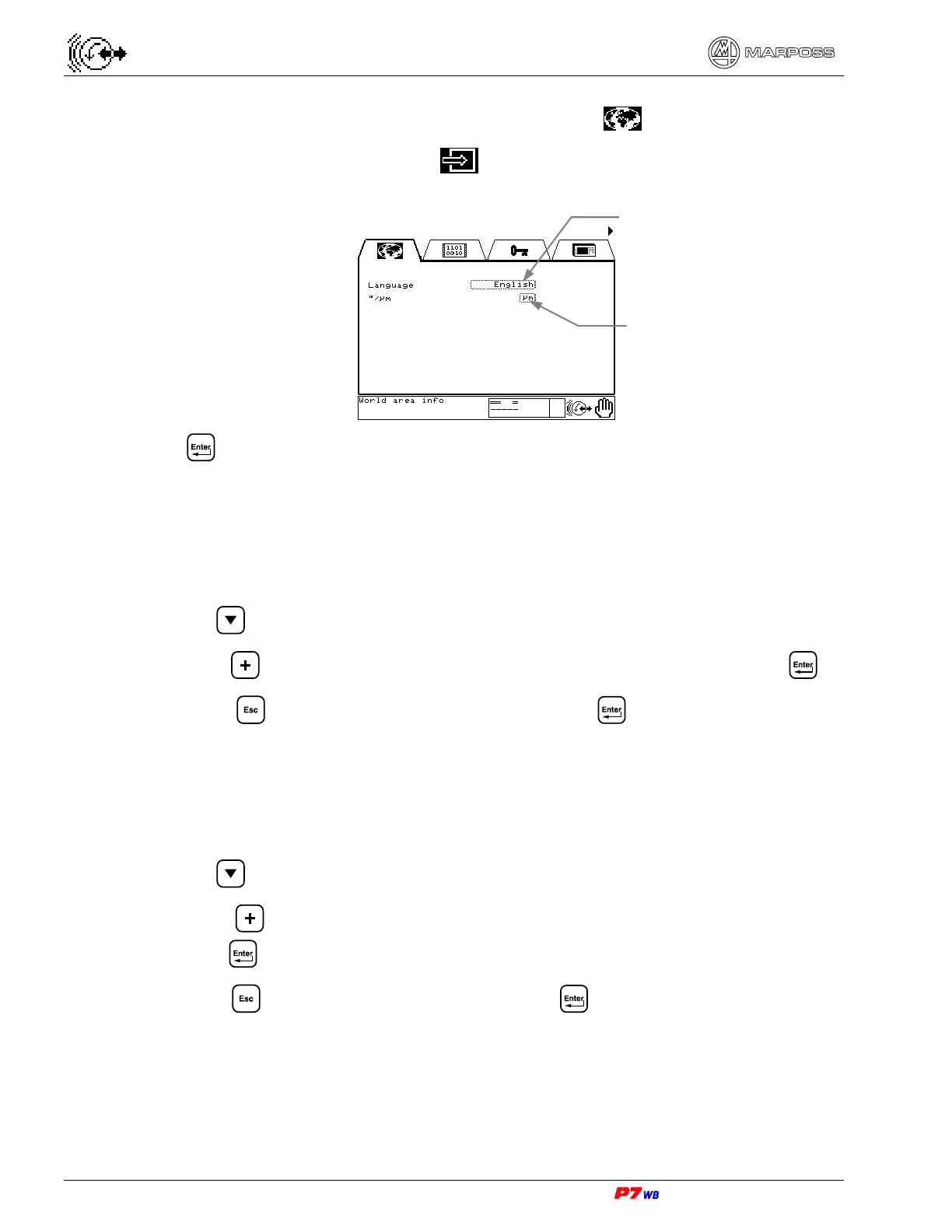
Page A5 of the “External Info” folder menu map (section 8.4, page 3).
Press to reach the page.
19.1.1.
Selecting unit of measure (micron/inch)
The System can accommodate the use of either measurement system based on the
application requirements.
1. Use to highlight the Unit of measure selection field.
2. Press to select the unit of measure (µm=micron or “=inch) and press .
3. Press . A question box will appear: press to confirm. The unit of
measure has been defined.
19.1.2.
Selecting the language
The System can accommodate different switched languages for viewing messages
on display.
1. Use to highlight the Language selection field
2. Press to select the desired language (among the available ones), then
press .
3. Press . A question box will appear: press to confirm. The language has
been defined.
Language selection
field
Unit of measure
selection field



 To Next Page