18 3. How the system is organized – Programming Manual
3.2.5.
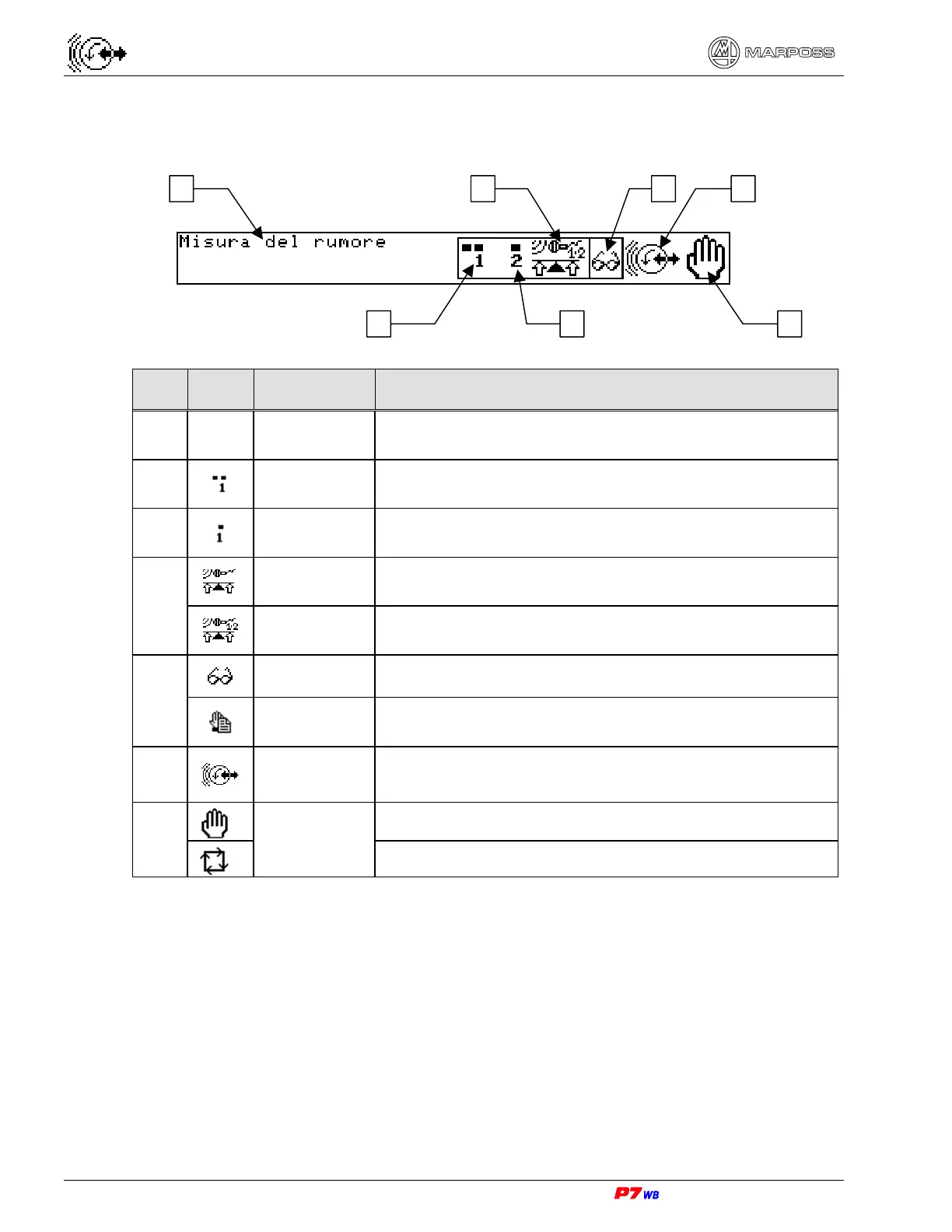
Messages and info section
ICON NAME FUNCTION
1
Message
Either the name of the highlighted icon or button or
instructions on which button to press.
2
Wheel
number
Currently selected wheel number The software can
handle up to 16 different wheels.
3
Cycle number
Currently selected cycle number. The software can
handle up to 16 different cycles.
Application
A graphical representation of the application with a
logical channel.
4
Application
A graphical representation of the application with two
logical channels
Data display
The Operator is viewing data.
5
Data entry
The Operator is changing data.
6
Wheel
Balancing
Indication of the process control shown on display.
Manual
7
Mode
Automatic
1 4 65
2 73



 To Next Page