– Programming Manual 24. Diagnostics 157
24.
DIAGNOSTICS
An error or malfunction condition of the system or the execution of incorrect
operations is indicated by a message on display, within a dedicated window.
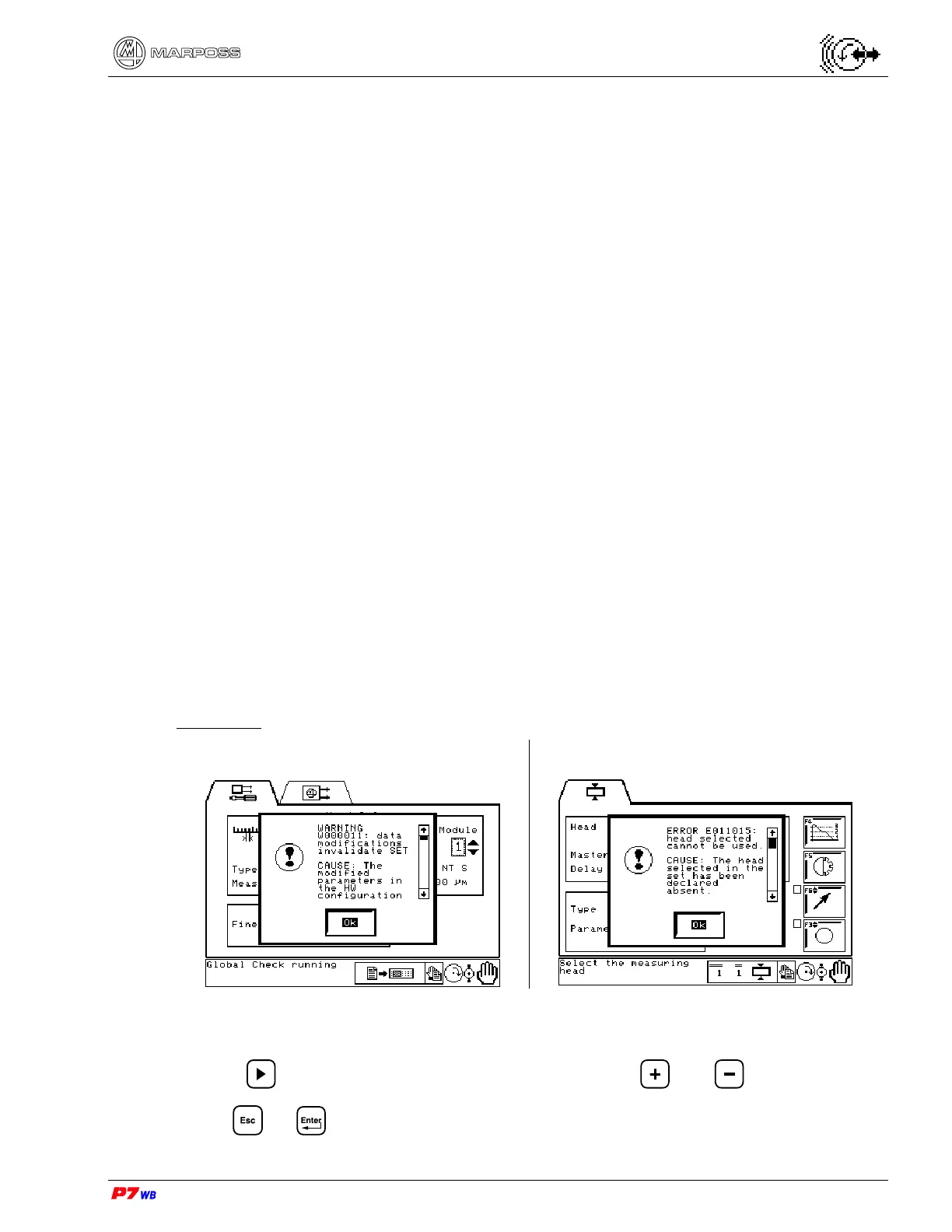
The messages display is structured as follows:
Message code and title
Cause that generated the alarm message
Remedy (operations required for restoring the correct operation)
The structure of the message code is as follows:
T XX Y ZZZ
T type of message (A = alarm; W = warning; E = error)
XX measure function code
00 = System
01 = In-Process
02 = Post-Process
03 = Balancer
04 = Sensor devices
Y function number
ZZZ message number
There are two modes for viewing the error or malfunction messages.
Modality 1
Example of “Warning” Example of “Error"
Act as follows to completely display the information (CAUSE / REMEDY) relevant to
the event displayed:
use to highlight the text scroll bar, then use the and keys.
Press or to exit the error display, and then act as indicated under the item
"REMEDY".



 To Next Page