– Programming Manual 5. How to program 23
5.
HOW TO PROGRAM
Programmable parameters are within dotted lines.
5.1.
Selecting predefined values
The values that can be given to some parameters are selected from a predefined list
(numerical value or icon).
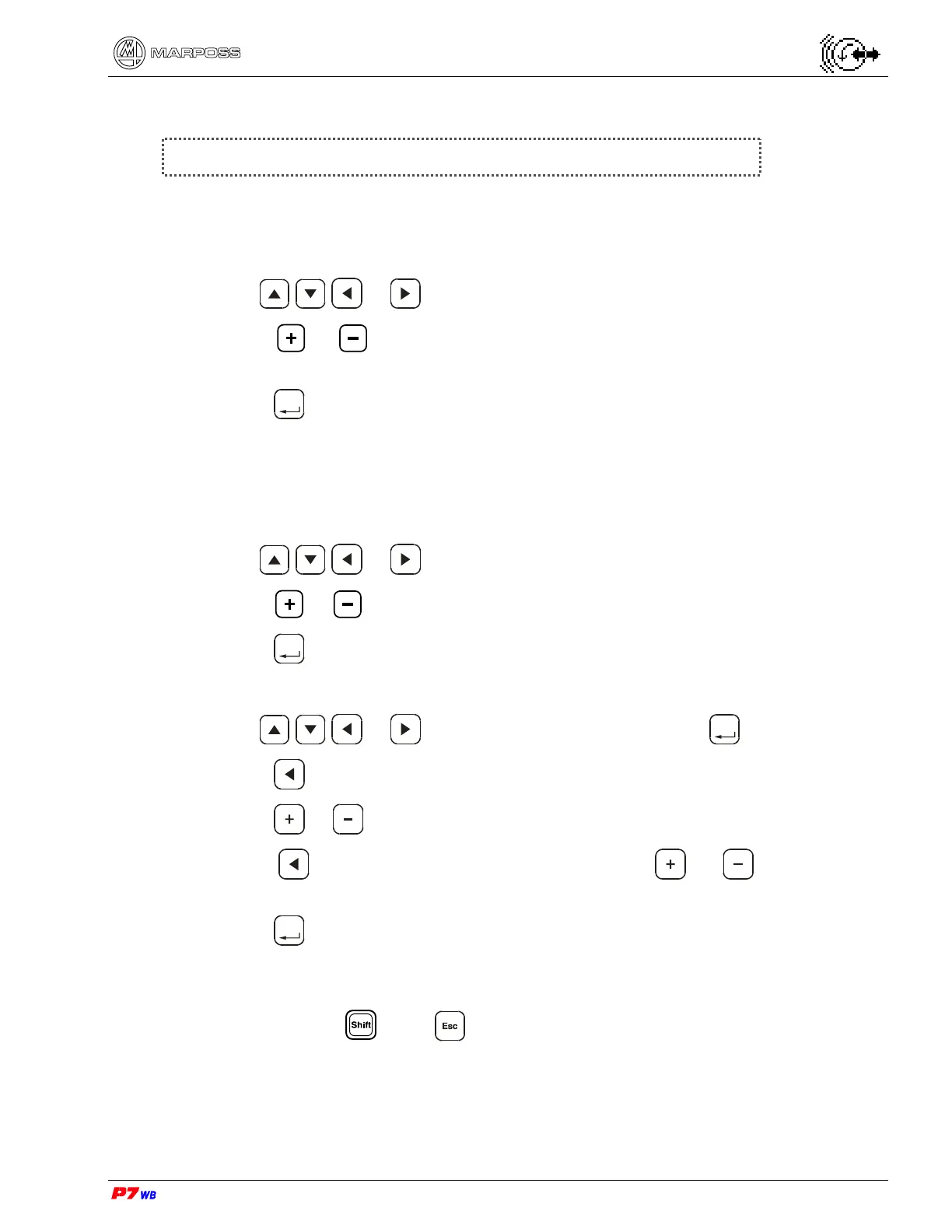
1. Use or to highlight the desired parameter.
2. Press or to scroll through the values or icons available to the desired
one.
3. Press
Enter
to confirm.
5.2.
Programming numerical values
There are two methods to program a numerical value.
Method 1
1. Use or to highlight the numerical value.
2. Press or to increase or decrease the value.
3. Press
Enter
, the value has been entered.
Method 2
1. Use or to highlight the number and press
Enter
.
2. Press to highlight the digit that needs changing.
3. Press or to increase or decrease that digit.
4. Press to highlight the next digit, then press or to increase or
decrease that digit. Repeat for each digit.
5. Press
Enter
, the numerical value has been entered.
5.3.
Undoing programming
While holding down press to reset the values.



 To Next Page