66 11. Measurement adjustment – Programming Manual
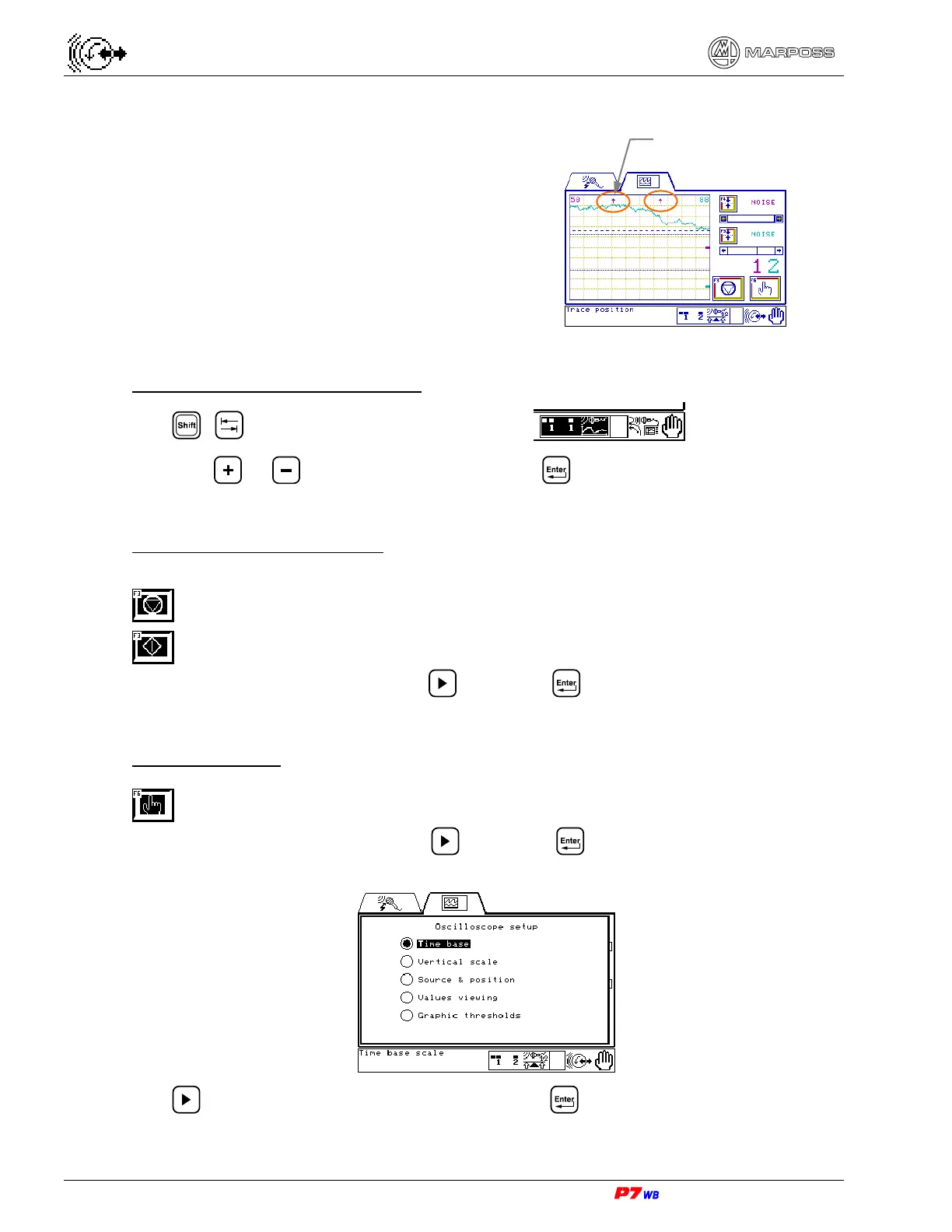
Should the trace(s) be not contained in the
screen, two arrows appear to indicate the
trace position (above or below its zero
trace).
Example (trace out of the screen on upper
side).
Selection of the set to be displayed
Use + to highlight the set selection area:
and keys or to select the set, then press .
Oscilloscope display stop/start
The F3 key has the double task of stopping/starting display.
Stop display
Start display.
Press the F3 key or highlight it with and press .
Controls selection
Access to controls selection
Press the F6 key or highlight it with and press . It appears the page with a list
of the available controls.
Use to highlight the desired control and press .
Out-of-screen trace
indicators


 To Next Page
 Loading...