– Programming Manual 14. I/O test 99
Number of the logical I/O bit
Selection of the number of the logical bit to be viewed/changed.
Note: The correspondence between logical bit number and no. of pins of the I/O
connector(s) is reported on the “I/O list” relevant to the application in use,
present in the corresponding “Installation Manual”.
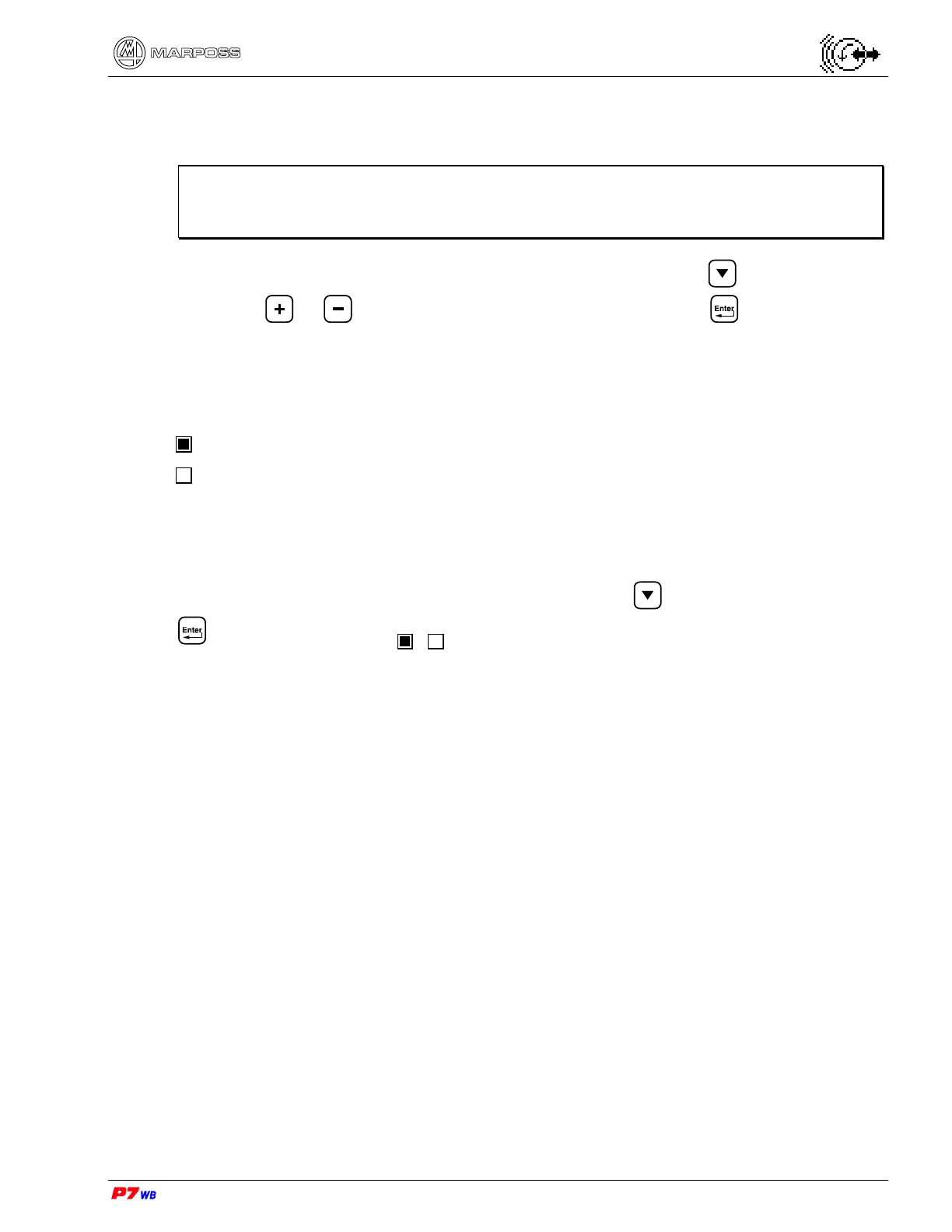
To select the number of the bit to be viewed or changed, press to select the field
and press or until the desired number is displayed, then to confirm.
Status of the logical I/O bit
The bit status is indicated through a led control.
(led lit) indicates that the bit is at the high logical level (1)
(led not lit) indicates that the bit is at the low logical level (0)
input (green with color display). The bit status cannot be changed by the operator.
output (red with color display). In Manual operating mode the bit status can be
changed by the operator.
To change the logical status of the output bits, press to highlight the field, then
to change the status (
/ ).



 To Next Page