4. Service Procedures - Replace Components - Creaser Module
146 Morgana DocuMaster MFC - Service Manual
Tools:
• Allen Key: 3mm
• Screwdriver: Small Flat-blade
• Pliers: Side Cutters.
Before you start:
• Remove the tray extensions (Refer to MFC User Operating Instructions Manual).
Warning: The feed bins are heavy. Always follow good health and safety procedures
when you lift. It requires two people lift the feed bins.
Step Action Information
1 Remove the DRV module. (See Section 4.7.1).
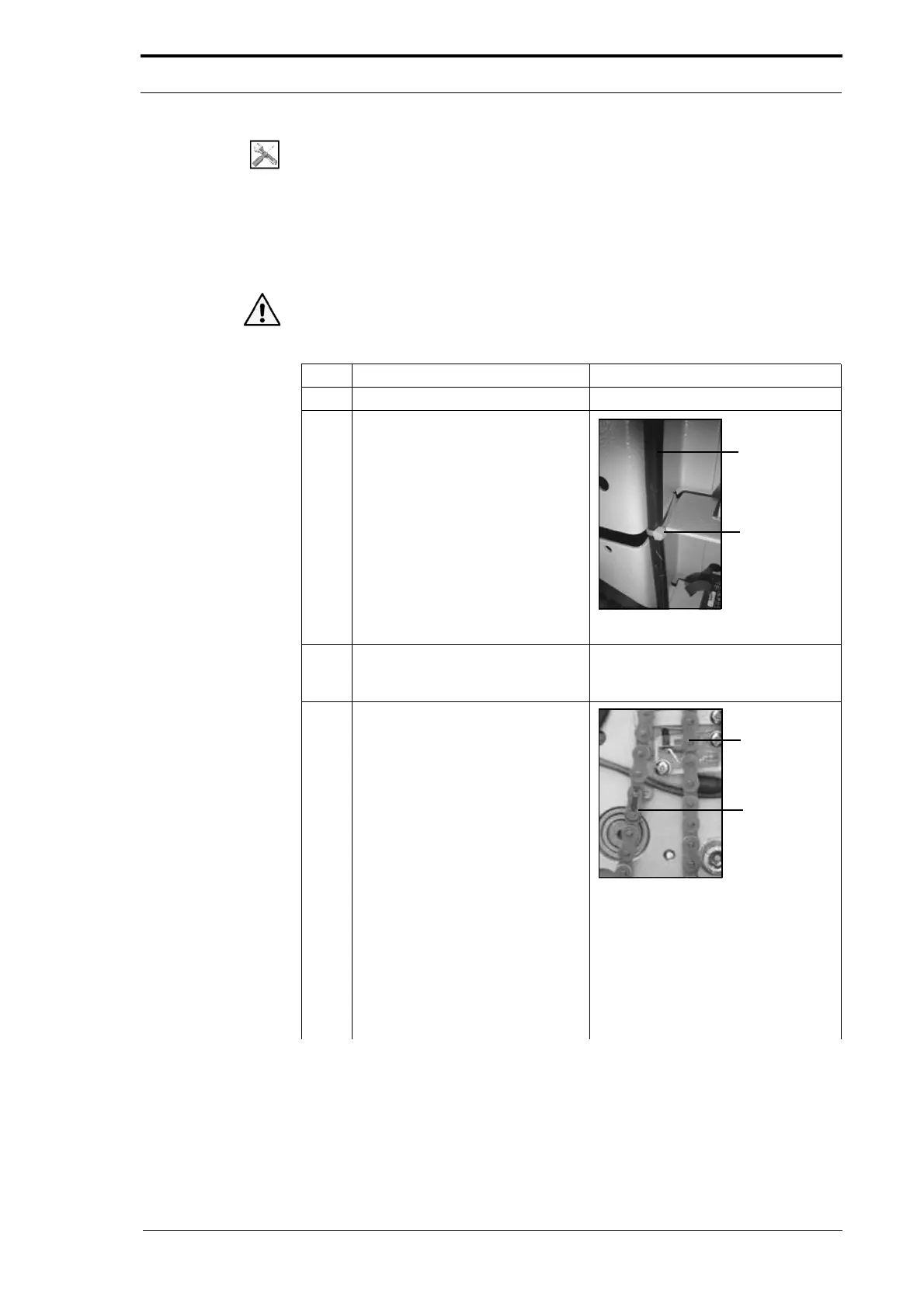
2 Cut the cable ties and remove the
power cable that is for
the
electrical cabinet.
Figure 4.146 Creaser Power Cord
3 Disconnect the power-bus cable
and the data-bus cable from all of
the feed bin control PCBs.
4 Remove the transfer chain.
Transfer
Chain
Master Link
Figure 4.147 Master Link
• Turn the transfer chain and find
the master link.
• Remove the retaining clip and
the side plate from the master
link.
• Disconnect the master link and
remove the transfer chain.



 To Next Page