4. Service Procedures - Replace Components - Creaser Module
148 Morgana DocuMaster MFC - Service Manual
Warning: The creaser module is heavy. It is necessary for two people to lift the creaser
module. Always follow good health and safety procedures
when you lift.
Step Action Information
1 Disconnect all of the signal cables
from the
LH side plate.
• Push in the latches on the two
sides of the cable connector, and
pull the cable away from the side
plate (See Figure 4.148).
2 Disconnect the cable from the
DynaT
ilt home switch.
• Cut the cable tie.
3 Disconnect the power cables from
the RH side plate.
• Push in the latches on the two
sides of the cable connector, and
pull the cable away from the side
plate (See Figure 4.149).
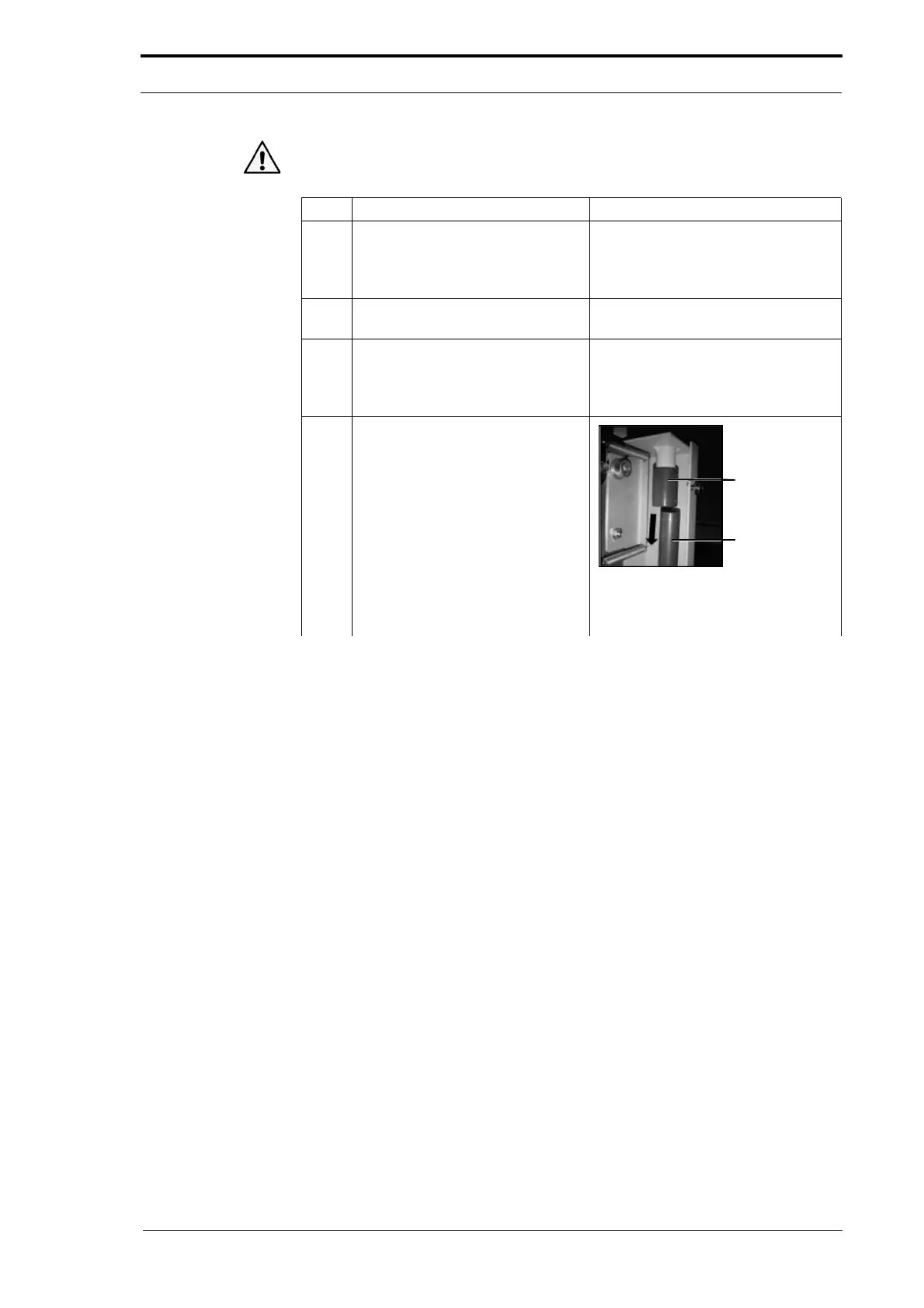
4 Disconnect the air supply pipe.
Figure 4.150 Air Supply Pipe
• Pull the pipe out of the
connector.



 To Next Page