Morgana DocuMaster MFC - Service Manual 149
4. Service Procedures - Replace Components - Creaser Module
4.10.2 Remove the Creaser Unit
Before you start:
• Remove the creaser module (See Section 4.10.1).
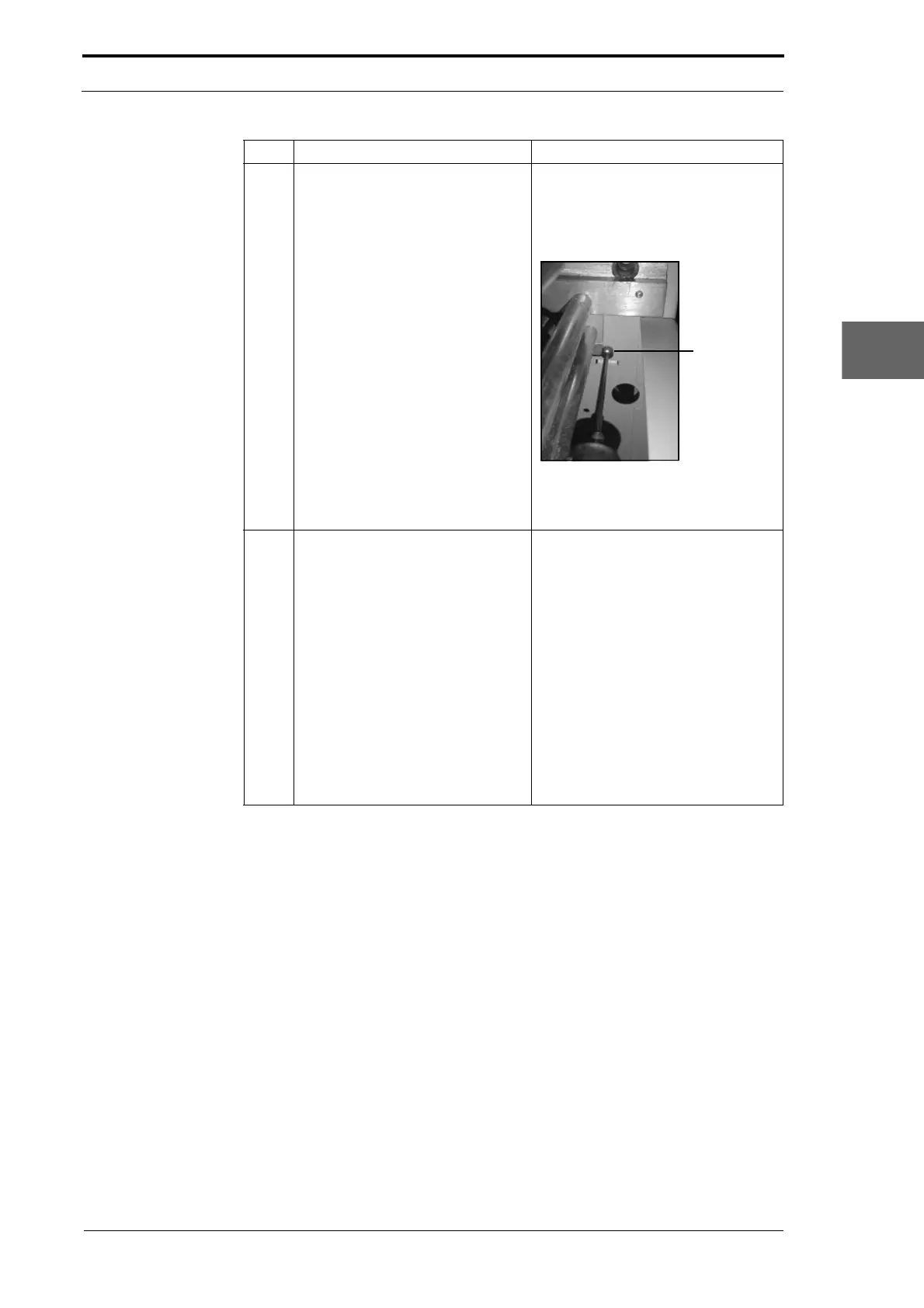
5 Remove the four screws that
att
ach the creaser module to the
gathering area.
• Remove the A4 pinch-drive from
the gathering area, to give better
access to the RH-rear and LH-
rear screws (see Section
4.3.4.1).
Figure 4.151
• Remove the screw from below
the creaser module.
6 Remove the creaser module. It is necessary for two people to lift
the feed bins. Make sure that the
area around the MFC is clear, and
that a flat surface is available to put
the feed bins.
• Stand on the two sides of the
MFC.
• Hold below the creaser module
at the front and the back.
• Lift the creaser module just
enough so that it is clear of the
gathering area.
• Move the creaser module off the
rear of the MFC.
Step Action Information



 To Next Page