4. Service Procedures - Replace Components - Creaser Module
164 Morgana DocuMaster MFC - Service Manual
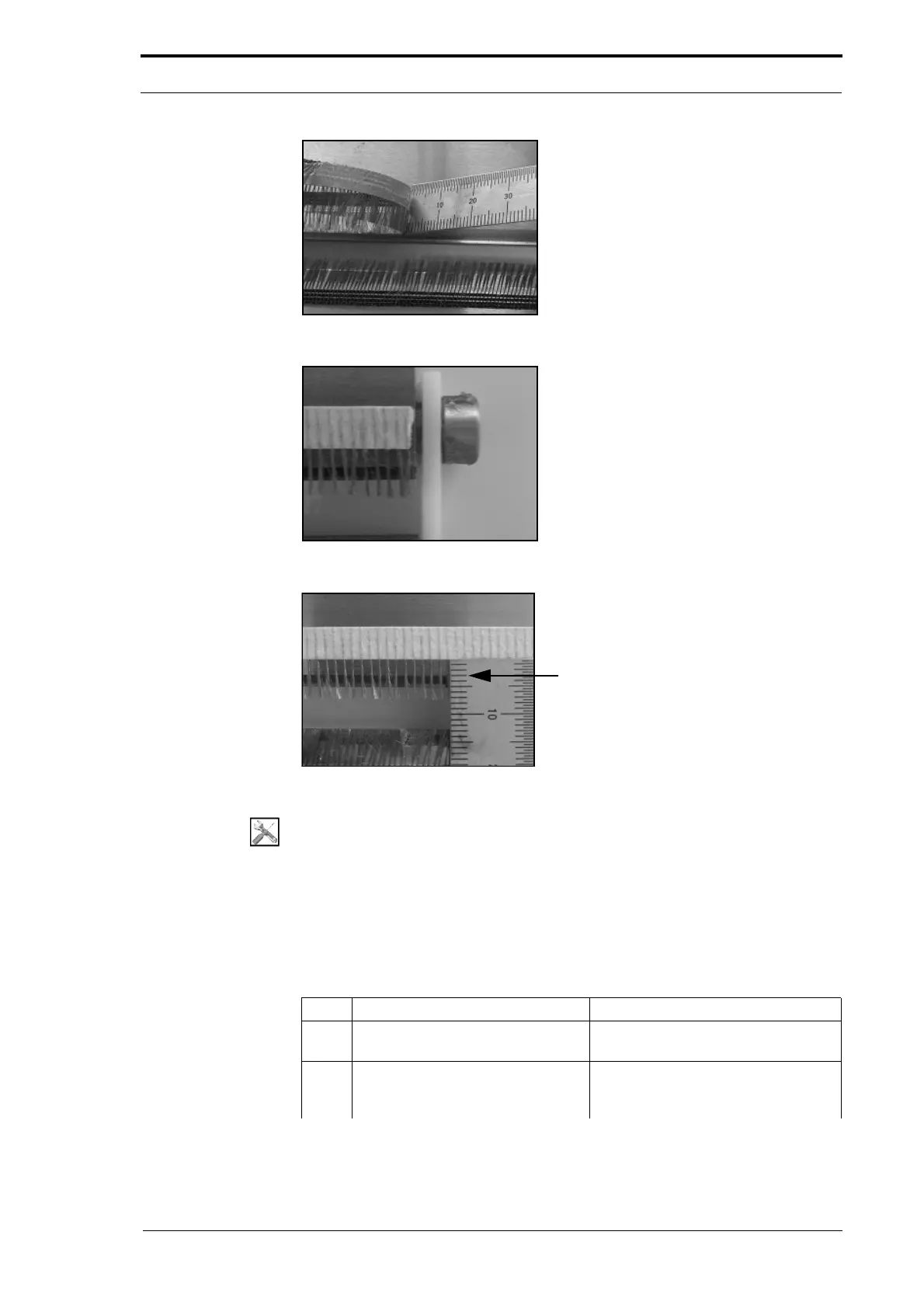
Figure 4.173 Remove The Anti-Static Brushes
Figure 4.174 Align The Anti-Static Brush
Anti-Static brush 2mm from
the edge of creaser blade
Figure 4.175 Install The Anti-Static Brushes
Tools:
• Allen Key: 5mm
• 6” Steel Rule
• Solvent Cleaner
• Lint Free Cloth.
Before you start:
• Remove the creaser blade-set (See the MFC User Operating Instructions Manual).
Step Action Information
1 Remove the blade adjustment
cams.
2 Put the blade-set on a flat surface
so tha
t the anti-static brushes are
at the top.



 To Next Page