Morgana DocuMaster MFC - Service Manual 203
6. General Procedures - The Diagnostic Tools Pages
To make a check of the lead-edge sensor-set, click the radio button adjacent to the
required sensor pair. The sensor pair that are set will turn on automatically.
• When the set sensor pair are not blocked, the input status is OFF.
• When the set sensor pair on Bank A are blocked, the input status will be ON.
• When the set sensor pair on Bank B are blocked, the input status will be ON.
6.6.4 The Terminal Page
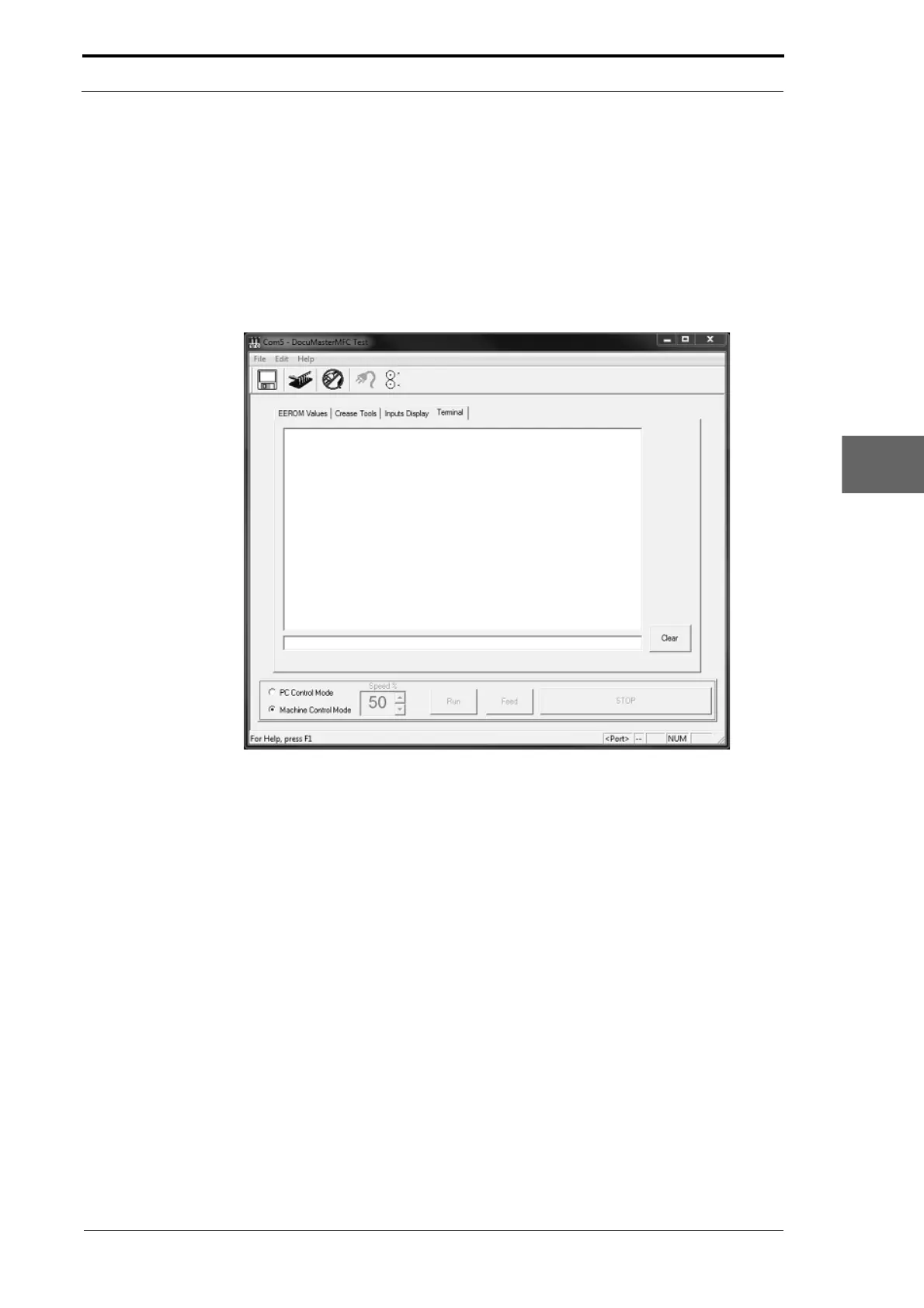
Figure 6.11 The Diagnostic Terminal Page
The Terminal page is a command-line interface which can be used to show and record
the MFC control software command-strings as text when the machine operates. You
can also use the computer keyboard to enter commands that will directly control the
MFC (see Section 6.6.5).
6.6.5 Diagnostic Port Commands
! Reboot the MFC
‘?’ Report Status Information
Shows Status information. Returned status format:
#<Run Mode>, <Speed>, Sensor Mode>, <Selected Pair>,
<N/A>, <Last Error>
<Run Mode>: AUTO for motor control via GUI CPU. MAN
for motor control via
command interface.
<Speed>: Percentage speed it last ran at, from 10 to 100% of available speed.
<Sensor Mode>:
0: Selected pair is based on reported sheet
width from the GUI CPU.



 To Next Page