Morgana DocuMaster MFC - Service Manual 209
6. General Procedures - The MFC Machine Configuration Wizard Description
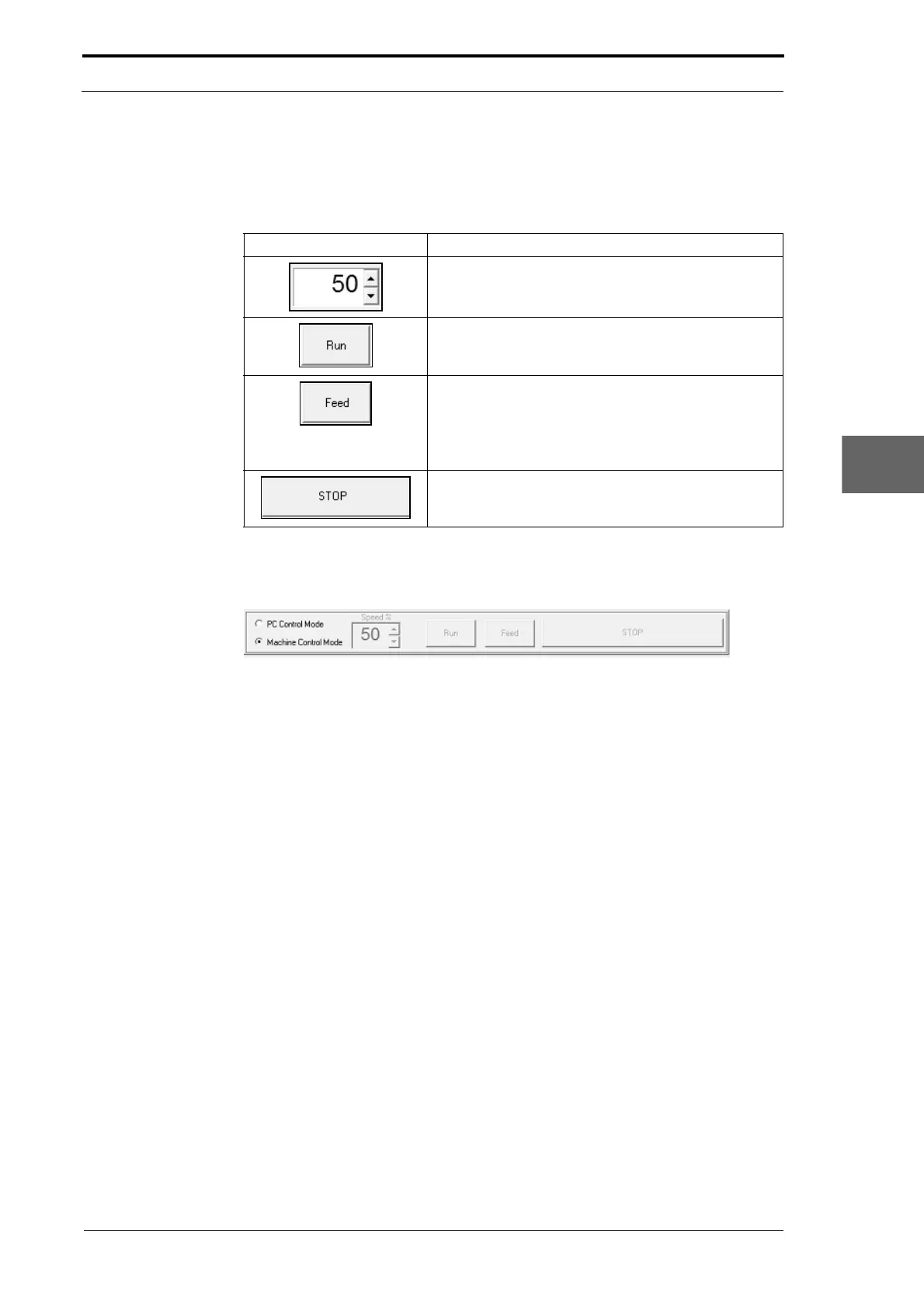
• Click the PC Control radio button to set PC control mode.
When the control bar is set to PC control mode, you must
use the control bar buttons to
operate the creaser module.
Command Button Information
Use the Speed% setting button to set the speed of the
creaser drive motor.
Click the Run button to start the creaser drive motor.
Click the Feed button to start a feed.
Note: Y
ou must immediately put a sheet of paper into
the creaser module input rollers when you click the
Feed button, or a time-out error can occur.
Click the Stop button to stop the creaser drive motor.
Machine Control Mode
Figure 6.14 The Control Bar - Machine Control Mode
The primary function of Machine Control Mode is to let a field service engineer test and
calibrate the creaser module in an MFC when it installed at a customer site.
• Click the Machine Control radio button to set machine control mode.
When the control bar is set to machine control
mode, you must operate the MFC to run
sheets of paper through the creaser module (see MFC User Operating Instructions
Manual).



 To Next Page