Morgana DocuMaster MFC - Service Manual 235
7. Electrical and Control System - GUI CPU Software Updates through an RS232 Connection
7.6.2 Update the GUI Software through an RS232 Connection
Make sure the MFC GUI software has self-extracted to the C:\GUI folder (see Section
7.4.1).
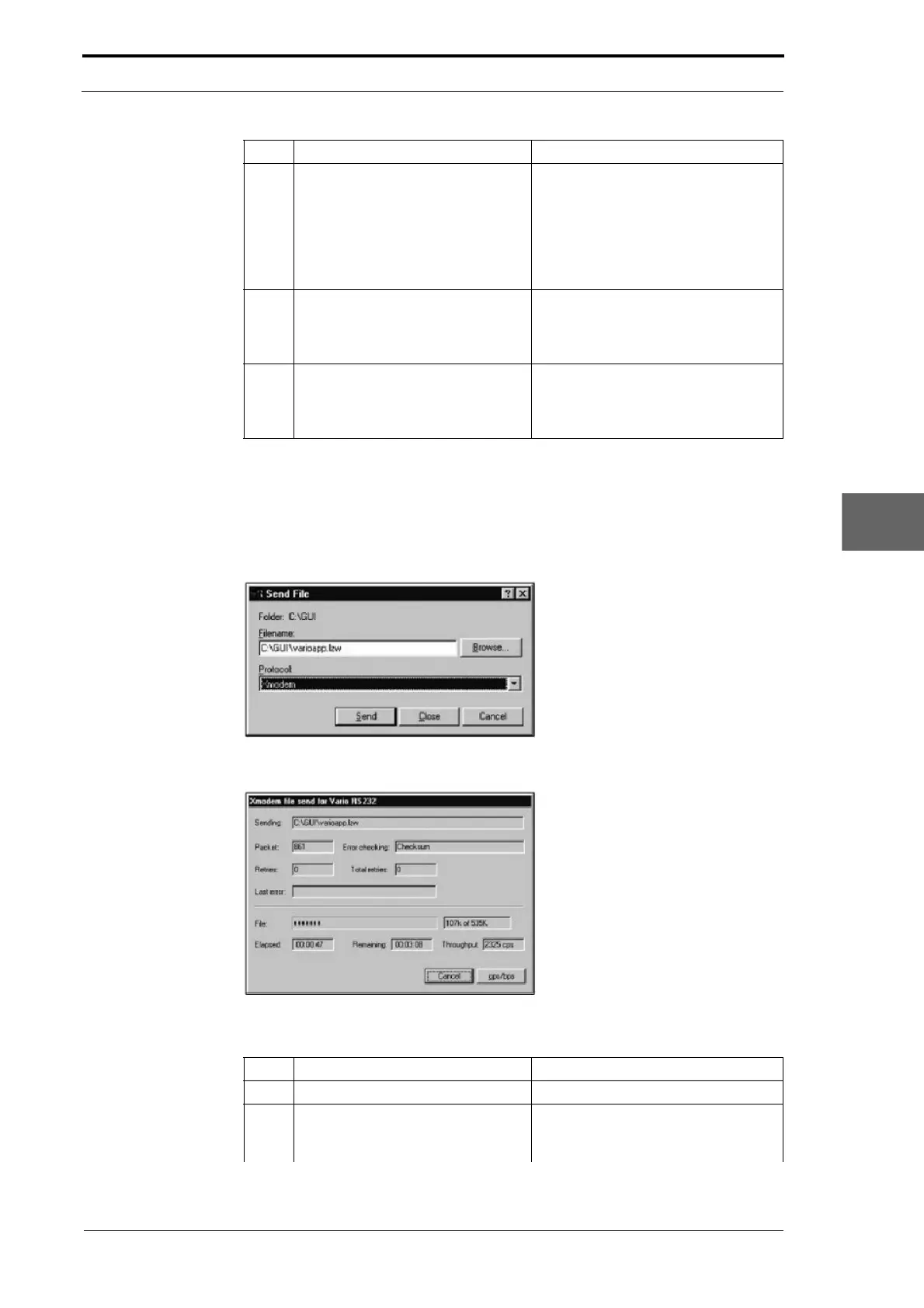
Figure 7.27 Hyperterminal ‘Send File’ Settings
Figure 7.28 Transfer Display Window
7 Select the connection properties:
• Baud Rate: 38400
• Data bits: 8
• Parity: none
• Stop bits: 1
• Flow Control: none
Use the drag-down menus. The
con
nection settings are shown on the
cover of the GUI CPU (see Figure
7.22).
Click the OK button: A blank dialogue
window is shown.
8 Turn on the MFC. During the start-up beeps. Press the
sp
ace bar on the keyboard of the
computer to put the MFC into 'boot
mode'.
9 Type h in
the Hyperterminal
window and press the Return to
show the boot firmware help menu
of the MFC.
(See Figure 7.26)
Step Action Information
Step Action Information
1 Create the RS232 connection. (See Section 7.6.1).
2 Type S in the Hyperterminal
window
, press Return then press
Y.
The MFC is ready to receive the
software update.



 To Next Page