7. Electrical and Control System - GUI PCPU Software Updates through a Network Connection
240 Morgana DocuMaster MFC - Service Manual
Record the IP address before you follow the procedure in Section 7.10.4. The subnet
mask can be displayed if you run winipcfg or ipconfig. You can use either of
these commands to check that the IP address is correct.
7.7.5 Create the Ethernet Connection
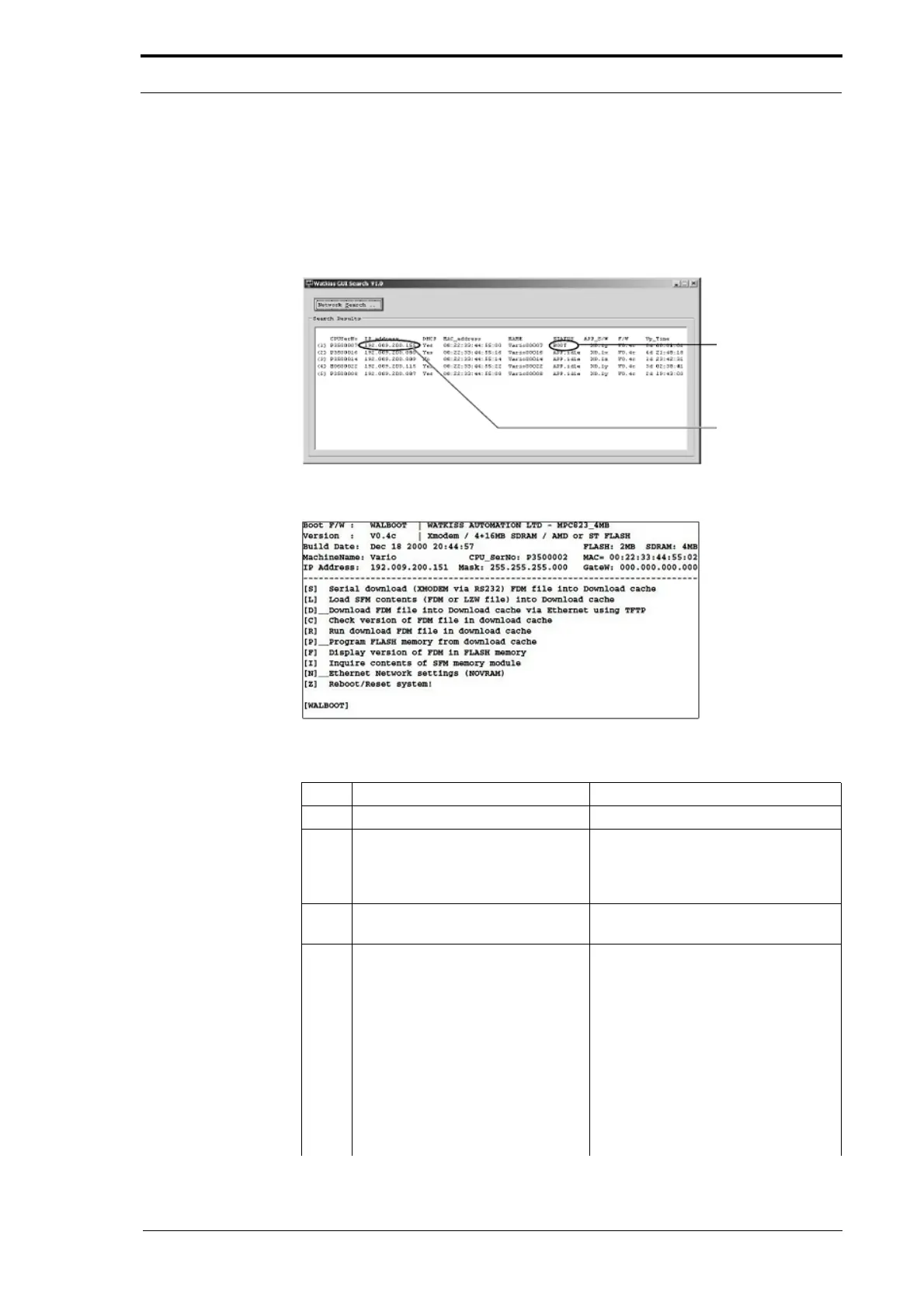
Shows the MFC is
in ‘Boot Mode’
IP Address for the
MFC
Figure 7.34 GUIsearch.exe Program
Figure 7.35 GUI Boot Firmware Help Menu
Step Action Information
1 Turn off and turn on the MFC.
2 Push in the Emergency Stop
button during the st
art-up beeps.
This action puts the MFC into 'boot
mode'.
When the beeps have stopped,
release the emergency stop
button.
3 On the computer, open the
gu
isearch.exe file.
Double-click the icon to open the file.
The 'GUI Search' window will open.
4 Click 'Network Search'. The window shows a list of all MFC’s
connected to the network. Record
the
IP address of for the machine you
need to update. If the computer is
directly connected to the MFC, only
this machine will be shown. The
window shows the status of the
machine and the message BOOT.
Note: The Network Search
will not
work if the subnet mask of the
computer and the MFC do not match.



 To Next Page