7. Electrical and Control System - Crease Control Software Updates though a PICkit 2 Programmer
242 Morgana DocuMaster MFC - Service Manual
7.8 Crease Control Software Updates though a PICkit 2
Programmer
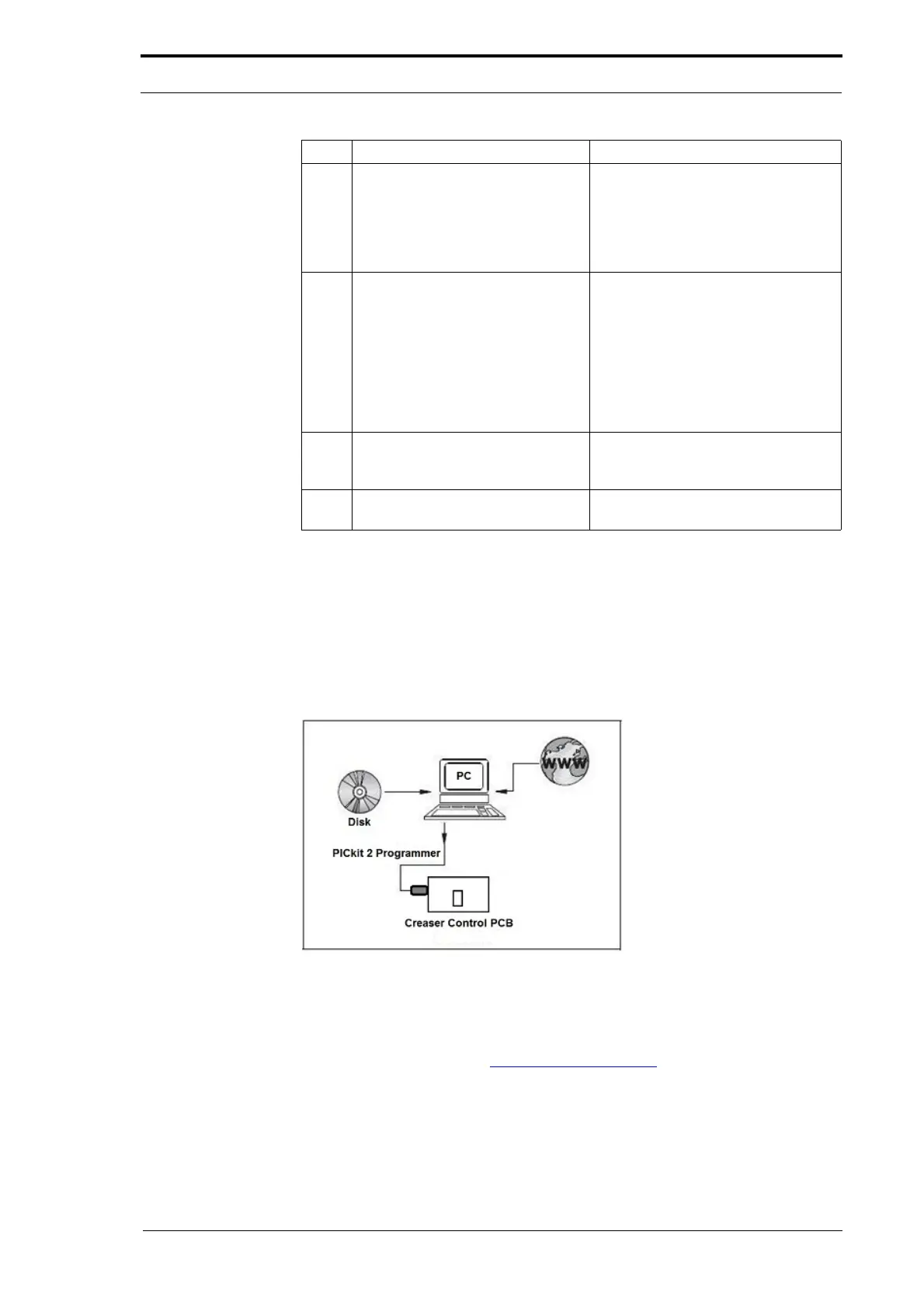
The Creaser control software can be updated through a PICkit 2 Programmer. The
Programmer is connected to the creaser processor PCB and lets you install the
software from the USB port of a computer.
Figure 7.38 Update The Creaser Control Software Through A Pickit 2 Programmer
To update the creaser control software you need to purchase the PICkit 2 Starter Kit
from Microchip and install the device on a computer.
www.microchipdirect.com
3 Type the IP address of the
computer that has the TFTP server
software installed. This computer is
the computer from where you
download the application software.
Press Return.
This prompt is shown.
Enter filename to load
[v
arioapp.lzw]?>
(See Figure 7.36).
4 Press Return
to confirm that the
file name for the MFC software is
varioapp.lzw.
If the name for the software update
is dif
ferent from varioapp.lzw, enter
the new name and press Return.
When the software download is
successful, the next pro
mpt is shown.
TFTP download success <file
si
ze = xxxxxx>
This message shows that the
sof
tware is stored in the download
cache of the MFC.
5 Type P and
press Return to
transfer the software to the flash
memory.
This prompt is shown
Program success!
6 Reboot the MFC. Press Z followed by Return or turn
of
f and turn on the MFC.
Step Action Information



 To Next Page