DCS Command System User’s Guide
Screen Messages
Maintenance Feature
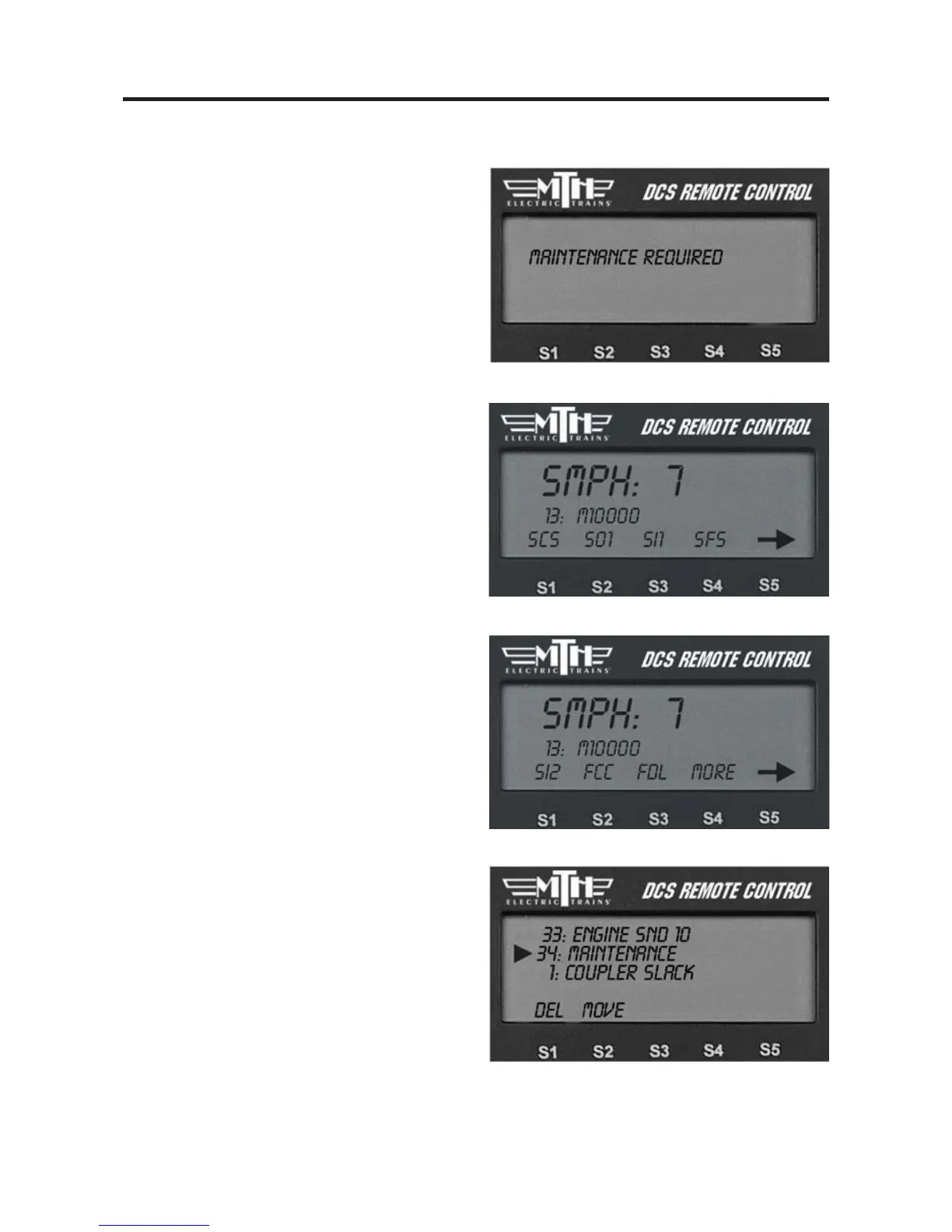
In command mode "MAINTENANCE
REQUIRED" is displayed in the Remote
LCD screen when the engine reaches 50
hours or 1,000 miles of operation. This
message is displayed briefly when the
engine is selected before changing to the
normal screen where the engine name is
displayed along with the speed and soft-
keys.
When you see this message it’s time to
lubricate/grease the engine and clean the
wheels, pick-up rollers, tires, and track.
Resetting the Maintenance Feature
To reset the Maintenance feature and
eliminate the message,
1. Select the "more" softkey,
2. Then scroll down and select
Maintenance from the list.
122



 To Next Page