DCS Command System User’s Guide
Screen Messages
Maintenance Feature:(cont’d)
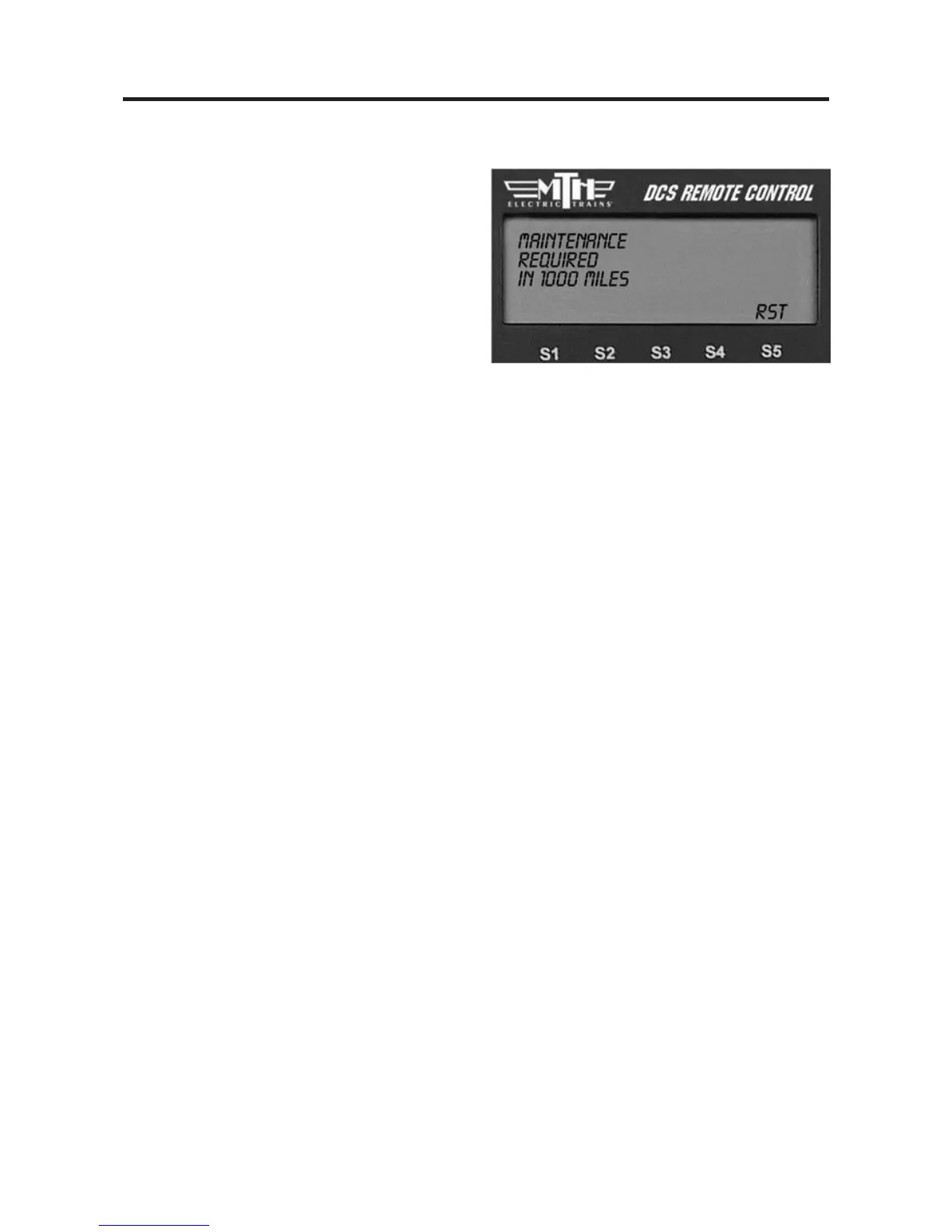
3. Press the softkey under RST.
This will remove the "MAINTENANCE
REQUIRED" text displayed when the
engine is selected
This will also reset the Odometer and
Chronometer to 0.0, and begin counting
time/miles again to alert you to perform
maintenance at the next interval.



 To Next Page