Newtec Proprietary
Confidentiality: Unrestricted
V1.4
93/225
General Device Settings and Actions M6100 Broadcast Satellite Modulator
10.6.2 Export or Clear Logging
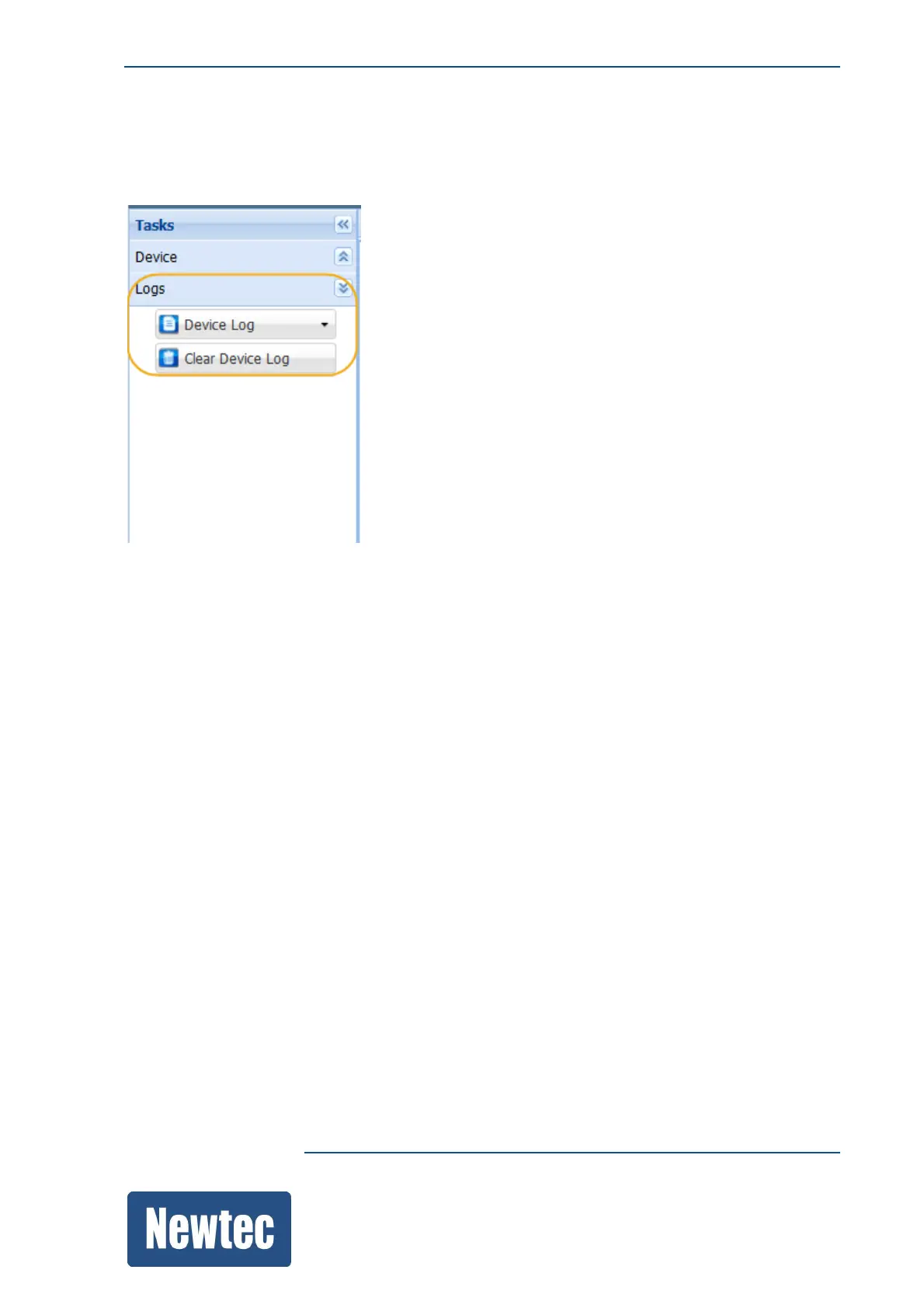
» Navigate to the Tasks Pane;
» Click Logs;
» Click Device Log.
Use this menu to View or Download the local board logging.
• When a view is requested, the log file is opened in a separate browser.
• When a download is requested, a text file is downloaded.
• When a Clear Device Log is requested, the logging information is removed.
A new log file is started. This can be useful to perform debugging.



 To Next Page