Newtec Proprietary
Confidentiality: Unrestricted
V1.4
71/225
How to Manage the Device M6100 Broadcast Satellite Modulator
9.7.12 Dynamic Tables
The data model of the M6100 Boadcast Satellite Modulator uses a lot of tables. These tables are
used to keep related information together.
The CLI allows to display these tables. Furthermore it is possible to access and change values of a
parameter in a specific row and column, this makes the tables dynamic.
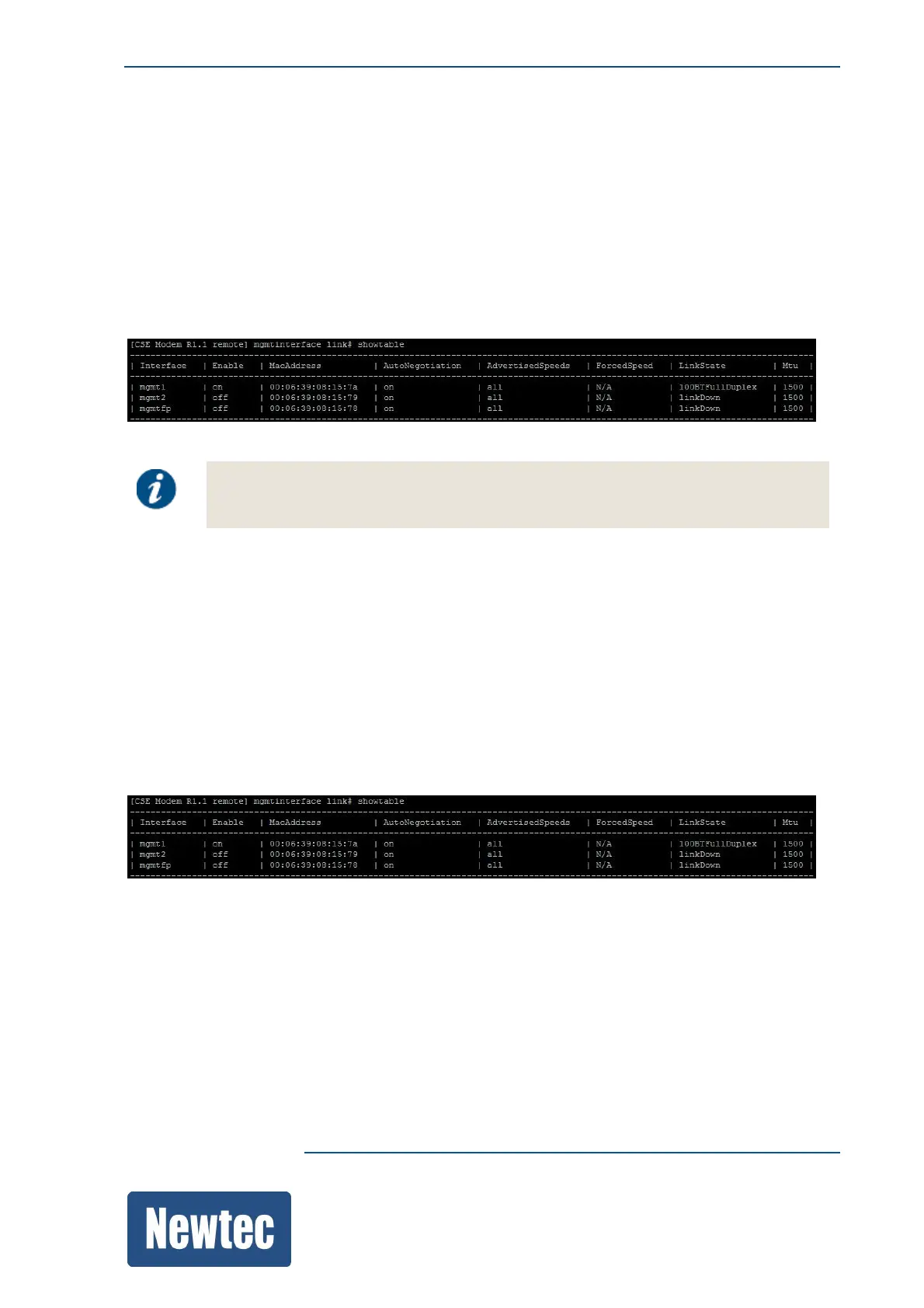
The command "showtable" displays the entire table including column headers.
The following figure shows the layout of a table in the CLI.
Make sure that the resolution of the display is wide enough. When this is not the case
the column indication becomes unclear.
9.7.12.1 Show Tables
Use the following command to show a table in the CLI.
"showtable"
For example:
M6100 Mgmt interface link#showtable
9.7.12.2 Change Parameters in a Table
To access or change a specific row, type its row key and enter or specify the parameter you want to
access or change.
For example:
M6100 datainterface link# showtable



 To Next Page