Newtec Proprietary
Confidentiality: Unrestricted
V1.4
84/225
General Device Settings and Actions M6100 Broadcast Satellite Modulator
10.3.4 Save a Configuration
When parameters are changed, they are not directly saved into the active configuration.
» Navigate to the Tasks Pane to check the available configurations;
» Click Device;
» Click Configurations;
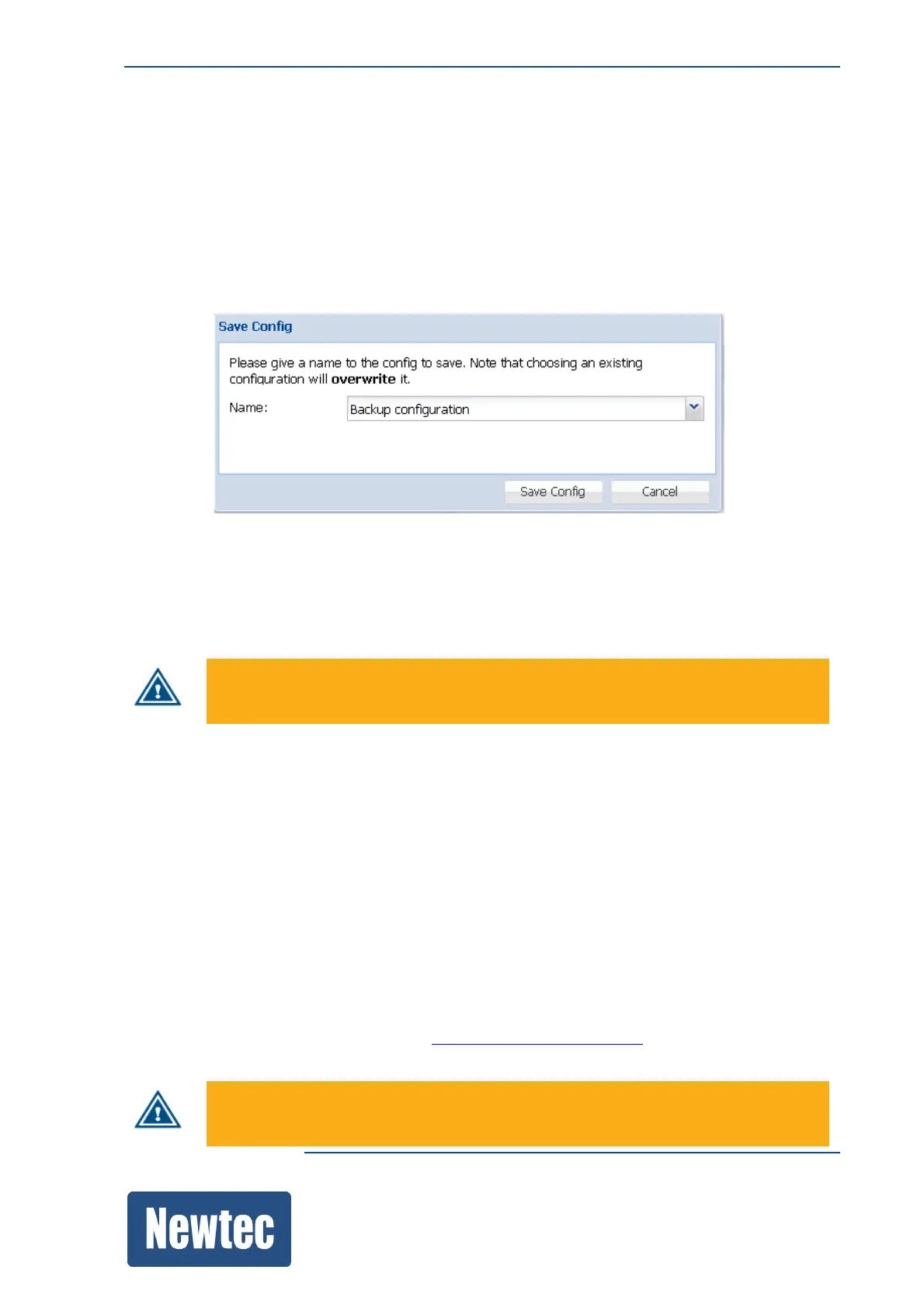
» Click Save…
» Enter a Name or select a configuration using the drop down list.
Use this menu to Save the current configuration.
Saving the current configuration makes it the default configuration.
This does not mean that it becomes the boot configuration.
By default, the selected configuration is overwritten upon saving. Enter a name to
save the configuration under a new configuration file.
10.3.5 Import a Configuration
Import a configuration file that can be used as a new configuration.
» Navigate to the Tasks Pane to check the available configurations;
» Click Device;
» Click Configurations;
» Click Import;
» Browse to the correct folder and select the correct config.xml file.
Please note that after an import of a configuration, the configuration is not loaded automatically.
This requires an additional load step, refer toLoadaConfiguration.onpage85
The configuration file must comply with the available configuration options and
activated licences on the device.



 To Next Page