Newtec Proprietary
Confidentiality: Unrestricted
V1.4
94/225
General Device Settings and Actions M6100 Broadcast Satellite Modulator
10.6.3 Interpretation of a Device Log File
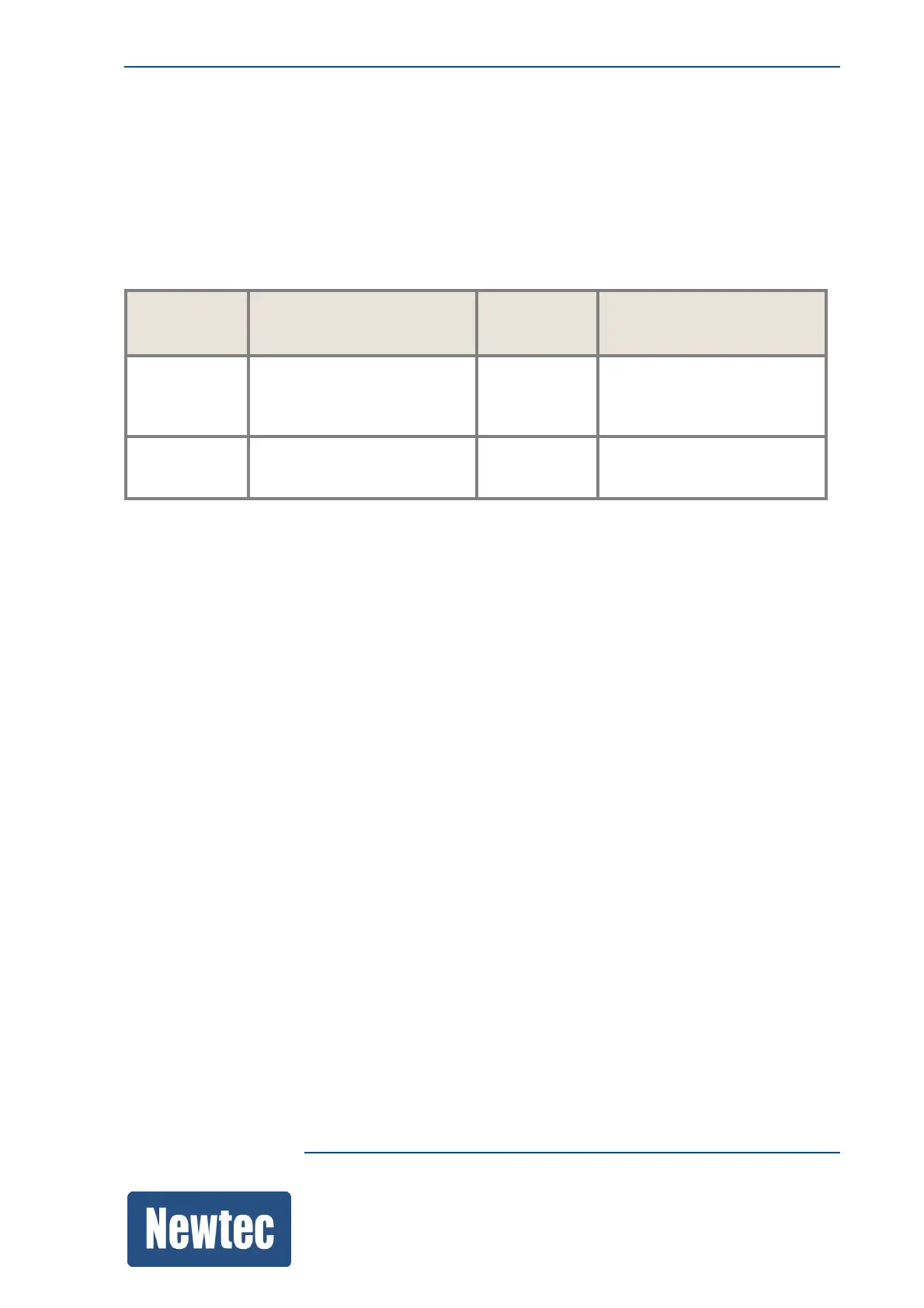
A standard log file looks as follows:
[configuration-INFO][2012-12-16 10:27:53] writeValue
/Root/SystemAlarm/Log/Source=GeneralInterface
[alarms-INFO][2012-12-16 10:27:54] alarm General Interface: OFF
Facility Log Level Time
Stamp
Extra information about
the action taken
[configuratio
n
- INFO] [2012-12-16
10:27:53]
writeValue
/Root/SystemAlarm/Log/So
urce=GeneralInterface
[alarms -INFO] [2012-12-16
10:27:54]
alarm General Interface:
OFF
10.7 Diagnostics Report
Use this to get an overview of the complete configuration and get debugging information of the
device. This report can be requested by the Customer Service department to perform debugging on
the device. In most cases it is advised to let the Customer Service department analyze this report.
The document can be viewed using the GUI or downloaded as a text file.
Proceed as follows:
» Navigate to the Tasks Pane;
» Click Toolbox;
» Click Diagnostic Report;
» Select one of the following,
– View: opens the report in a separate browser window;
– Download: Downloads a diagnostics.txt file;
– Download (Debug): This downloads an encrypted diagnostics report file and is only for use
by our the Customer Service department.
The following figure is an extract of a diagnostics report:



 To Next Page