Newtec Proprietary
Confidentiality: Unrestricted
V1.4
33/225
How to Manage the Device M6100 Broadcast Satellite Modulator
9.3 Management IP Connectivity
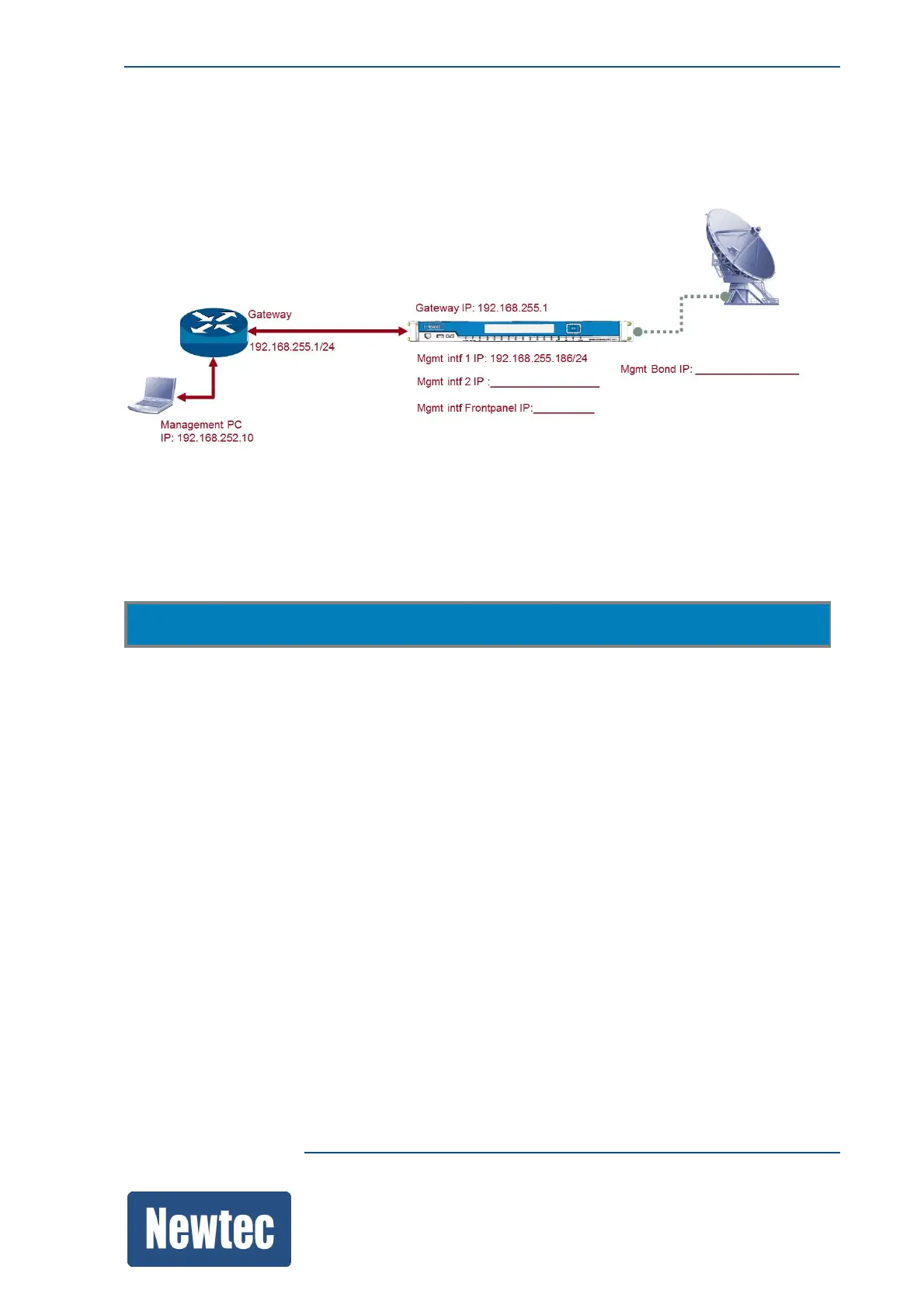
The following figure is an example of a setup:
Note: Before configuring the device make a proper design of the system setup.
To configure the management IP Addresses of the device go to the following location:
M6100 >> Device Setup >> Mgmt Interface >> IP Address
• Mgmt Gateway: This is the access point for the management port of the device.
• Mgmt interfaces: Configure at least one Mgmt interface to perform basic management using the
GUI, CLI or SNMP.
– Mgmt1, by default this IP address is: 10.0.0.2/24;
– Mgmt2;
– Mgmt Frontpanel;
– Mgmt Bond.
(This interface is used to perform link redundancy, effectively combining Mgmt1 and Mgmt2
into one new virtual interface).



 To Next Page