Newtec Proprietary
Confidentiality: Unrestricted
V1.4
62/225
How to Manage the Device M6100 Broadcast Satellite Modulator
9.7.3 Log In as Expert
The CLI interface can only be accessed by the expert user.
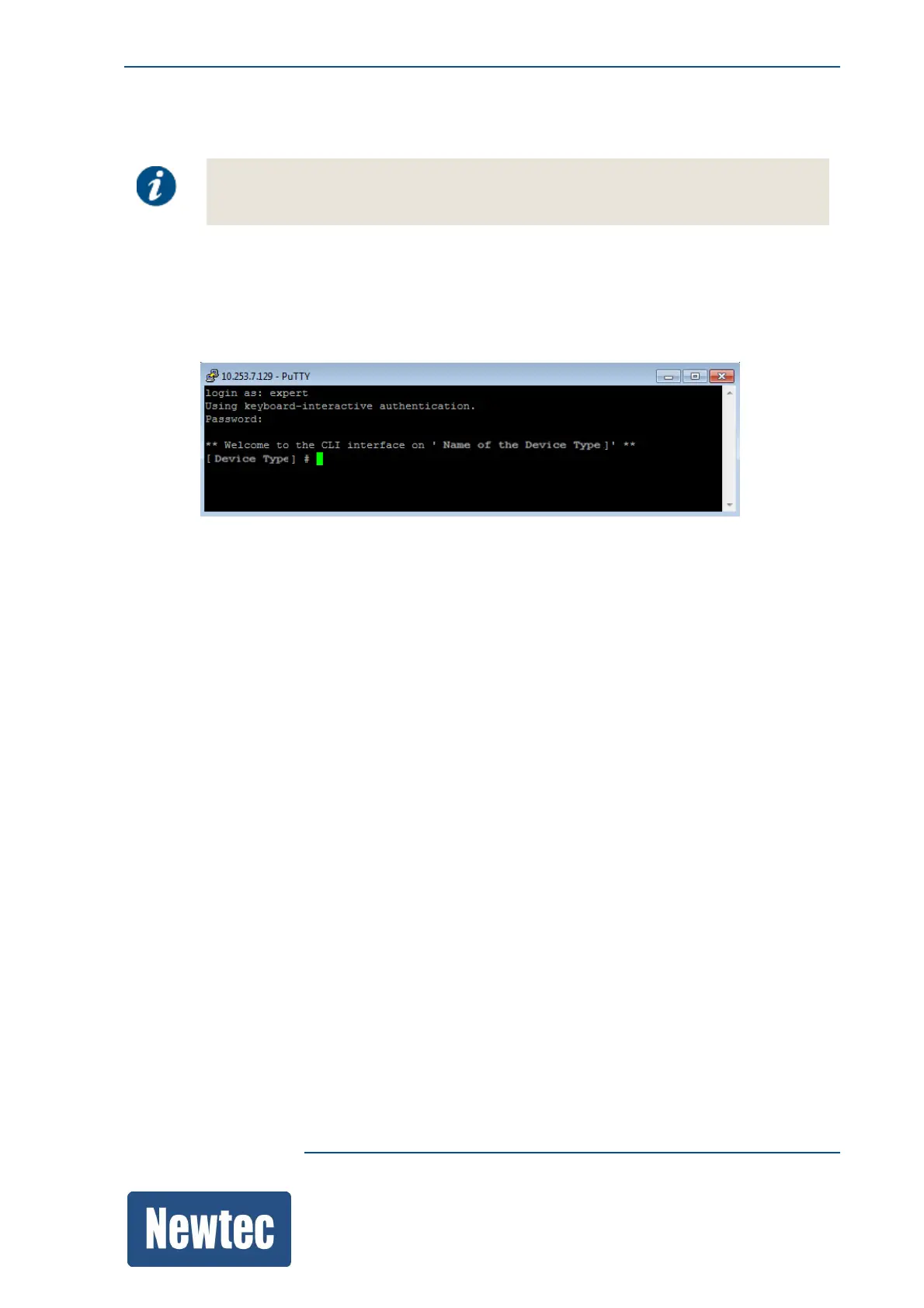
» To login as expert type the following:
» login as: expert
» password: expertexpert
» The following window is displayed:
The device name is displayed between brackets.
9.7.4 Show, Help and Context Sensitive Help
These commands make it possible to request information on certain commands or parameters.
9.7.4.1 Show
The show command is used to display the different commands, branches or leaves that exist in a
branch.
For Example:
[M6100] device# show
log/
diagnostics/
identification/
frontpanel/
snmp/
cli/
gui/
ftp/
datetime/
monitor/



 To Next Page