Newtec Proprietary
Confidentiality: Unrestricted
V1.4
83/225
General Device Settings and Actions M6100 Broadcast Satellite Modulator
10.3.2 Active Configuration
The active configuration is the configuration that is currently used on the device.
The active configuration is not necessarily a configuration that is saved on the device.
When a configuration is completed, it is recommended to save this configuration onto
the device.
Check the LED Cfg saved in the status bar to see if the active configuration is currently saved or
not.
10.3.3 Saved Configuration
A saved configuration is a configuration that can be recalled at any time by an operator to modify the
device behavior according to pre-defined settings.
For example: perform tests or prepare a migration of the device settings.
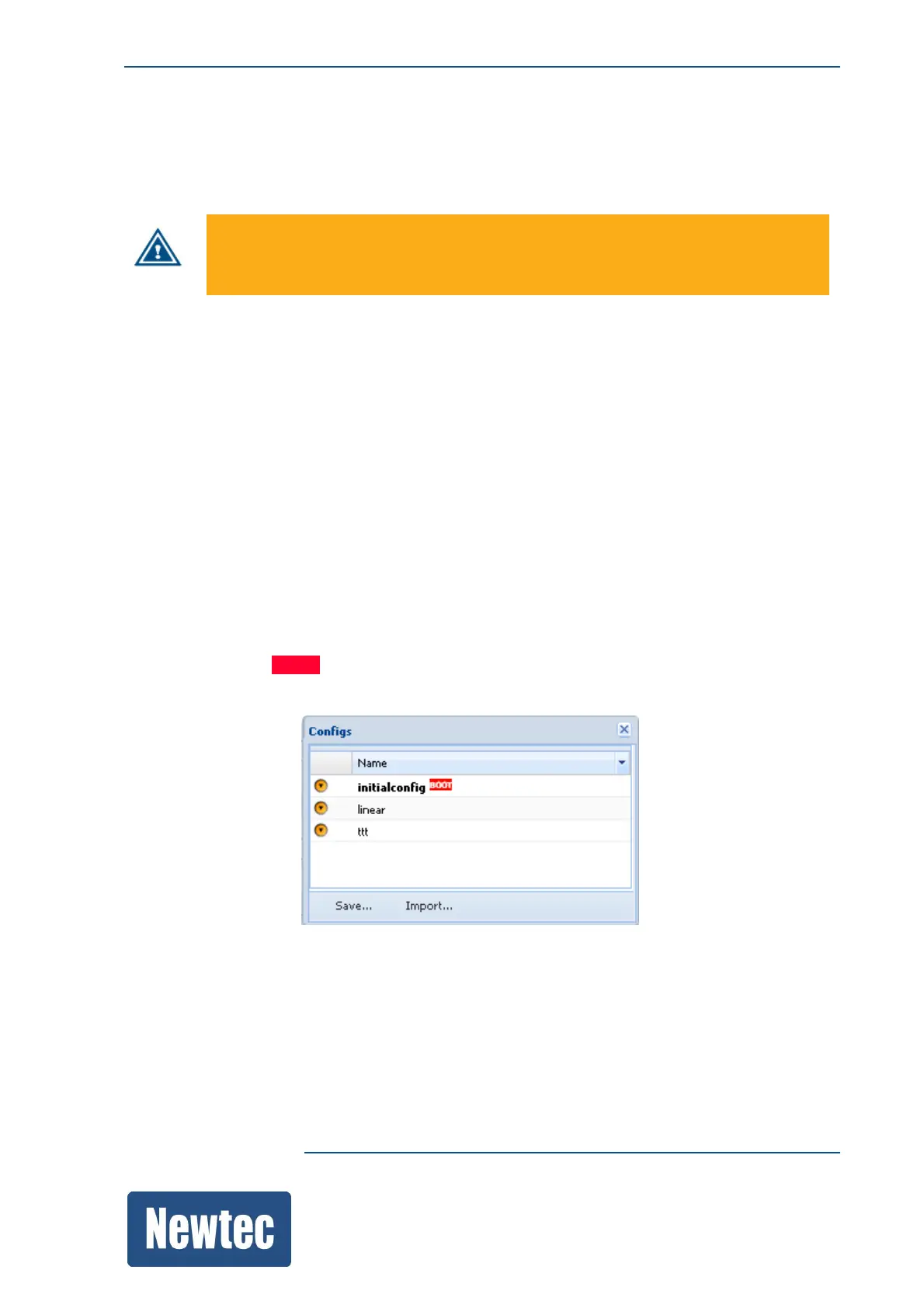
» Navigate to the Tasks Pane (GUI) to check the available configurations;
» Click Device;
» Click Configurations. (The available configurations are listed.).
The active configuration is indicated in bold.
The boot configuration is a loaded on the device during a reboot. (The boot configuration is
recognized by a boot BOOT.-flag)



 To Next Page