Newtec Proprietary
Confidentiality: Unrestricted
V1.4
143/225
Data Interfaces M6100 Broadcast Satellite Modulator
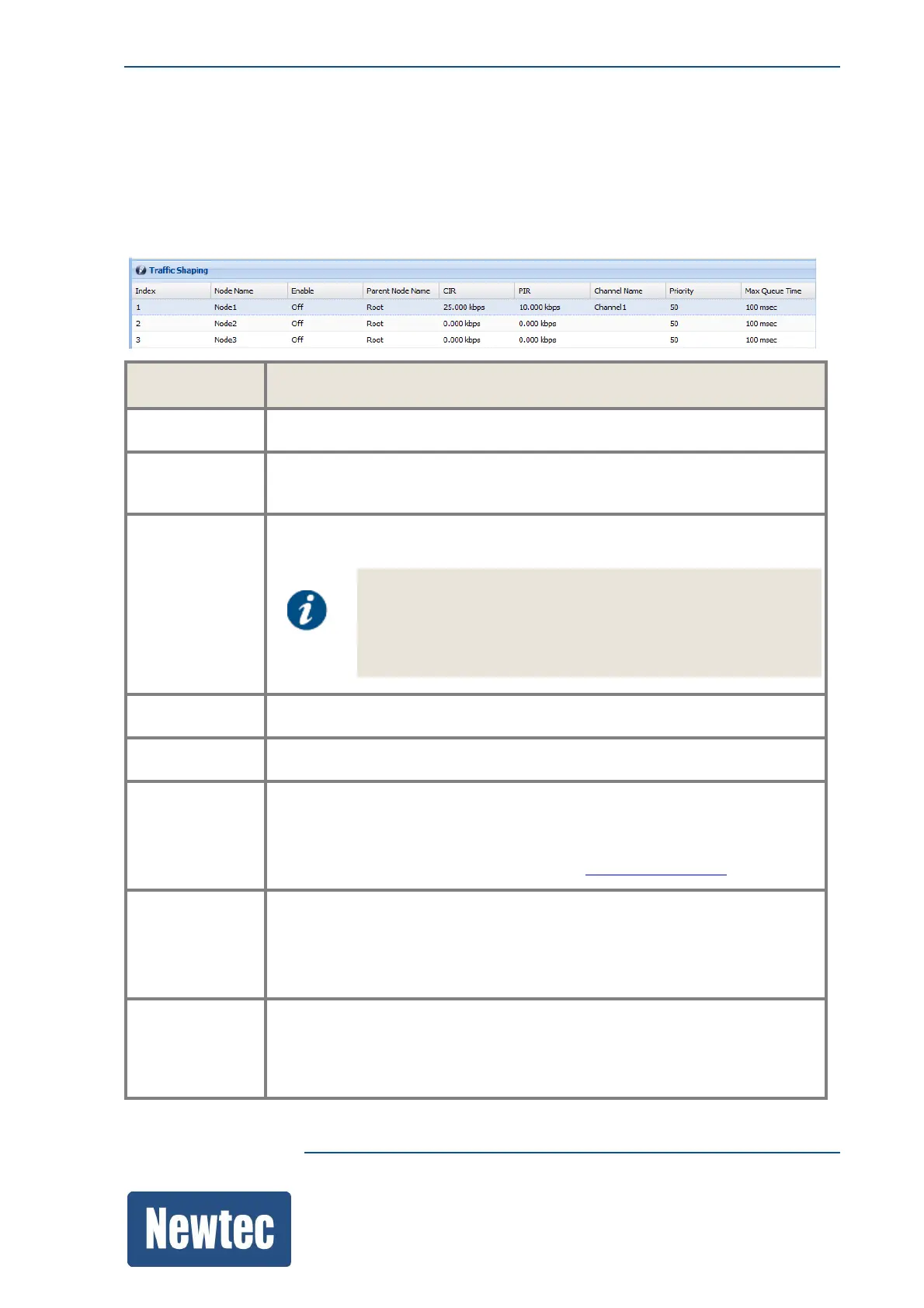
This is used to ensure that the available data rate is distributed in the most appropriate manner
among the users of the satellite network. The traffic shaper provides adaptive traffic shaping, which
makes it easy for shaping the traffic of networks where the throughput of the link is varying over
time.
Once the shaping is performed, the traffic encapsulated into transport streams and forwarded to the
correct output channel.
Parameter Description
Node Name Enter the shaping node name.
Enable This must be enabled (On), otherwise the node is not recognized and the
data cannot be encapsulated.
Parent Node
Name
The Root node is the top node of the shaping tree.
The Root node represents the overall available bandwidth.
The parent node name of the first shaping node must always
be Root!
Other nodes can have another parent node (when this node is
defined in the device!)
CIR Enter the Committed Information Rate for this Shaping Node.
PIR Enter the Peak Information Rate for this Shaping Node.
Channel Name Enter the corresponding channel name where the traffic must be sent to.
One channel can have several nodes and shaping rules.
Note: The channel names must match with a channel name configured
under channels, refer to the previous section Channelsonpage144.
Priority Enter a priority for this shaping Node.
Use this setting to prioritize the shaped traffic (for example: voice= 5,
video=10)
(The lower the value that is entered, the higher the priority.)
Max Queue
time
Define a queue time per shaping node.
This is a buffer based on the FIFO (First In First Out) principle. The buffer
provides the possibility to store an amount of data in a shaping node. When
the queue time is exceeded, data will be dropped.



 To Next Page