Newtec Proprietary
Confidentiality: Unrestricted
V1.4
80/225
General Device Settings and Actions M6100 Broadcast Satellite Modulator
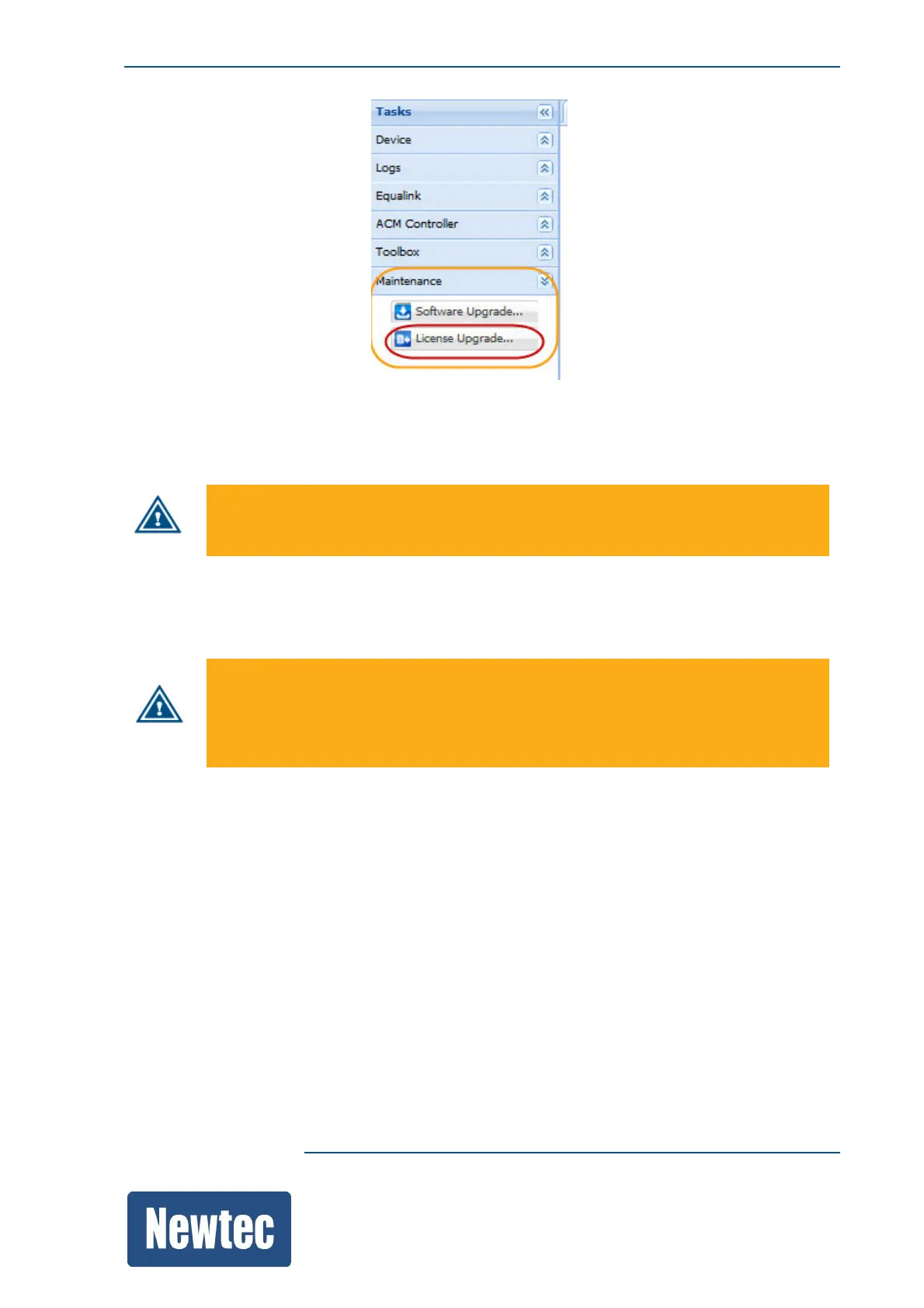
» Select License Upgrade;
» Browse to the folder where the new license.ini file is stored;
» Select the licence.ini file and Click Open;
The following message is displayed:
Importing / upgrading a licence file reboots the device!
» Click Upgrade;
» After the upgrade, a message is displayed that the upgrade was performed successfully;
» Verify if the new functionality is active.
A license file is device dependent.
When the license file is not valid, the device has limited functions.
The only possible actions are configuring the management interfaces and updating the
license.



 To Next Page