4-8 Switchpanels
Removal Procedure
1-, 2-, 3-Cell Color Touch Installation and Service Guide/67-2014 Rev G © 2011 Omnicell, Inc.
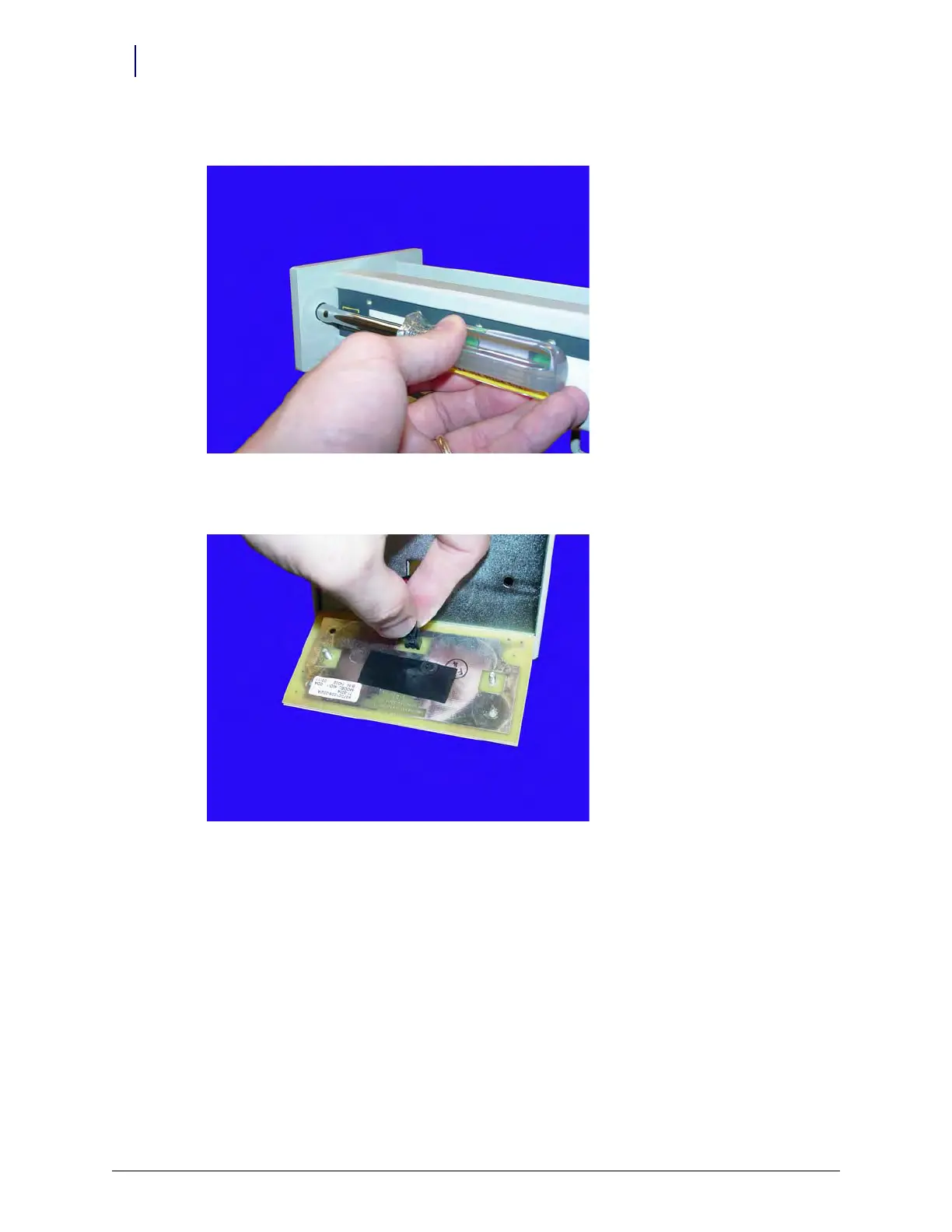
2. Remove the two nuts on either side of the front panel using a 5/16” nut driver.
Figure 4-13. Remove the nuts securing the LED panel
3. Disconnect the LED cable from the LED panel.
Figure 4-14. Disconnect the LED cable



 To Next Page